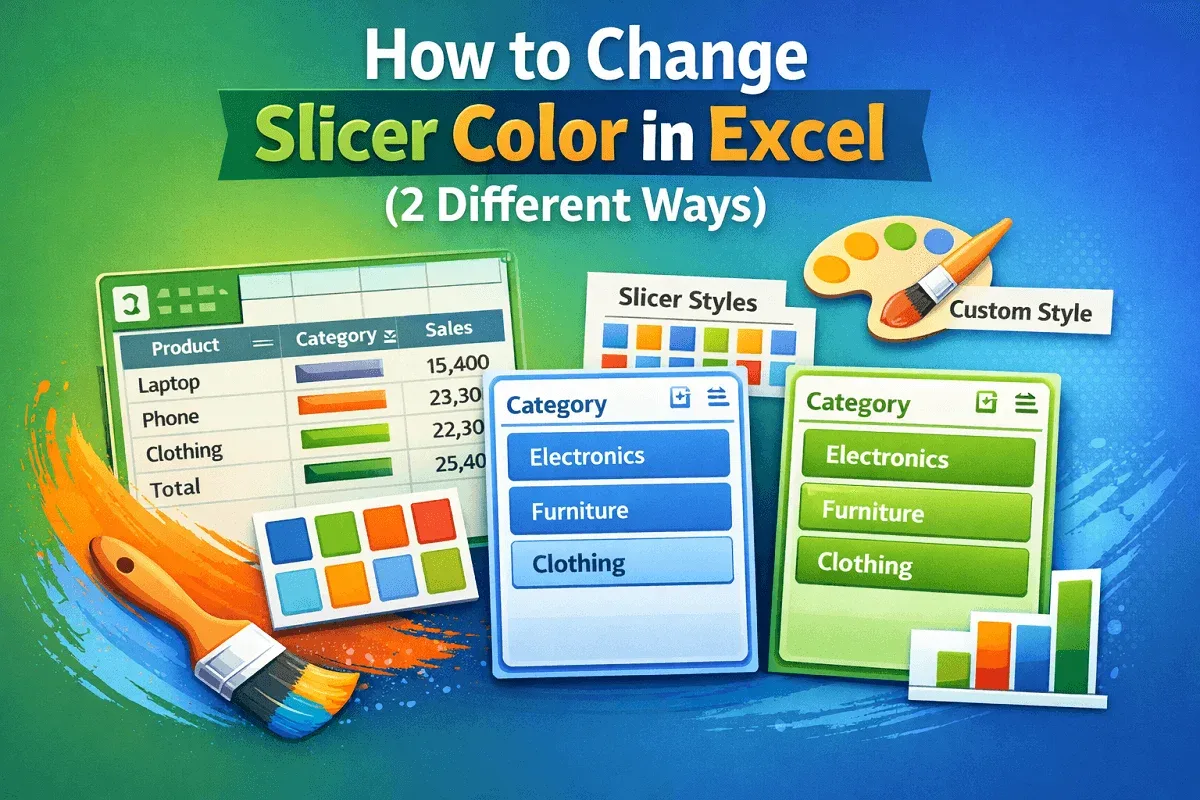
Excel Pivot Table
How to Change Slicer Color in Excel (2 Different Ways)
Learn how to change slicer color in Excel using built-in slicer styles or create custom styles with your own colors now.
Read article

1285 articles
Learn how to change slicer color in Excel using built-in slicer styles or create custom styles with your own colors now.
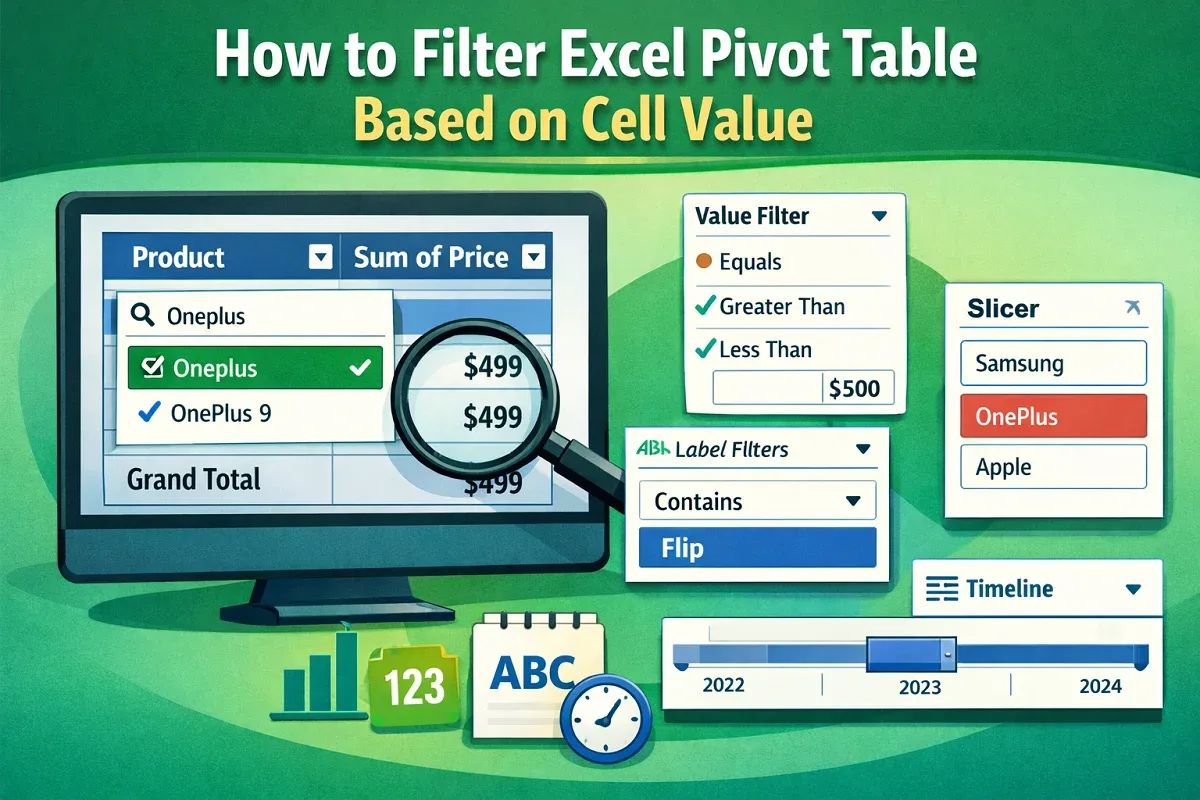
Filter Excel Pivot Tables based on cell values using column filters, label and value filters, slicers, or timelines for dates.
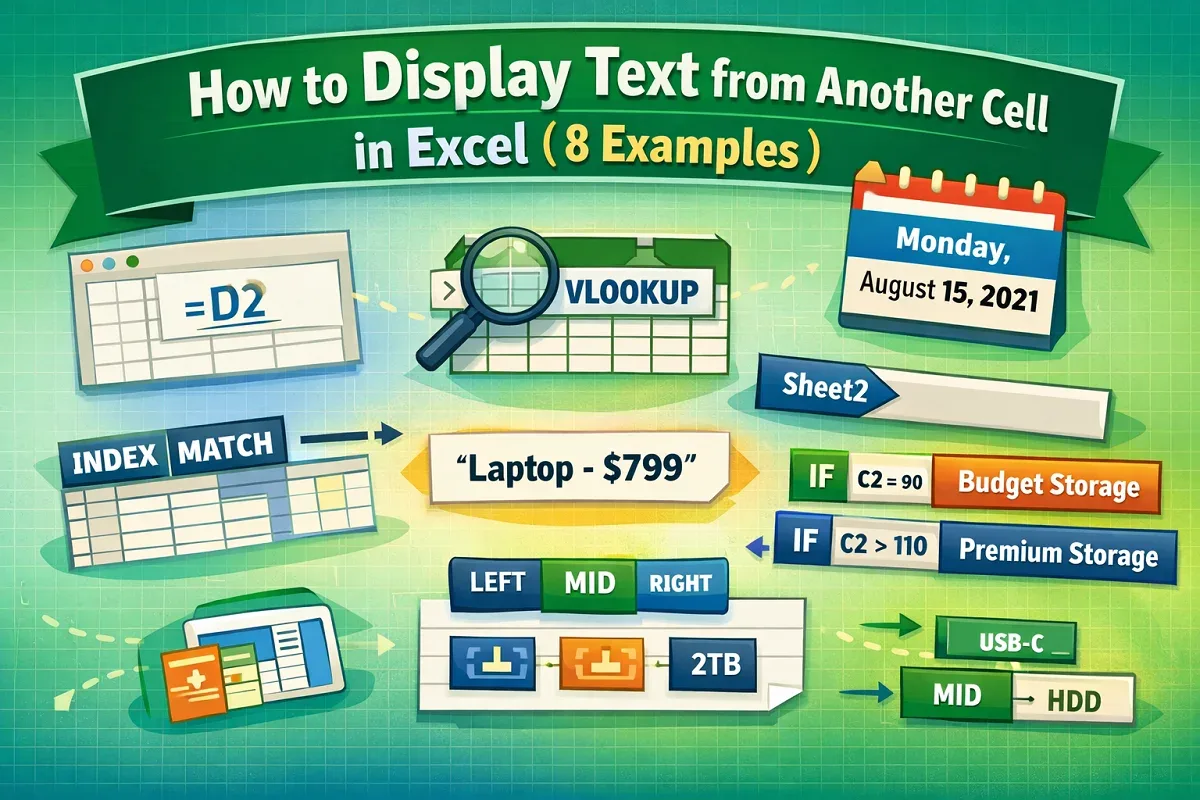
Display text from another cell in Excel using direct references, TEXT formatting, lookup formulas, named ranges, or conditional logic.
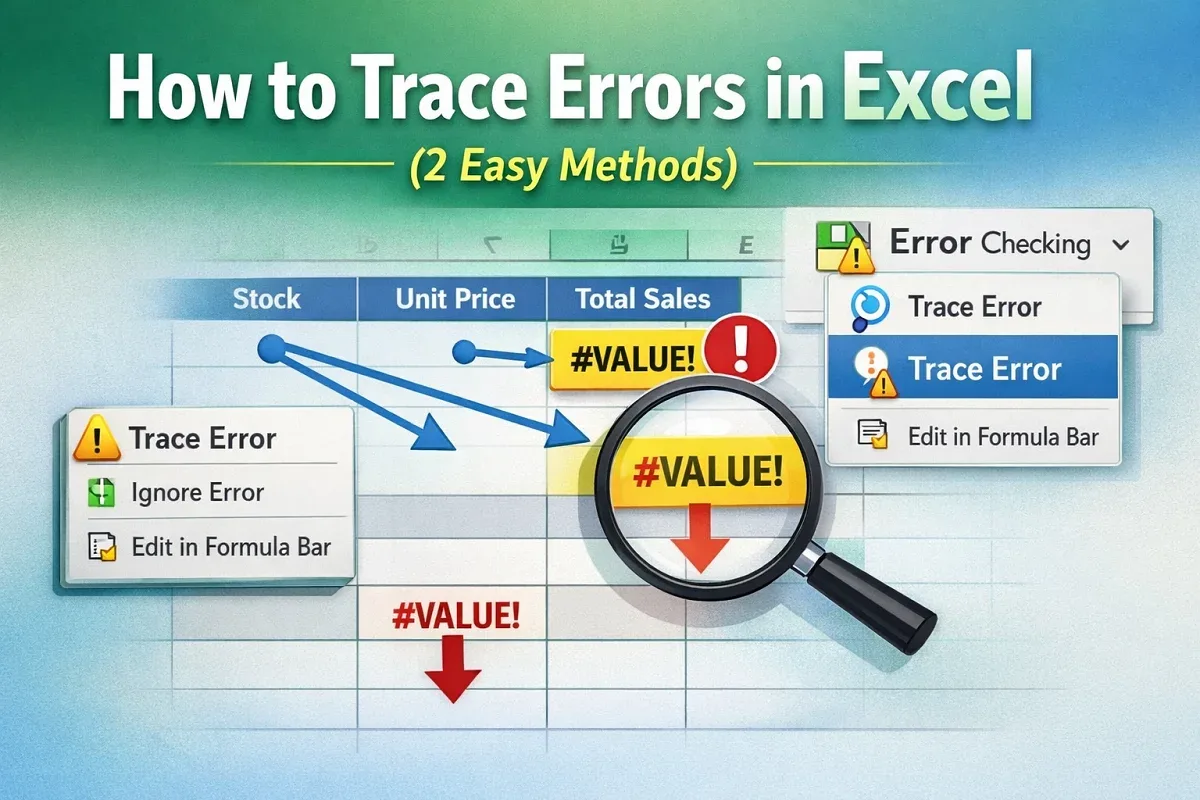
Trace errors in Excel using the Trace Error feature from the context menu or Formulas tab to quickly identify and fix formula issues.
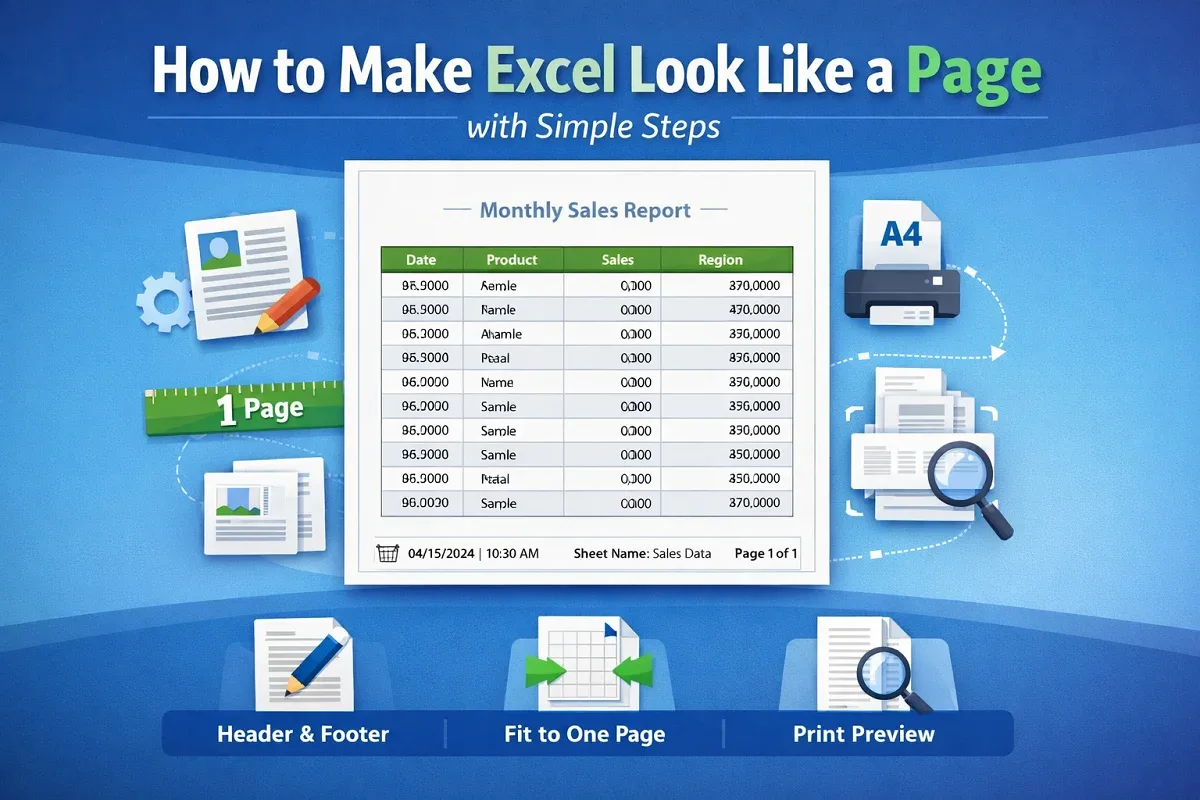
Make Excel look like a page using Page Setup, fit data to one page, adjust margins, add headers and footers, and preview print.
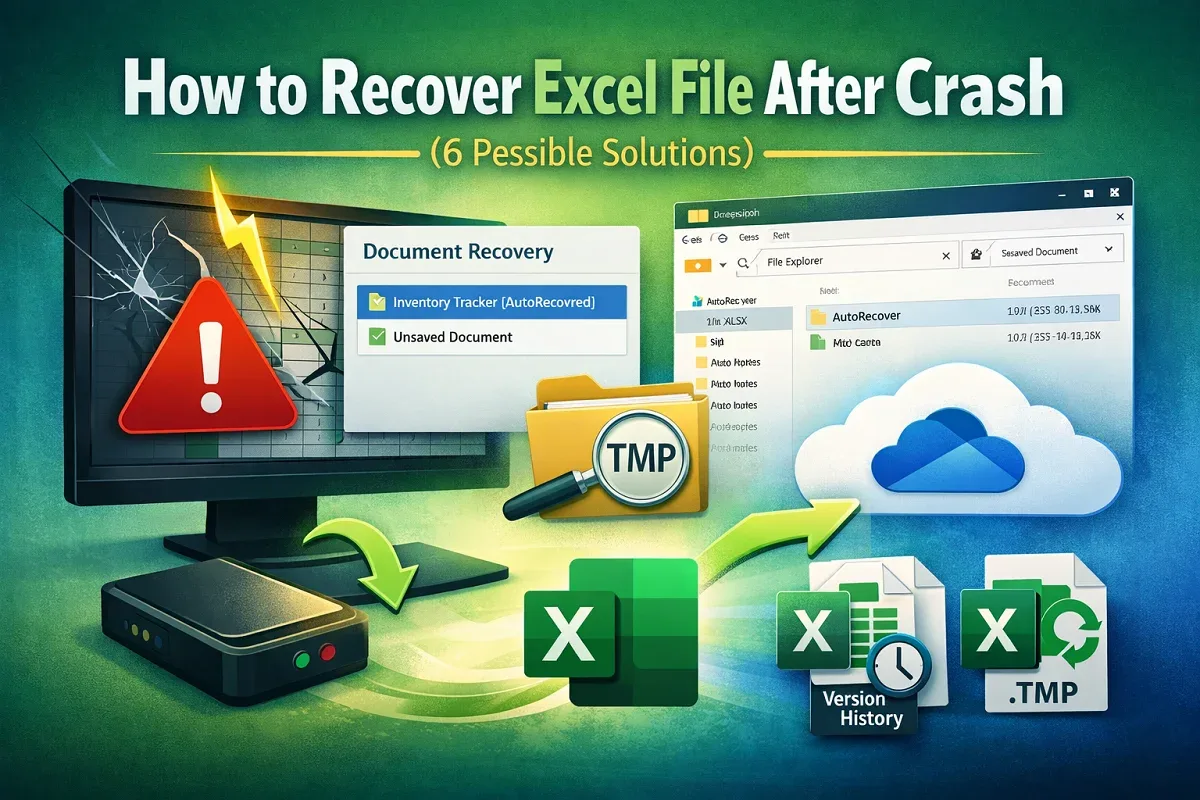
Recover Excel files after a crash using Document Recovery, AutoRecover files, OneDrive restore, temp files, or unsaved workbooks.
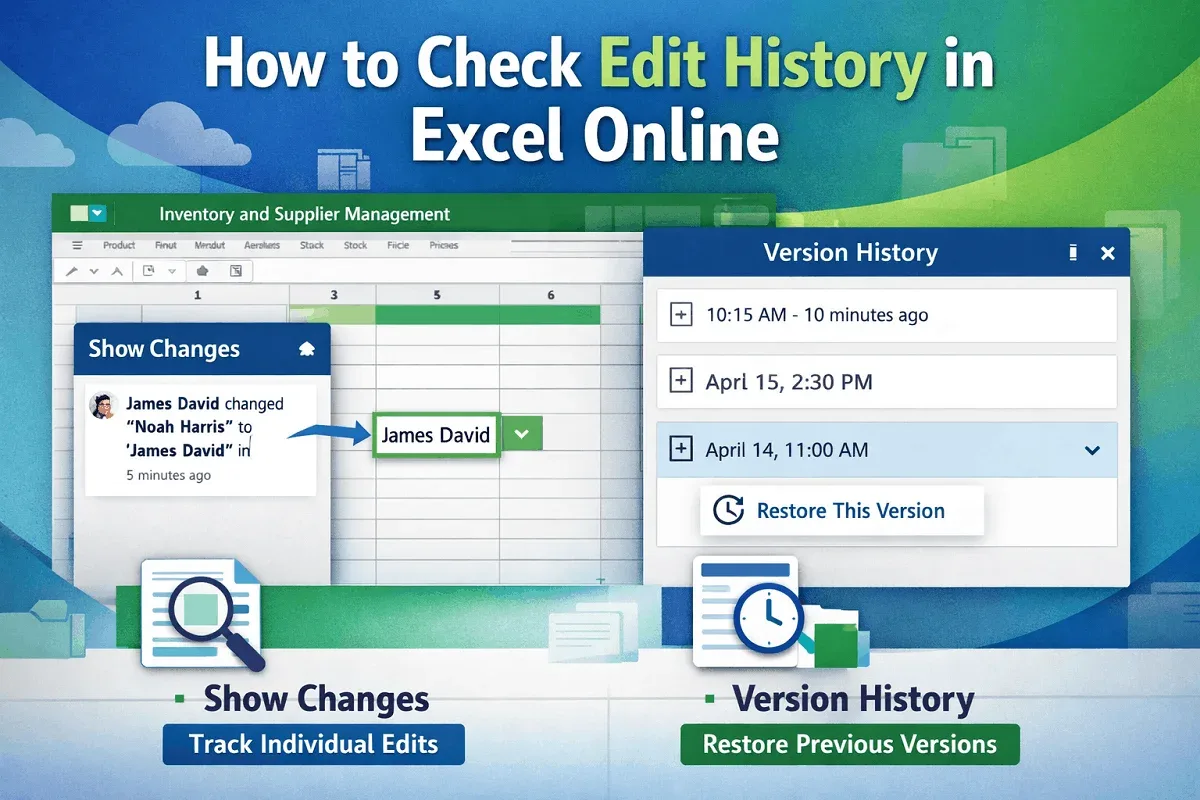
Learn how to check edit history in Excel Online using Show Changes to view edits or Version History to track full file changes.
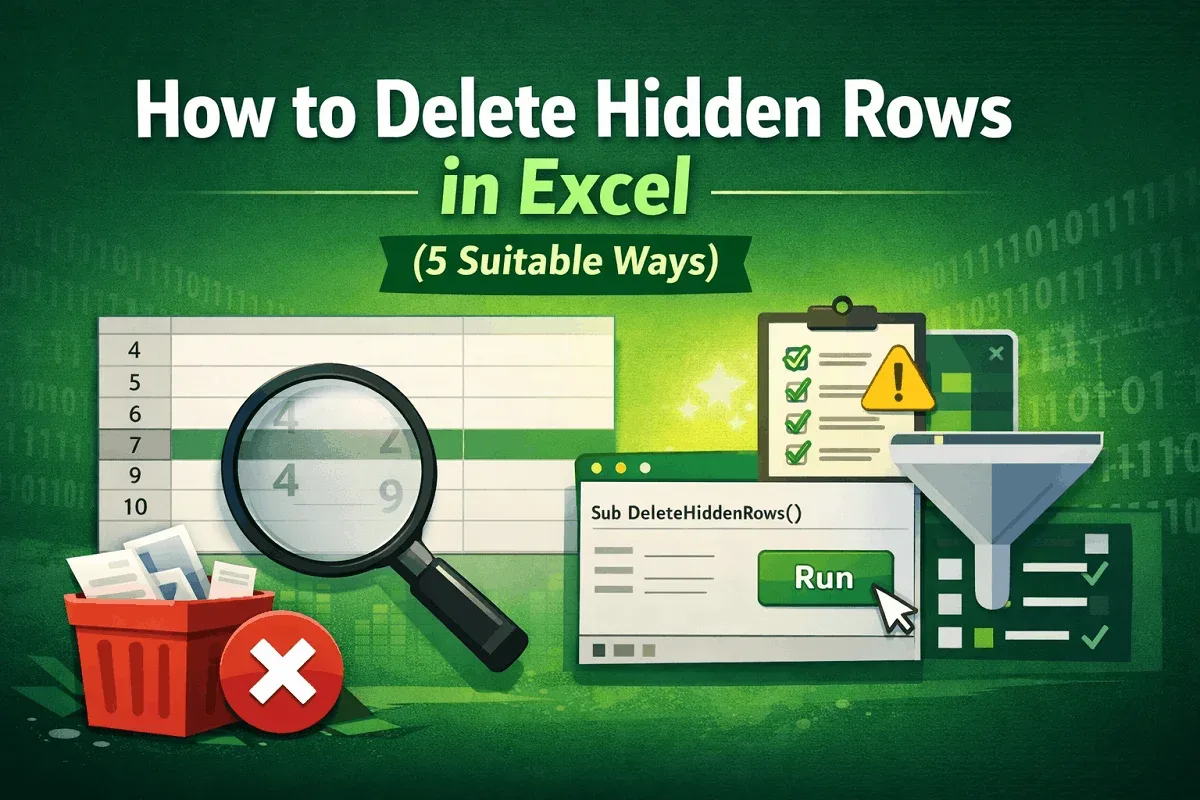
Learn how to delete hidden rows in Excel manually, with filters, Go To Special, built-in tools, or a VBA script for large datasets.
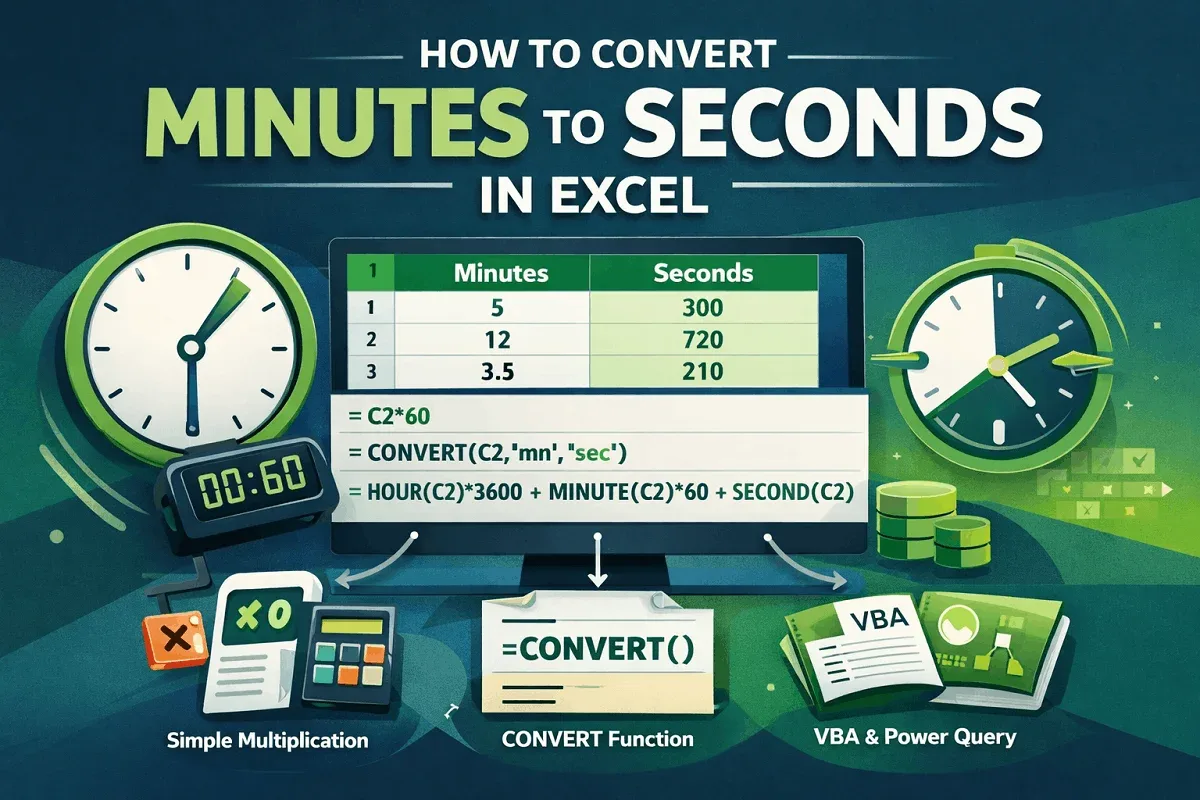
Learn how to convert minutes to seconds in Excel using simple multiplication, the CONVERT function, and time formats easily fast.
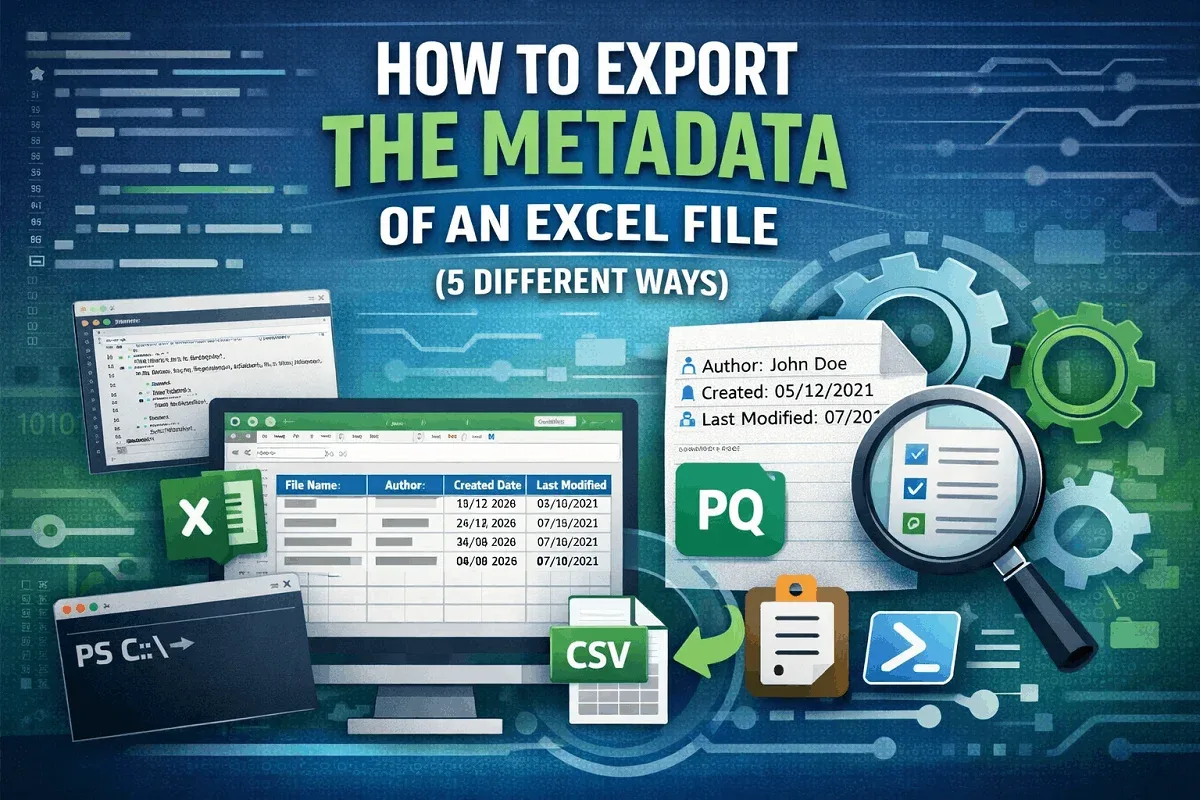
Export Excel file metadata manually or with Get Data, Power Query, VBA, and PowerShell to extract document properties into sheets.
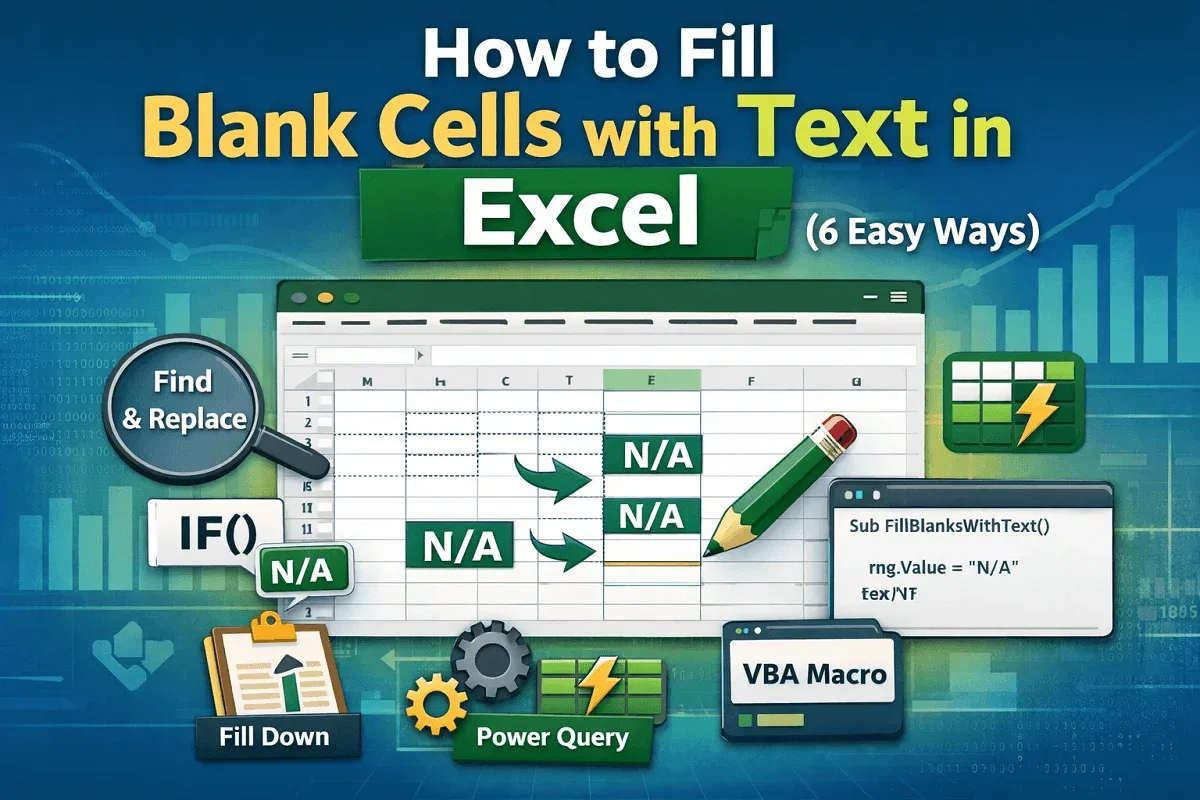
Learn how to fill blank cells in Excel using Go To Special, IF formulas, Find and Replace, Power Query, and VBA scripts easily.
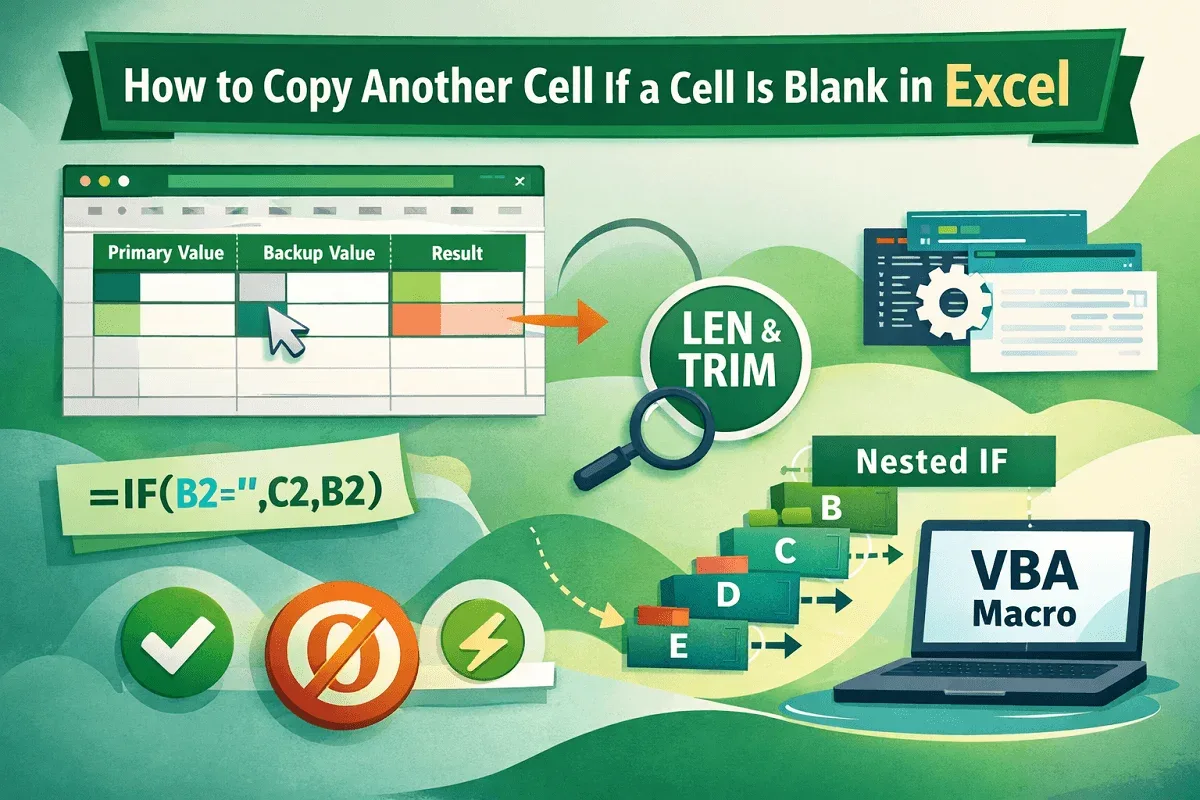
Learn how to copy another cell when a cell is blank in Excel using IF, ISBLANK, LEN, TRIM, nested formulas, and VBA macros easily.