Excel Pro Tips
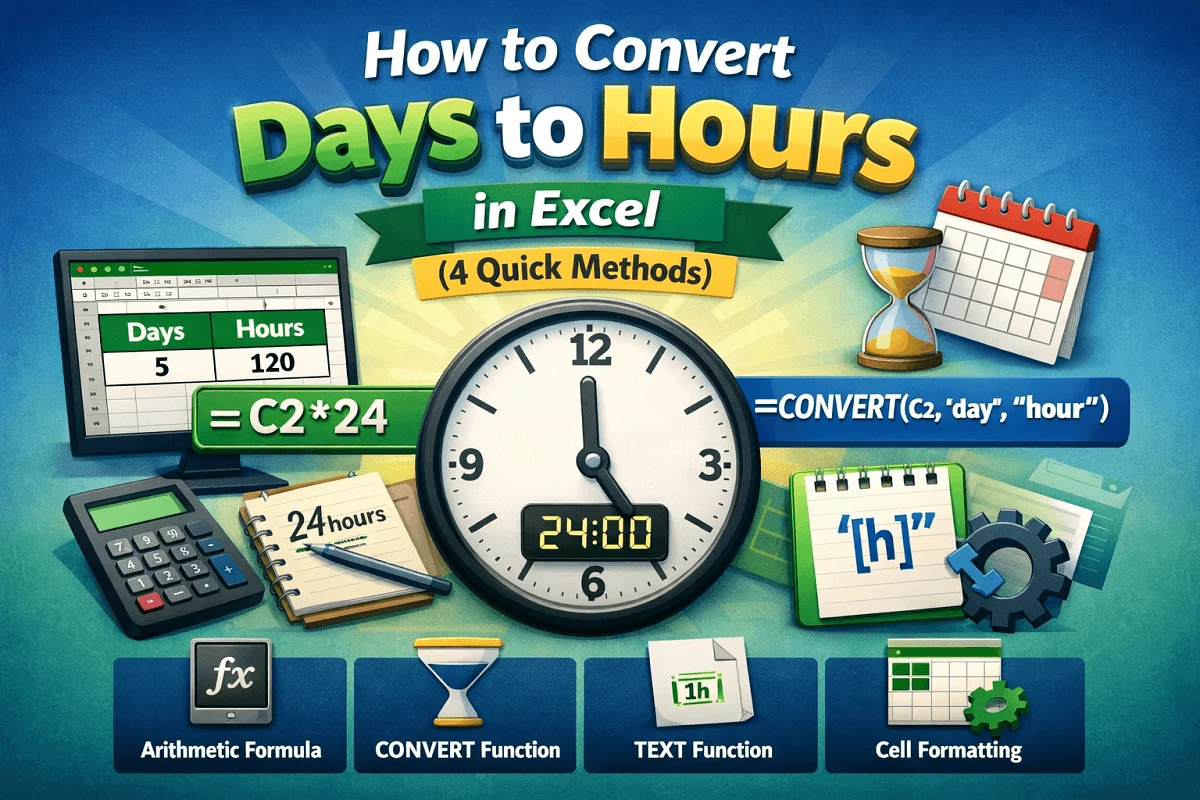
How to Convert Days to Hours in Excel (4 Quick Methods)
Learn how to convert days to hours in Excel using arithmetic formulas, the CONVERT function, TEXT formatting, and custom cell formats.
Read article

1285 articles
Learn how to convert days to hours in Excel using arithmetic formulas, the CONVERT function, TEXT formatting, and custom cell formats.
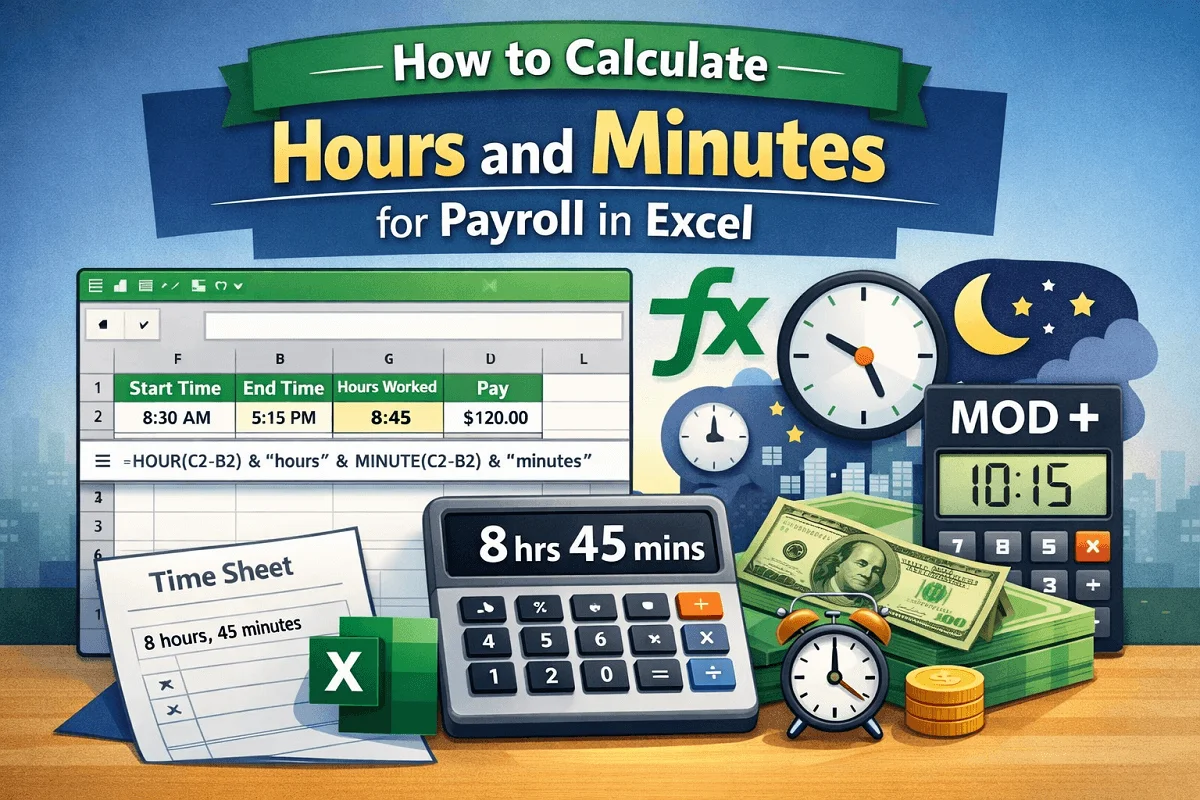
Learn how to calculate payroll hours and minutes in Excel using subtraction, TEXT, IF, HOUR, MINUTE, TIME, MOD, and NOW functions.
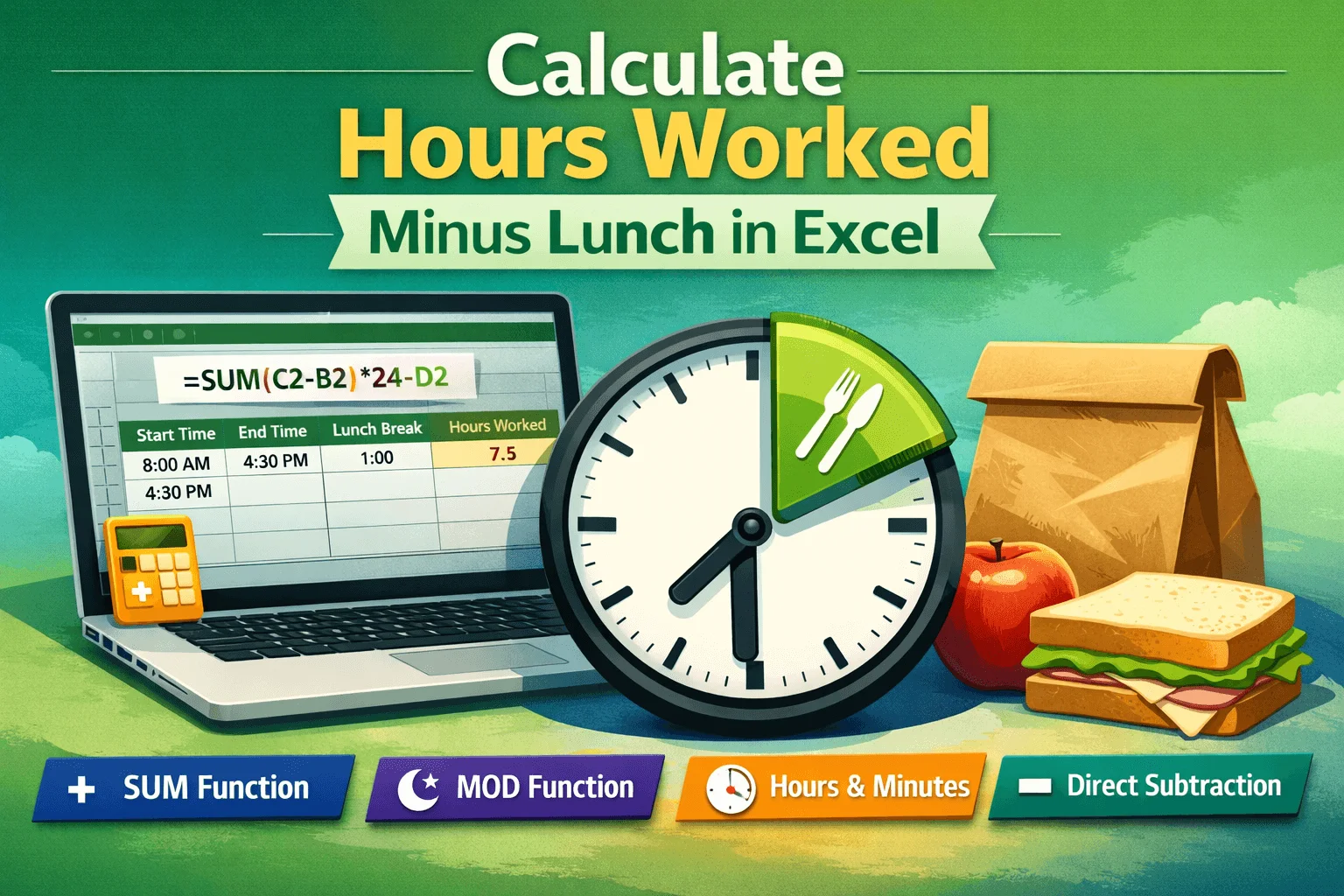
Learn simple Excel methods to calculate hours worked minus lunch using SUM, MOD, direct subtraction, and format results in hours and minutes.
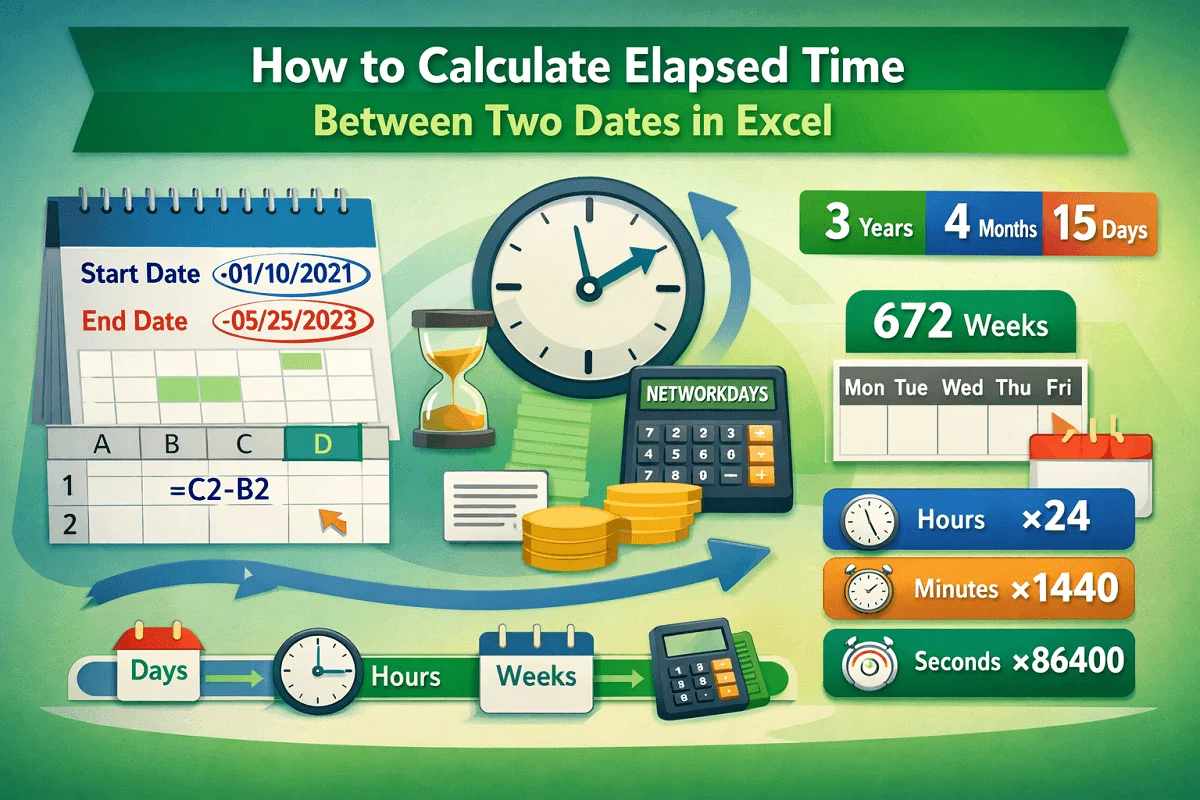
Learn how to calculate elapsed time between two dates in Excel using subtraction, DATEDIF, NETWORKDAYS, and unit conversions.
The ARRAYFORMULA function in Google Sheets is handy when you want to apply a single formula for a large dataset. This function enables you to use a single formula across an entire range of cells or columns simultaneously. Thus, you don’t need to drag the formula manually. As it applies the formula to a range […]
The Google Sheets IF function is one of the most commonly used logical functions that helps you make decisions based on conditions. It allows you to create conditional logic in your spreadsheets performing one action if a condition is true and a different action if the condition is false. This function brings logic into your […]
The QUERY function is one of the most versatile functions in Google Sheets. It allows you to perform tasks like filtering, sorting, grouping, and summarizing, using a language very similar to SQL (Structured Query Language). With QUERY function, you can transform a raw dataset into a filtered and aggregated report with a single formula. In […]
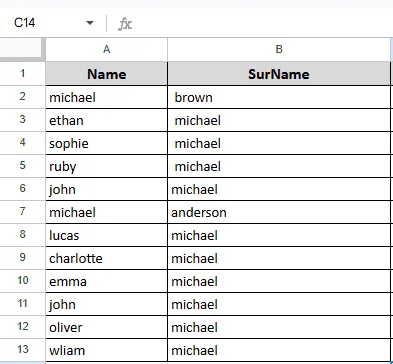
Organizing your data in Google Sheets involves more than simply the numbers. It also involves how well you display them. Using the Merge Cells feature is a simple but effective method to enhance the appearance of your Google Sheet. Combining two or more adjacent cells into a single, bigger cell is possible through cell merging. […]
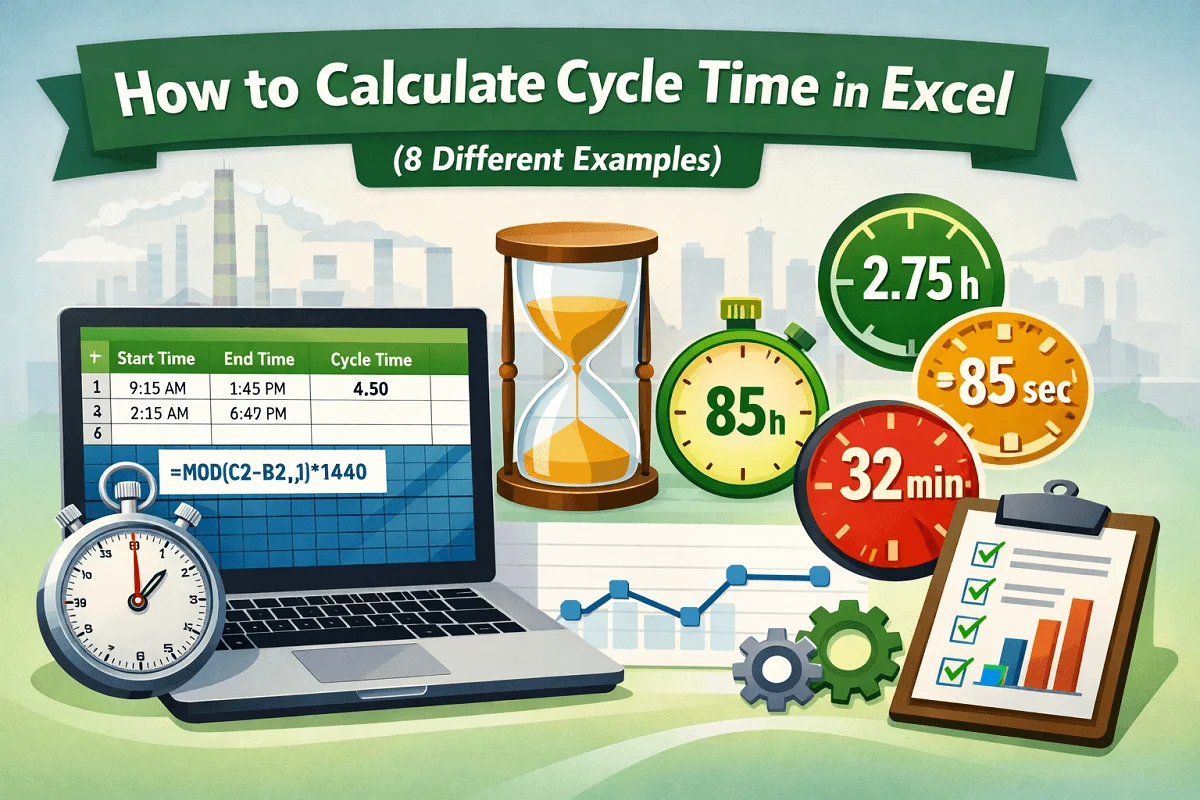
Learn how to calculate cycle time in Excel using subtraction, MOD, and unit-based formulas for minutes, seconds, and hours accurately.
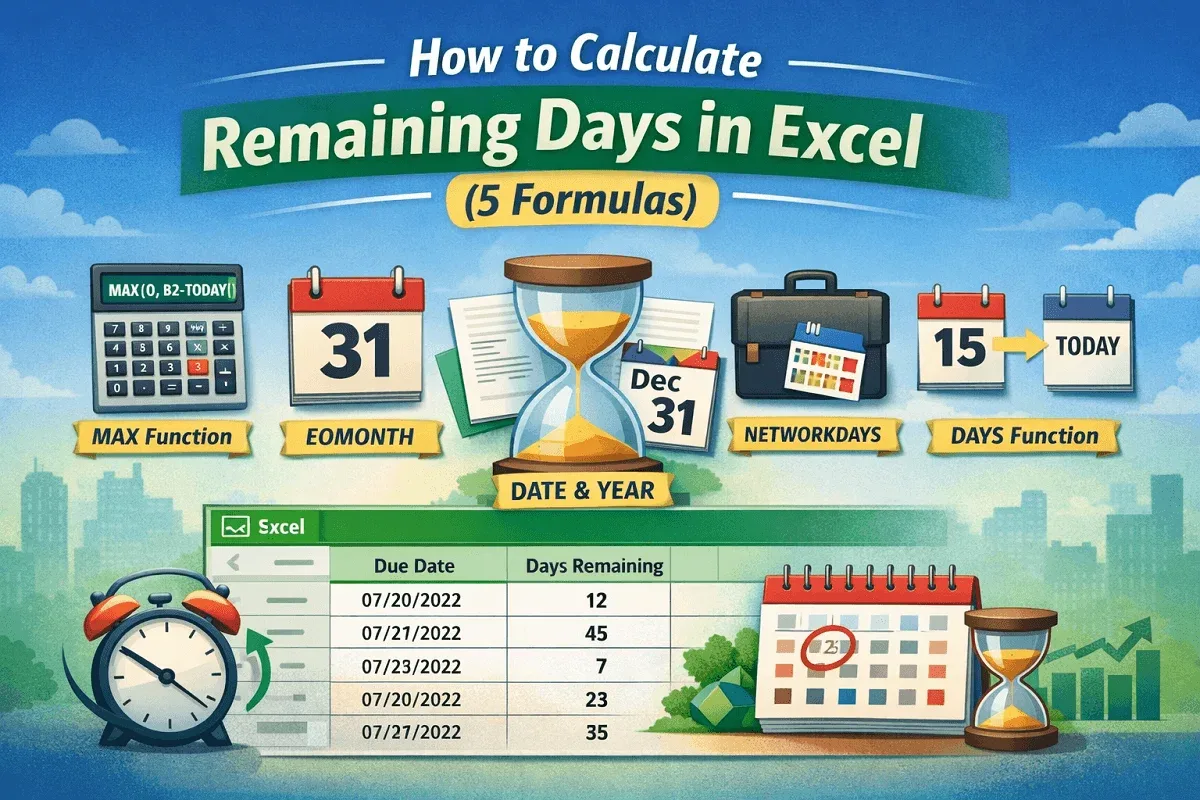
Learn how to calculate remaining days in Excel using MAX, DAYS, EOMONTH, NETWORKDAYS, and DATE functions for accurate, negative-free results.
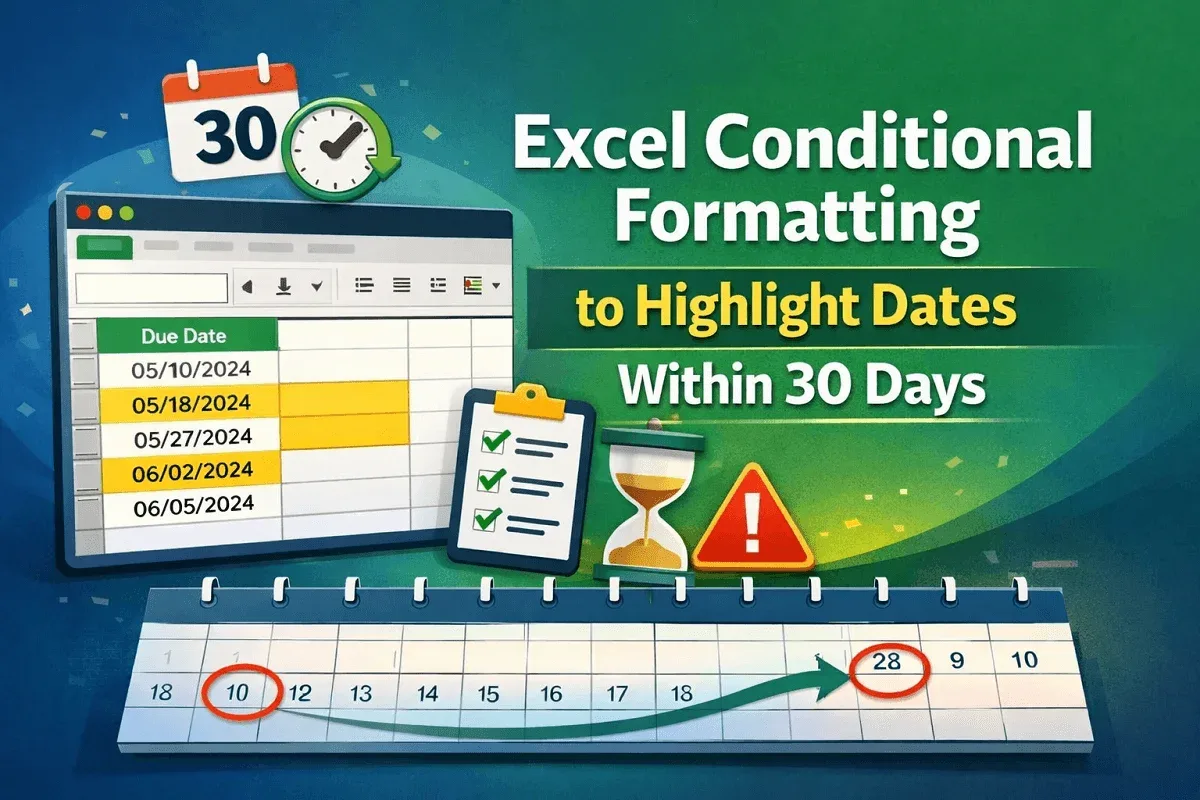
Learn how to use Excel conditional formatting to highlight dates within 30 days using TODAY and AND for dynamic tracking and accuracy.
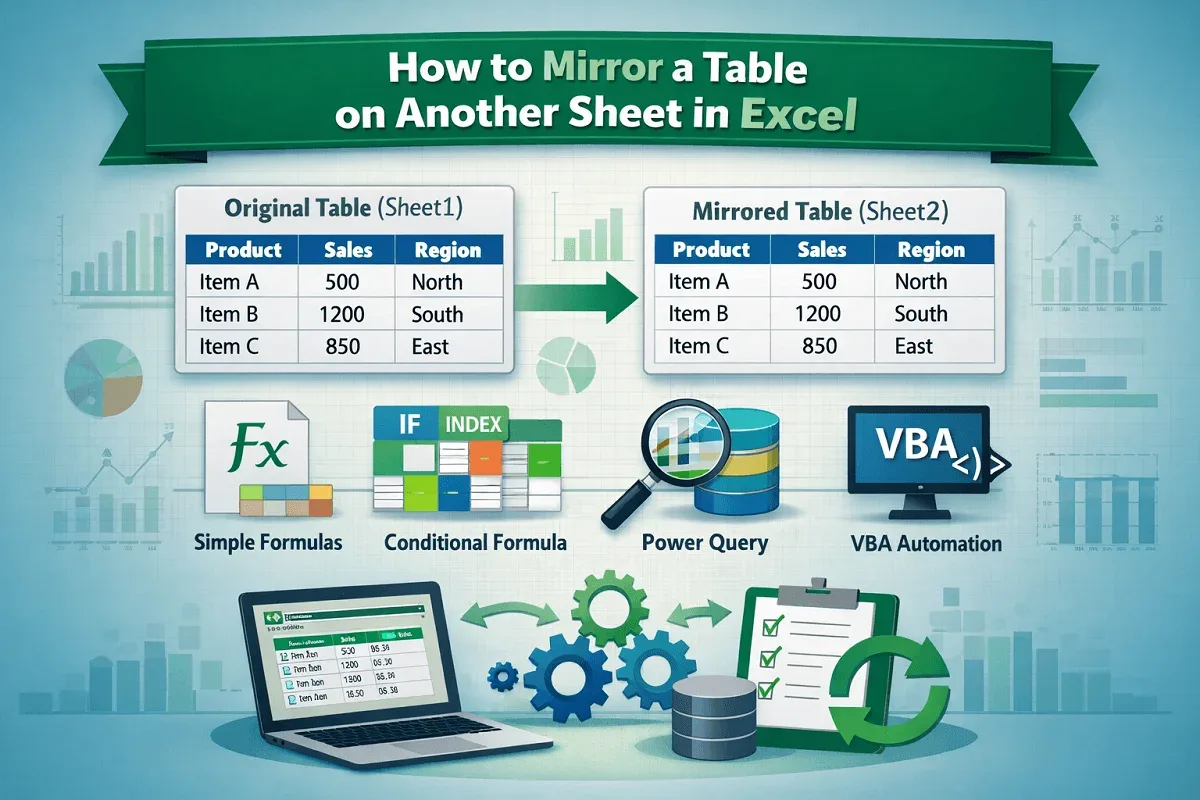
Learn how to mirror a table on another sheet in Excel using simple formulas, conditional logic, Power Query, and VBA for automatic updates.