Google Sheets Basics
How to Add Serial Numbers in Google Sheets (5 Simple Ways)
Learn how to add serial numbers in Google Sheets using Fill Handle, ROW, SEQUENCE, incremental addition, and ARRAYFORMULA techniques.
Read article

1285 articles
Learn how to add serial numbers in Google Sheets using Fill Handle, ROW, SEQUENCE, incremental addition, and ARRAYFORMULA techniques.

Learn how to hide sheets from certain users in Google Sheets using view-only permissions, IMPORTRANGE, or separate spreadsheets.

Learn 8 easy ways to count unique values in Excel with multiple criteria using formulas, PivotTables, filters, or VBA—works in all versions.

Learn how to merge rows with the same value in Excel using Merge & Center, TEXTJOIN, Power Query, Consolidate, Subtotal, and VBA macros.

Learn how to combine data from multiple Excel sheets using VSTACK, FILTER, Consolidate feature, and Power Query for seamless data merging.

Learn how to merge two Excel sheets using VLOOKUP with standard, dynamic, and conditional methods for efficient data integration.

Learn how to consolidate data in Excel from multiple columns using formulas, tools like Power Query, Flash Fill, and advanced VBA methods.

Learn how to compare and merge Excel workbooks using Spreadsheet Compare, Inquire Add-in, Power Query, VBA, and built-in merge features.

Learn how to merge multiple Excel files into one using CMD by converting to CSV, combining files via Command Prompt, and converting to XLSX.
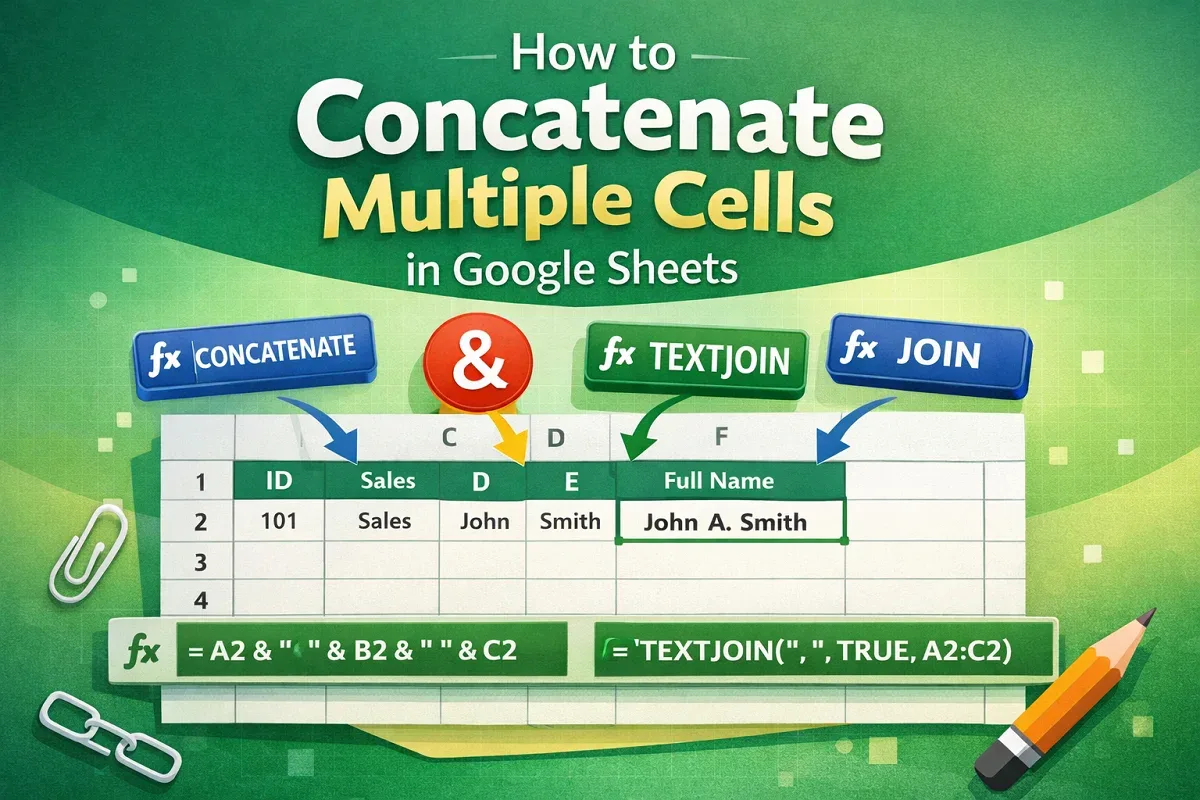
Learn how to concatenate multiple cells in Google Sheets using CONCATENATE, TEXTJOIN, JOIN functions, or the ampersand (&) operator.

Learn how to filter with multiple conditions in Google Sheets using FILTER and QUERY functions, combining AND, OR, text, and numeric logic.
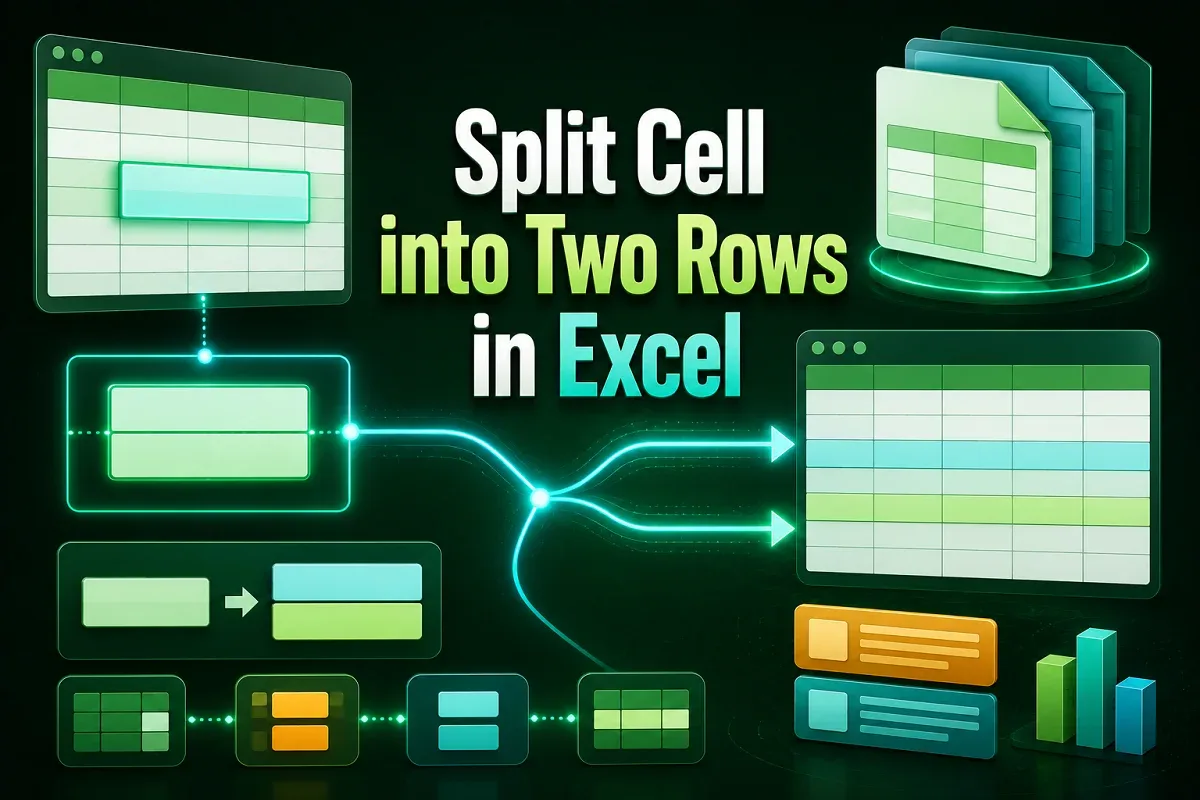
Learn how to split a cell into two rows in Excel using manual methods, formulas, Power Query, VBA, and advanced functions like TEXTSPLIT.