Google Sheets Formulas
Automatically Copy Data from Another Worksheet in Google Sheets
Learn 6 easy ways to automatically copy data from one sheet to another in Google Sheets using formulas, QUERY, scripts, and more.
Read article

1285 articles
Learn 6 easy ways to automatically copy data from one sheet to another in Google Sheets using formulas, QUERY, scripts, and more.
Learn how to use COUNTIF, ARRAYFORMULA, SUMPRODUCT, and more to count TRUE values effectively in Google Sheets with flexible methods.
Learn how to convert 8-digit numbers to dates in Excel using formulas, Flash Fill, Power Query, Text to Columns, or VBA macros.
Learn how to stop Excel from rounding decimals by adjusting precision settings, column width, decimal formatting, and using the TEXT function.

Learn how to capitalize the first letter of a sentence in Excel using Flash Fill, formulas, Power Query, or VBA to format text efficiently.
Learn how to add minutes to time in Excel using fixed values, cell references, TIME and TEXT functions, and proper time formatting techniques.
Learn how to count months from a date to today in Excel using MONTH, DATEDIF, YEARFRAC functions, or custom VBA formulas for precise results.
Learn how to sort columns in Google Sheets without mixing data using Sort Range, SORT function, QUERY, filters, and Apps Script.
Learn how to use VLOOKUP for multiple values in Google Sheets with FILTER, TEXTJOIN, QUERY, ARRAYFORMULA, and Apps Script alternatives.
Learn how to find and replace blank cells in Excel using Go To Special, Find and Replace, IF and ISBLANK, Power Query, or VBA macros.
Learn how to remove blank rows in Excel using manual deletion, filters, Find & Select, COUNTA, Power Query, sorting, or VBA macros.
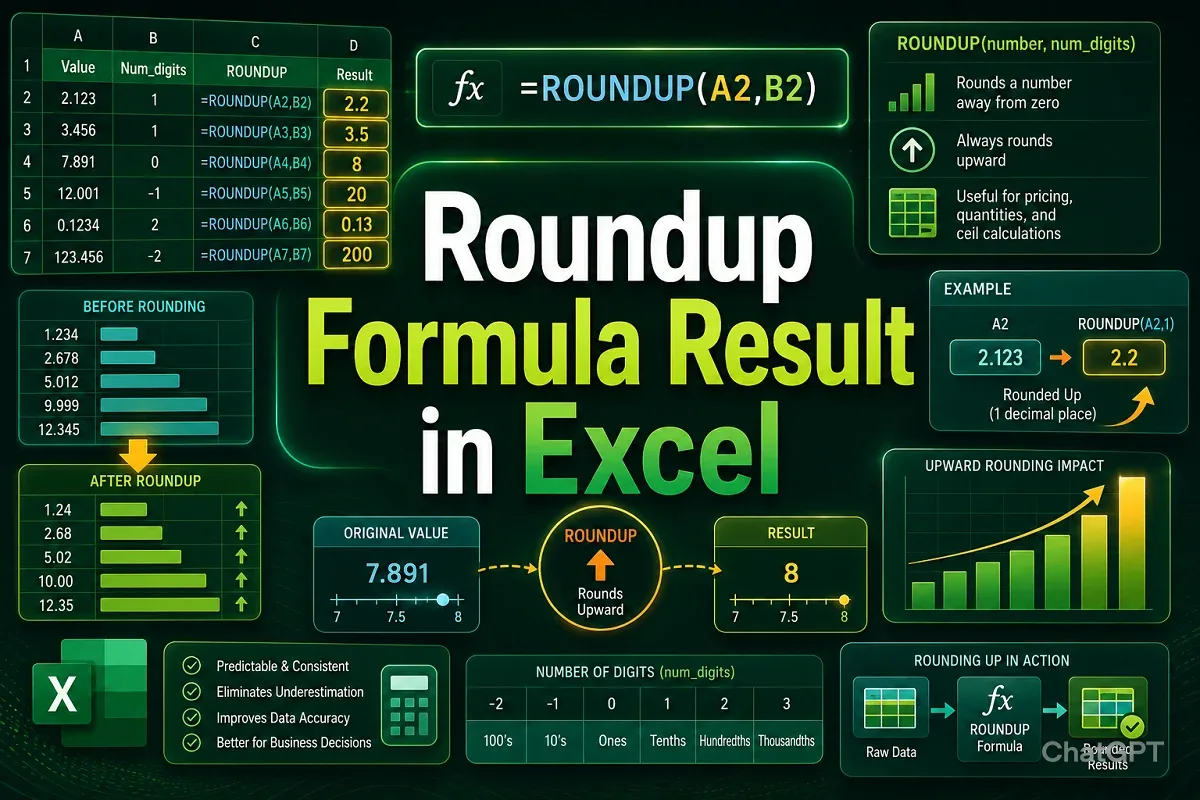
Learn how to round up formula results in Excel using ROUNDUP, ROUND, MROUND, EVEN, and ODD functions, or by formatting cells correctly.