Excel VBA
How to Use Exit For Loop in Excel VBA (with 3 Practical Examples)
Learn how to use Excel VBA Exit For Loop to stop loops efficiently, with clear examples for searches, blanks, and thresholds in VBA macros.
Read article

68 articles
Learn how to use Excel VBA Exit For Loop to stop loops efficiently, with clear examples for searches, blanks, and thresholds in VBA macros.
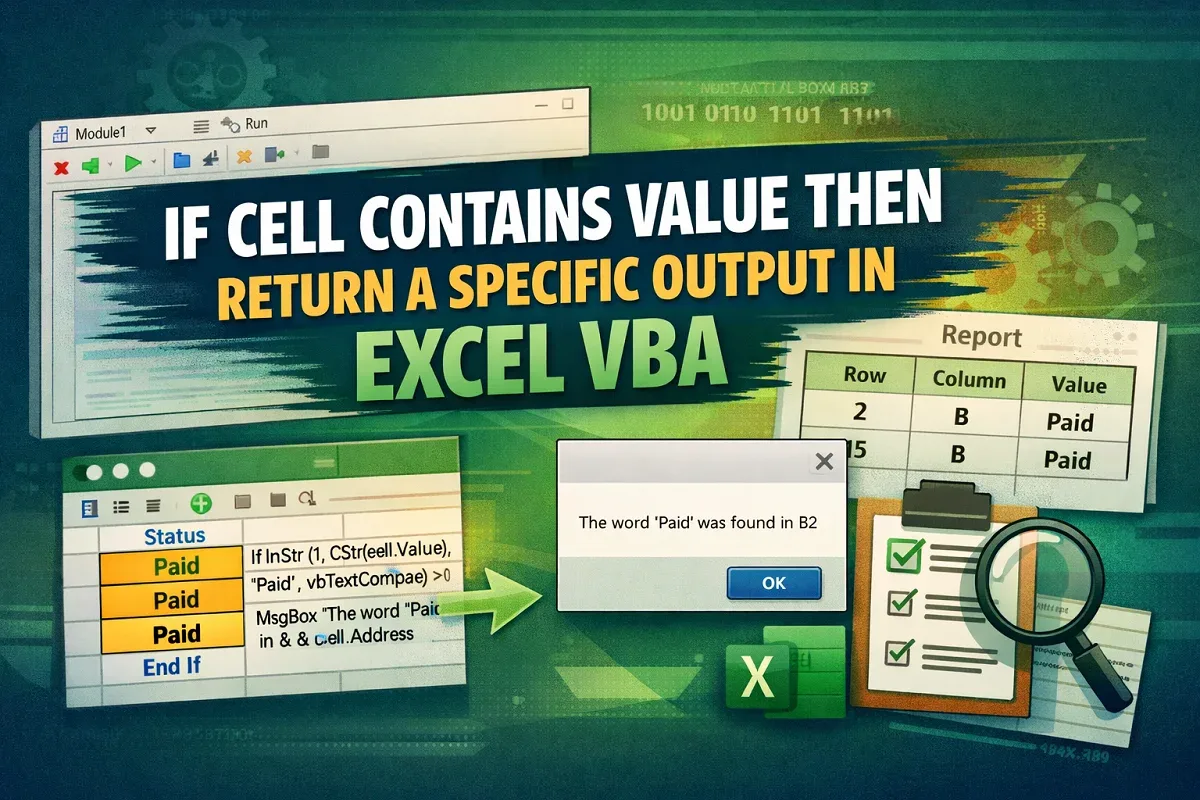
Learn how to use “If Cell Contains Value Then” in Excel VBA with logic explanation and practical examples for automation and reporting.
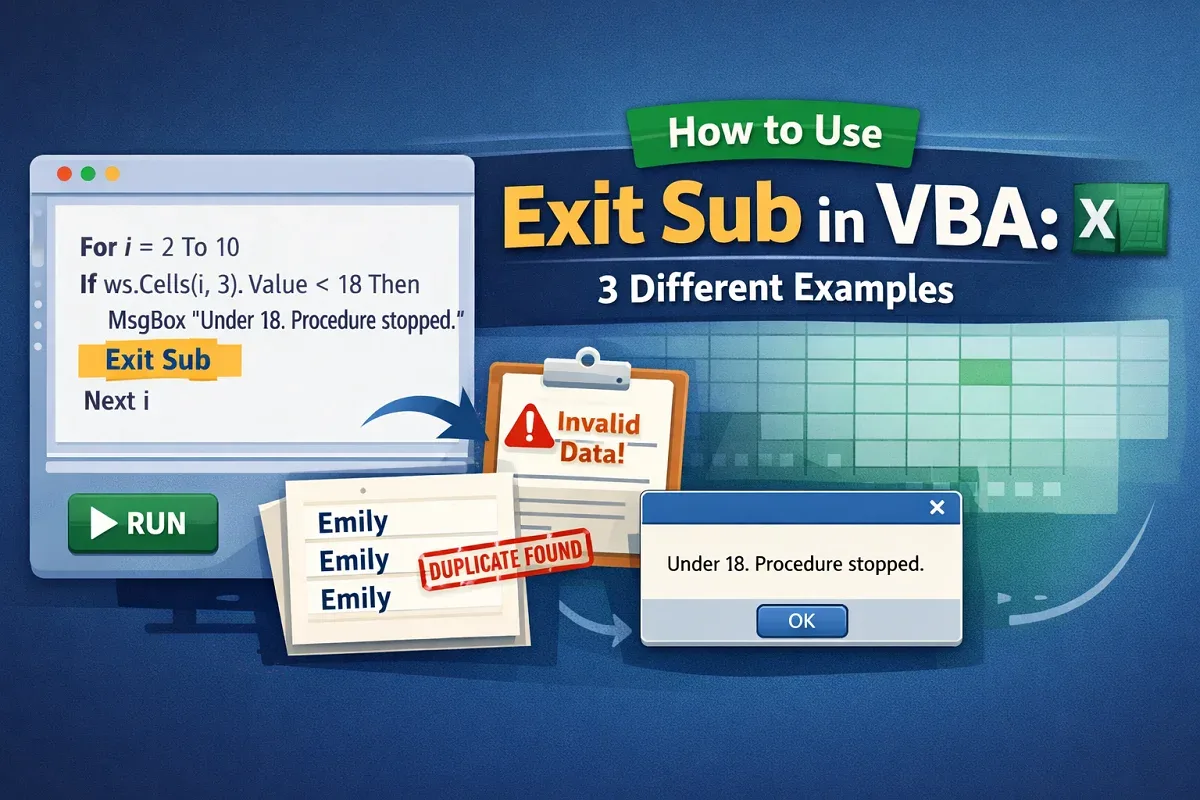
Learn how and why to use Exit Sub in VBA, how it works, and practical examples for conditions, invalid data, and duplicates.
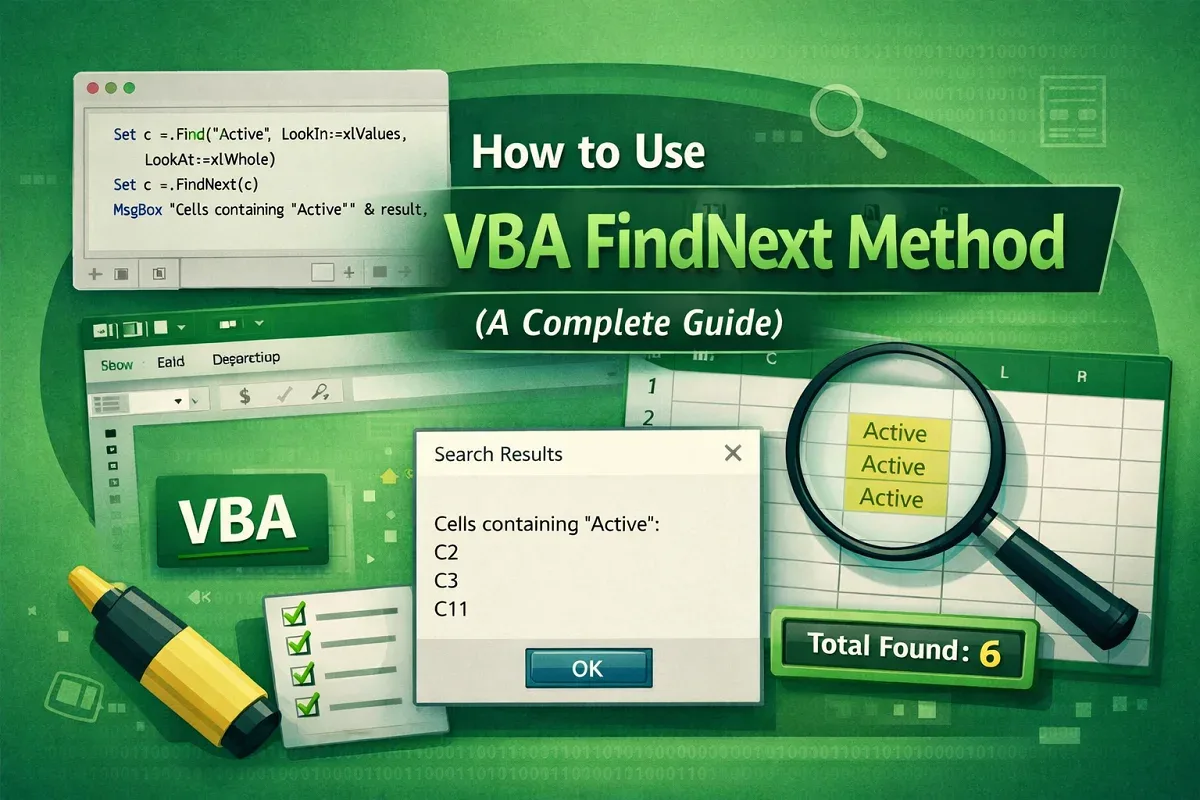
Learn how to use the VBA FindNext method in Excel to find, highlight, count, and display all matching values efficiently.
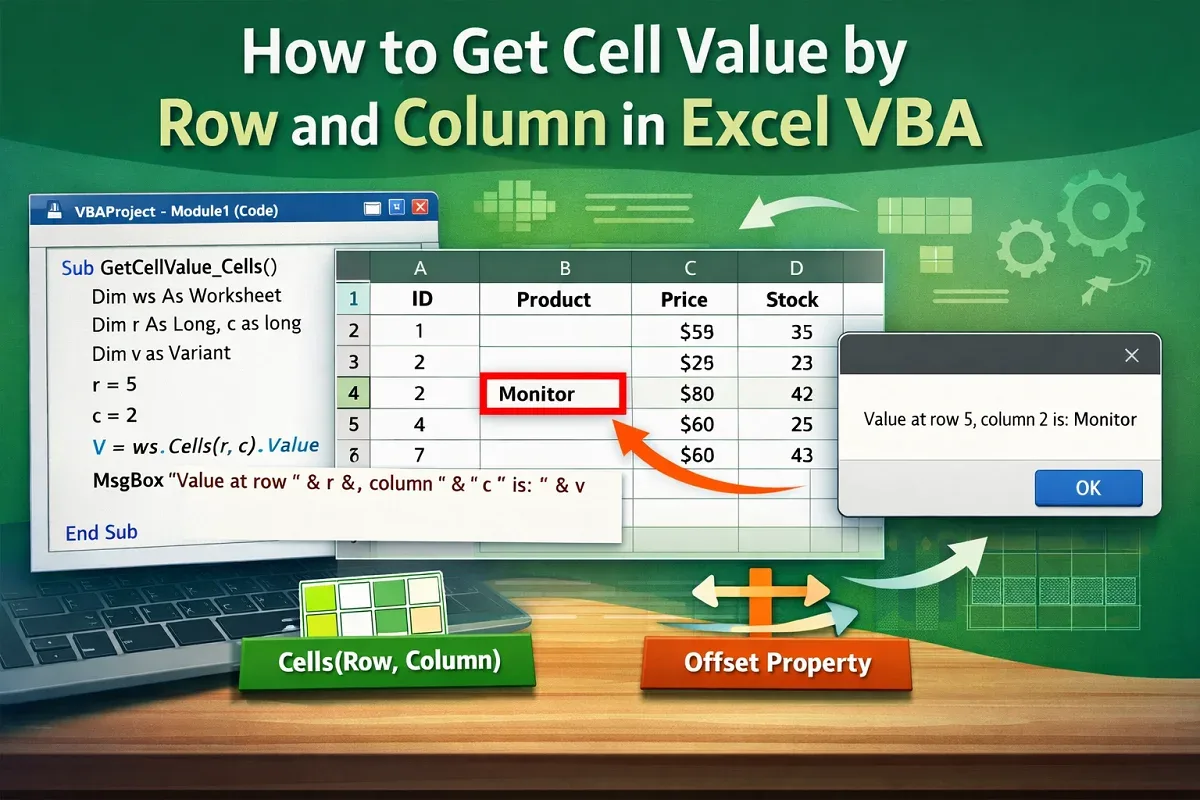
Learn how to get cell values by row and column in Excel VBA using Cells, Range, and Offset methods with practical examples.
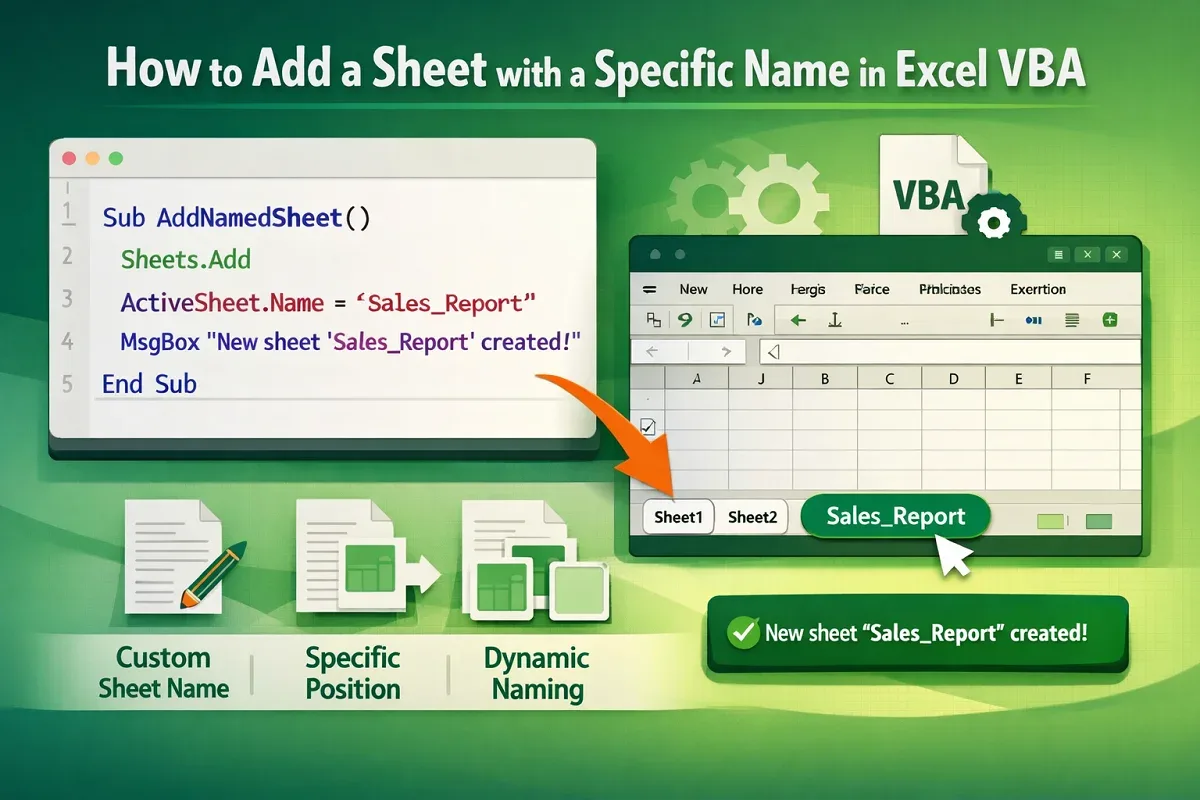
Learn how to add a sheet with a specific name in Excel VBA, rename instantly, and insert it at a chosen location easily.
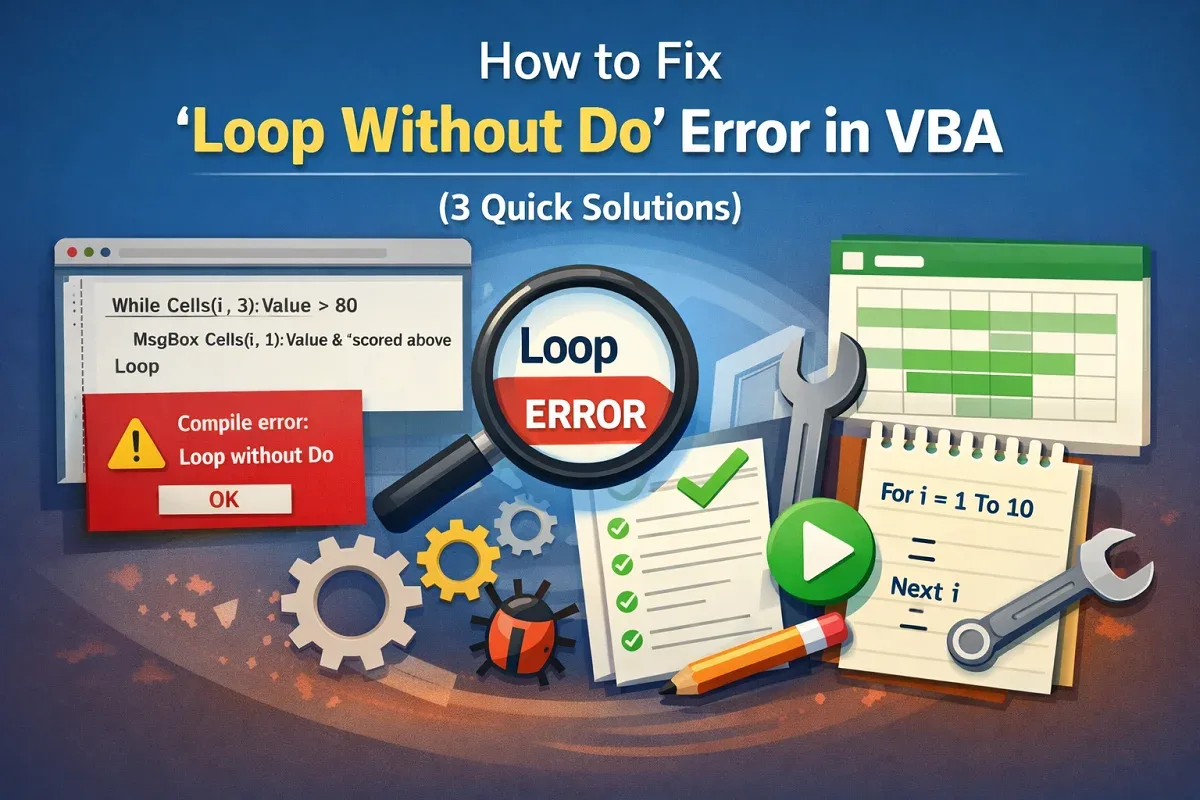
Fix the Loop Without Do error in VBA by pairing Do and Loop correctly, using For…Next loops, and matching loop placements properly.
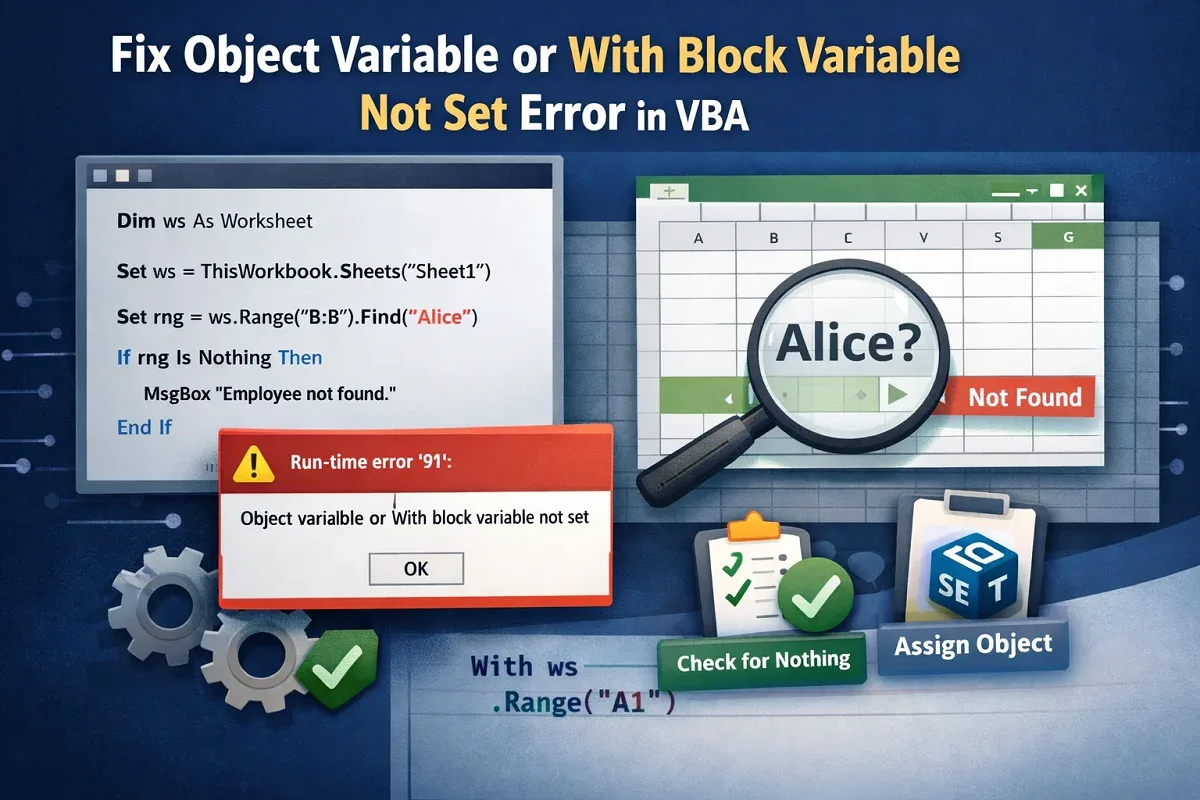
Fix the Object Variable or With Block Variable Not Set error in VBA by declaring, setting objects correctly, and checking for Nothing.
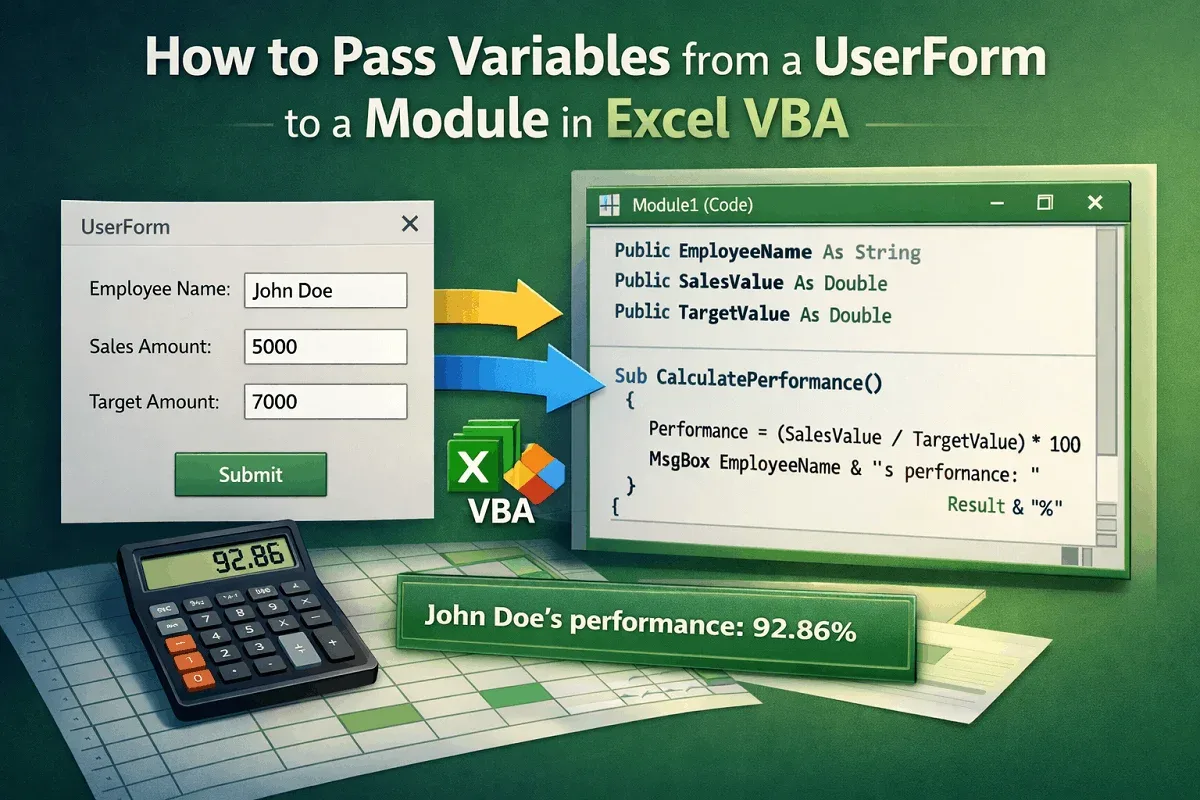
Learn how to pass variables from a UserForm to a module in VBA using public variables, properties, and hidden forms effectively.

Understand the difference between Function and Sub in VBA, how they return values, run actions, call procedures, and work in Excel cells.
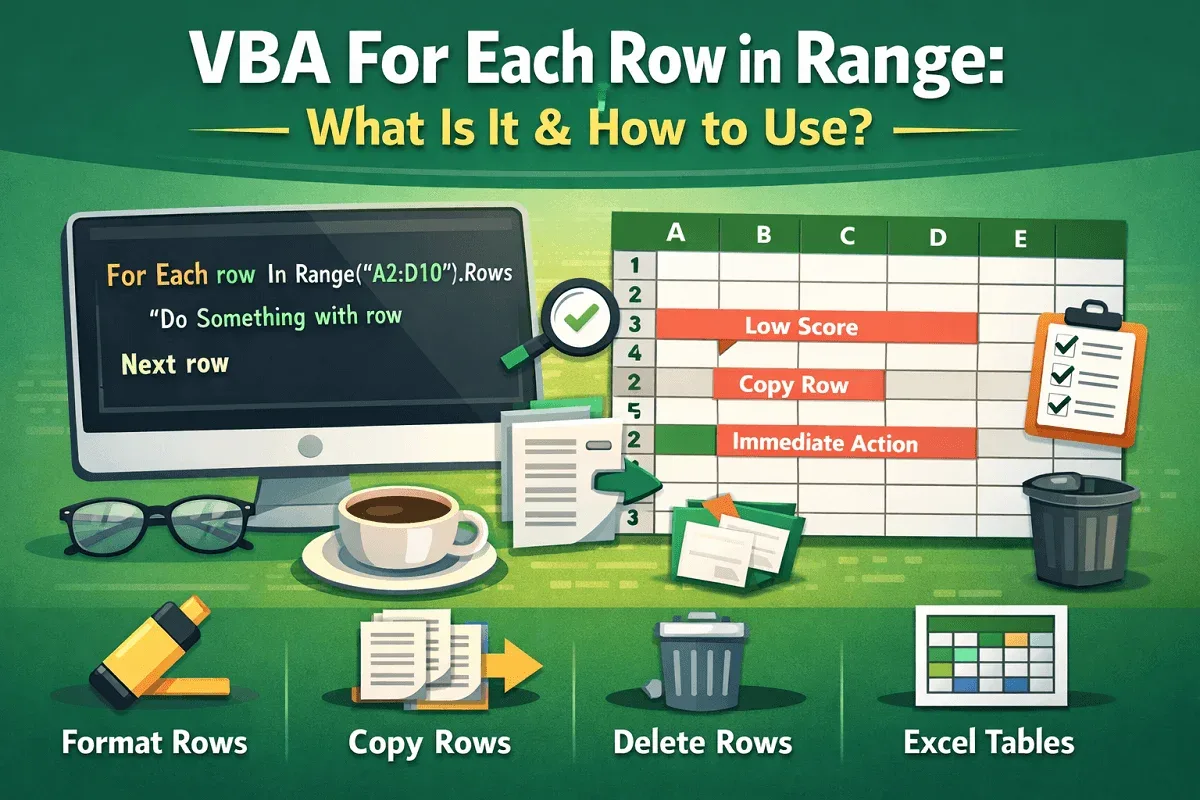
Learn what VBA For Each Row in Range means and how to use it with syntax and examples to loop, format, copy, and delete rows efficiently.
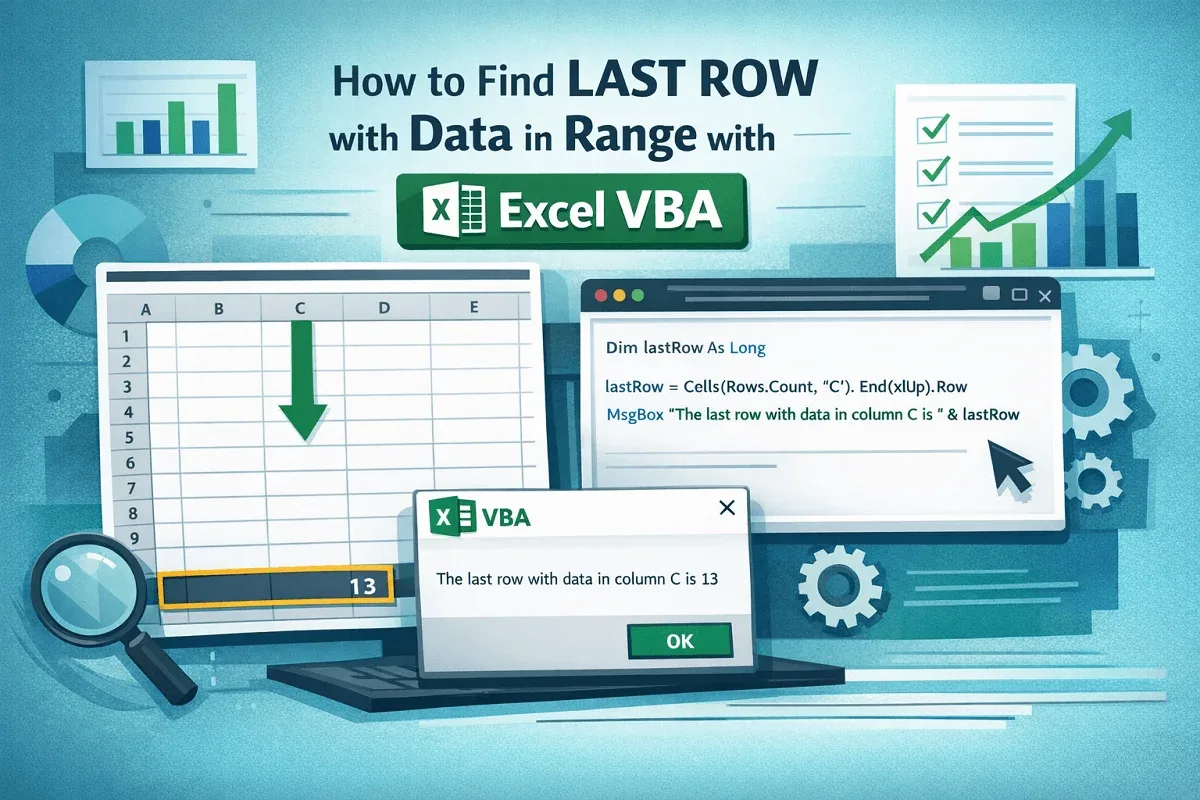
Learn how to find the last row with data in a range using Excel VBA methods like End, Find, SpecialCells, and tables.