Importing text files into Excel can be simple when the file uses one type of delimiter such as a comma or tab. But it becomes a bit challenging when the file contains multiple delimiters like commas, ...
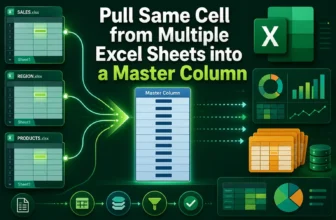
Pulling the same cell from multiple sheets into a master column in Excel is a simple way to consolidate information without copying data manually. For instance, if you have six monthly sales reports ...
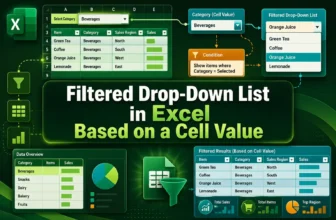
When managing data in Excel, you may sometimes want to make one drop-down list depend on another. For example, when you select a Category like Fruit, you want the next drop-down to show only related ...
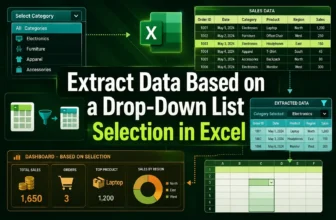
Extracting data based on a drop-down list selection in Excel allows you to make your worksheets interactive and easier to analyze. Instead of manually filtering rows every time, you can simply choose ...
Excel does not have a built-in feature to create bulleted lists like Microsoft Word. Still, you can easily make bullet points in Excel using different techniques. Adding bullets helps organize ...
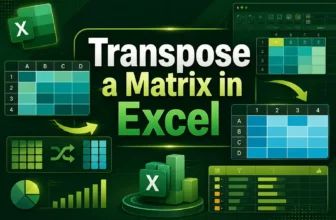
A matrix transpose in Excel is a way to switch rows into columns and columns into rows. It’s like rotating your table so that data running horizontally becomes vertical. This is helpful when you need ...
An inverse matrix in Excel is a useful tool for solving mathematical and data problems that involve multiple variables. It works like dividing numbers in regular math. For example, just as the ...
Grouping rows and inserting subtotals helps you organize, collapse/expand, and summarize sections of data. When you have long lists with categories or repeated groupings, this makes your worksheet ...
Creating a button in Excel usually requires using VBA macros, but you can also build interactive buttons without writing any code. These buttons can still perform useful tasks such as navigating to ...