Excel Pro Tips
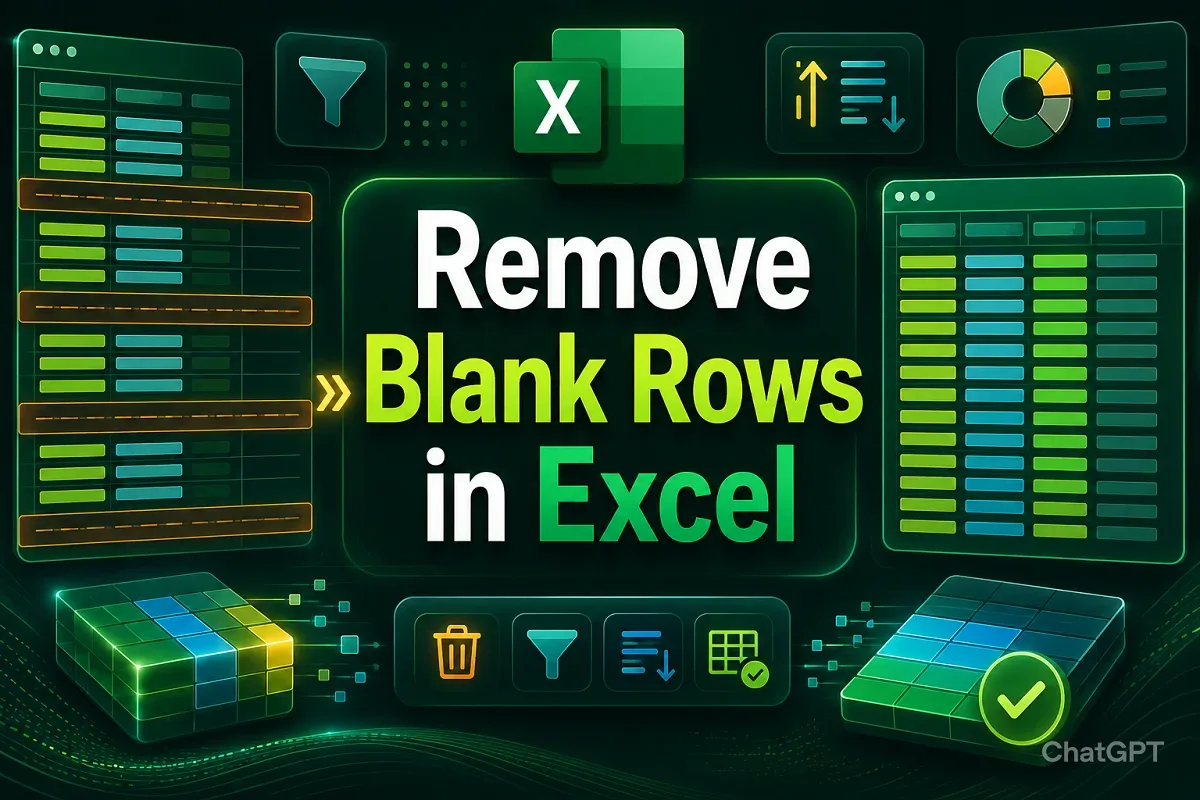
How to Remove Blank Rows in Excel (7 Quick Tricks)
Learn how to remove blank rows in Excel using manual deletion, filters, Find & Select, COUNTA, Power Query, sorting, or VBA macros.
Read article

555 articles
Learn how to remove blank rows in Excel using manual deletion, filters, Find & Select, COUNTA, Power Query, sorting, or VBA macros.
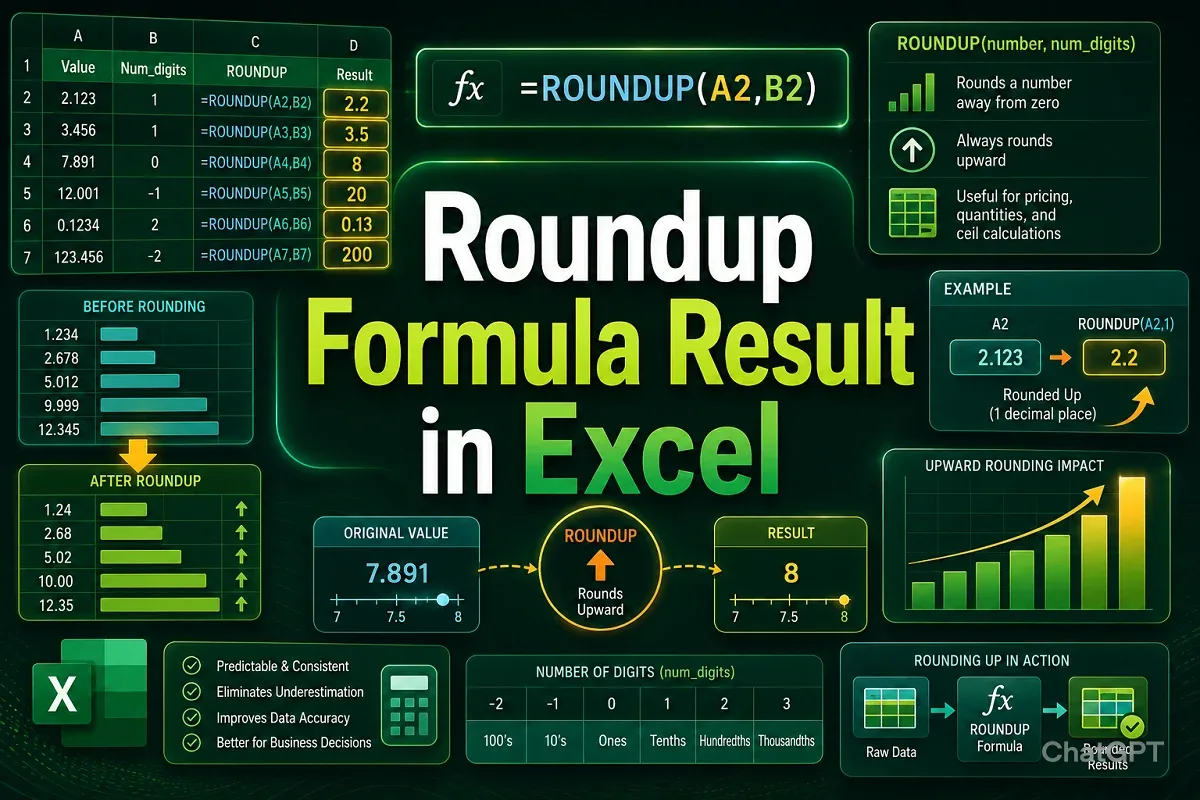
Learn how to round up formula results in Excel using ROUNDUP, ROUND, MROUND, EVEN, and ODD functions, or by formatting cells correctly.
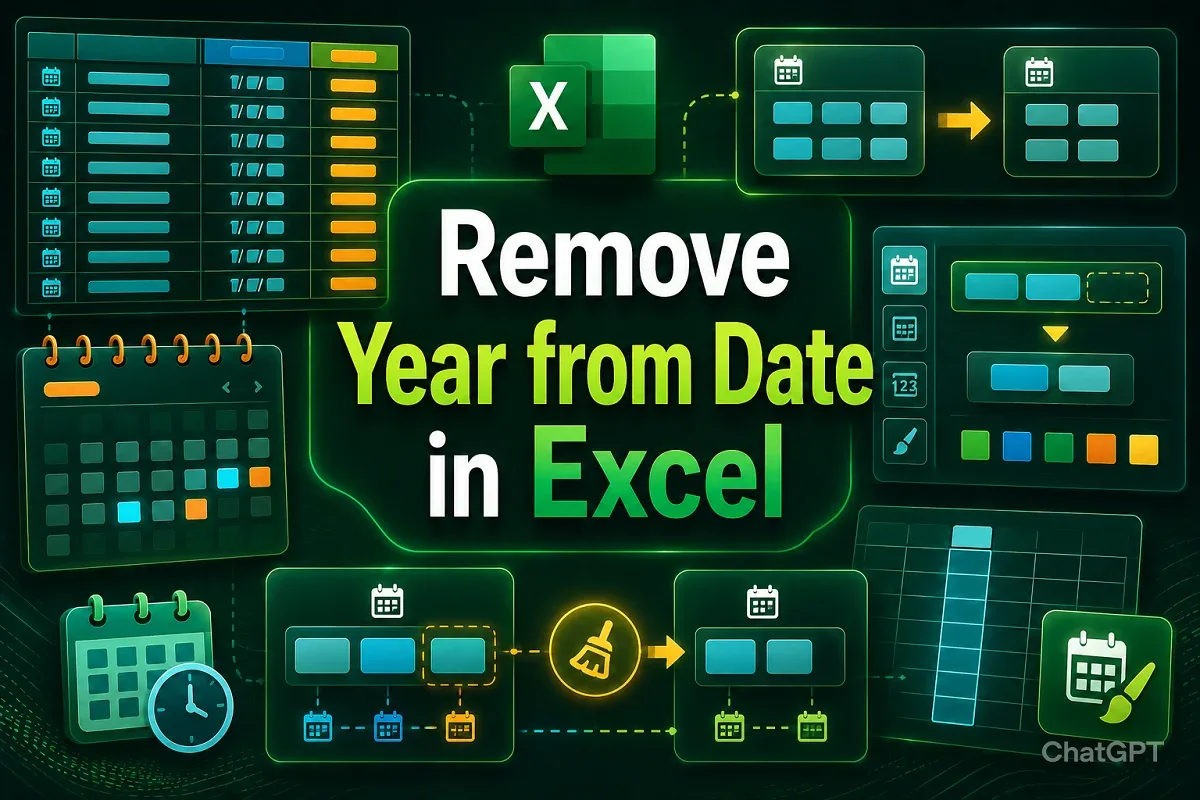
Learn 7 ways to remove the year from dates in Excel, including custom formatting, formulas, Flash Fill, and VBA macros.

Learn how to remove numbers from a cell in Excel using Flash Fill, Find & Replace, SUBSTITUTE, formulas, Power Query, or VBA methods.
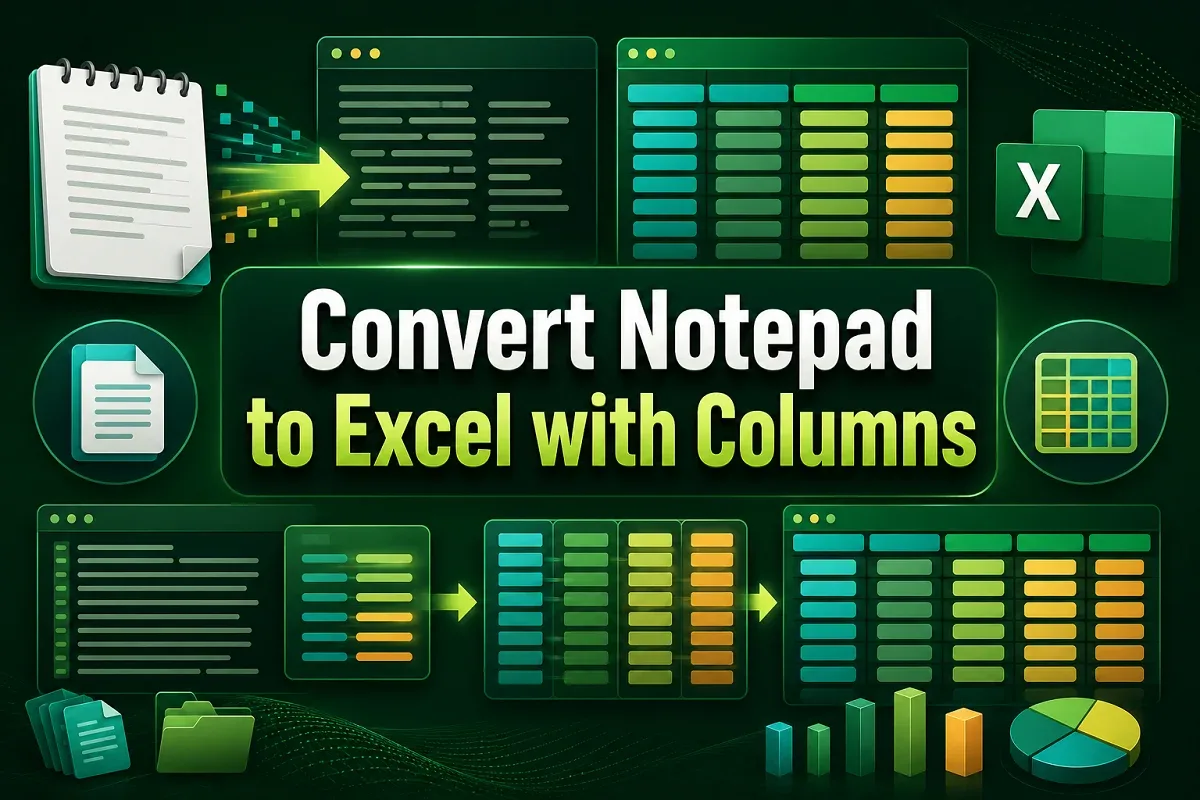
Learn how to convert Notepad to Excel with columns using copy-paste, Text Import Wizard, delimiters, fixed width, or Power Query features.
Learn how to protect an Excel workbook from editing using passwords, worksheet protection, read-only mode, and view-only sharing options.
Learn how to reference cells by row and column number in Excel using ROW, COLUMN, ADDRESS, INDIRECT, INDEX, and R1C1-style formulas.

Learn how to trace dependents in Excel using the built-in feature, keyboard shortcuts, multiple trace clicks, and VBA macros.

Learn how to insert multiple bullet points in an Excel cell using Alt+7, symbols with line breaks, CHAR(149), or by copying from Word.

Learn how to insert multiple page breaks in Excel manually, using context menus, VBA macros, or the Subtotal feature for grouped data.

Learn how to compress Excel files for email using ZIP, .xlsb format, online tools, picture compression, and by removing unused content.

Learn how to add a sort button in Excel using filters, keyboard shortcuts, VBA macros, and the built-in Sort feature on the Data tab.