Excel Pro Tips
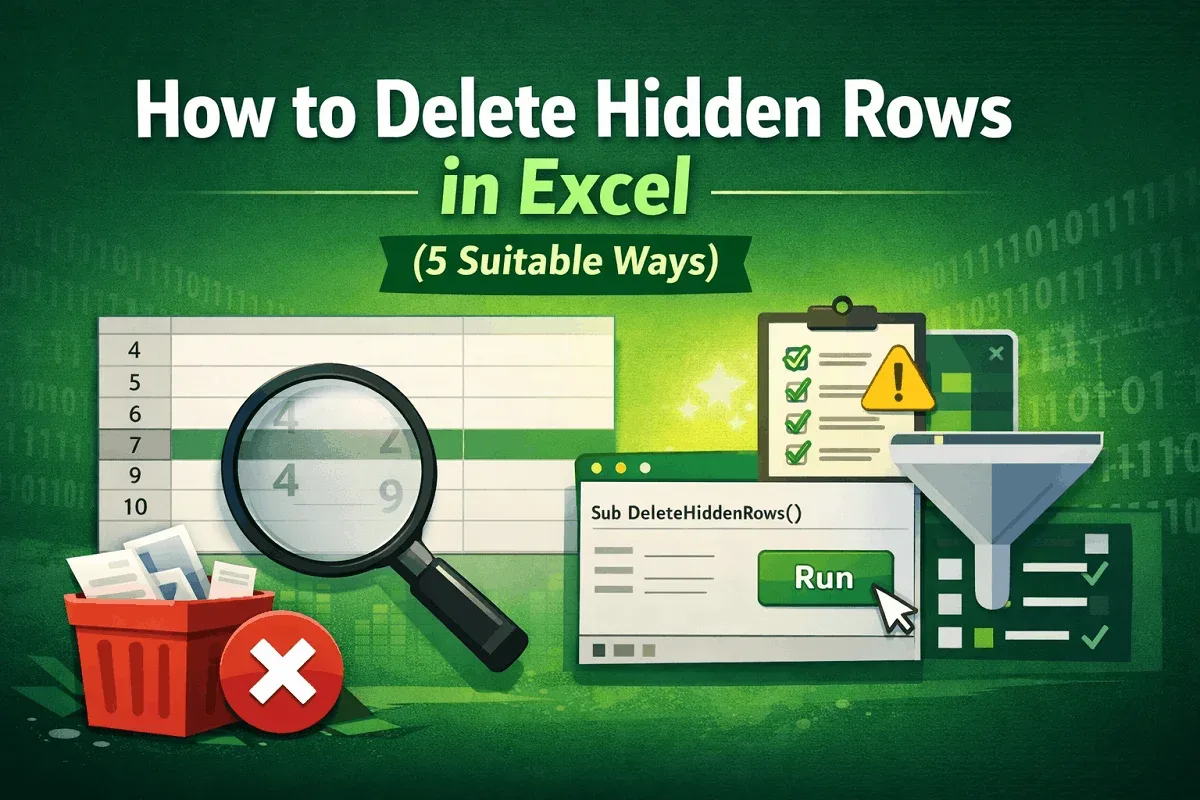
How to Delete Hidden Rows in Excel (5 Suitable Ways)
Learn how to delete hidden rows in Excel manually, with filters, Go To Special, built-in tools, or a VBA script for large datasets.
Read article

555 articles
Learn how to delete hidden rows in Excel manually, with filters, Go To Special, built-in tools, or a VBA script for large datasets.
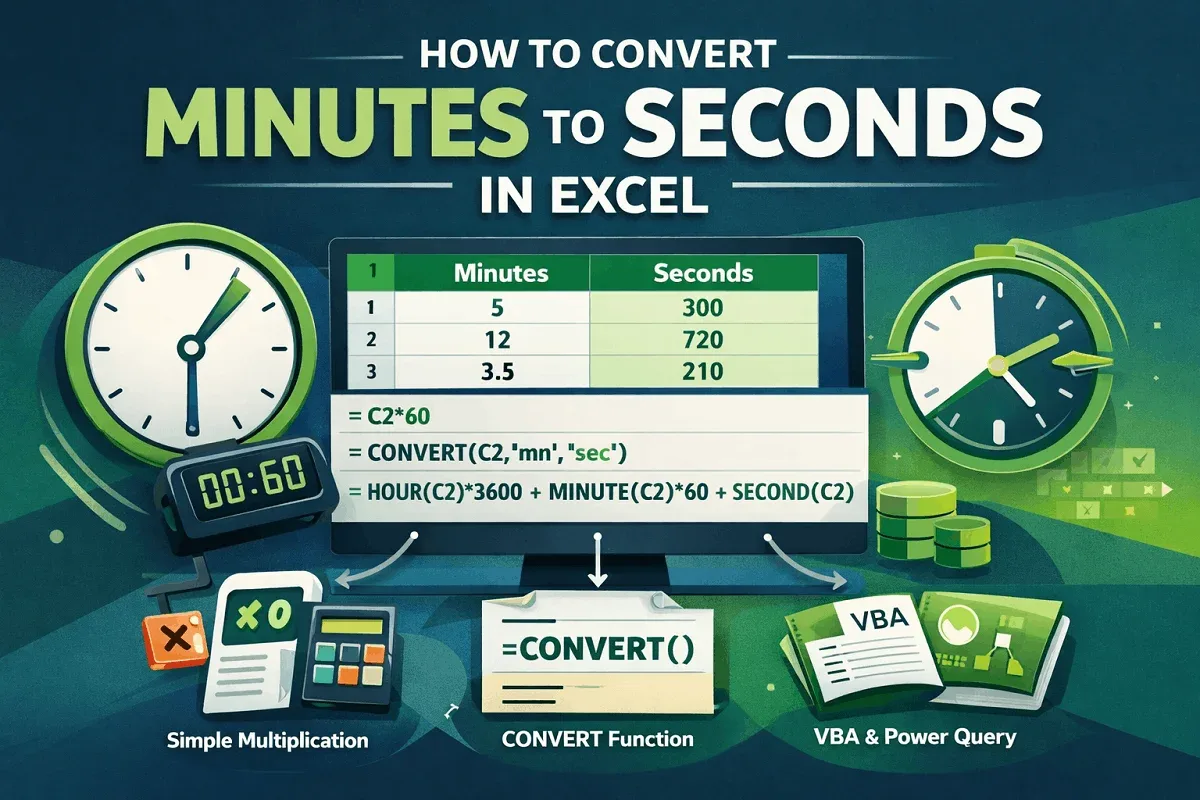
Learn how to convert minutes to seconds in Excel using simple multiplication, the CONVERT function, and time formats easily fast.

Export Excel file metadata manually or with Get Data, Power Query, VBA, and PowerShell to extract document properties into sheets.
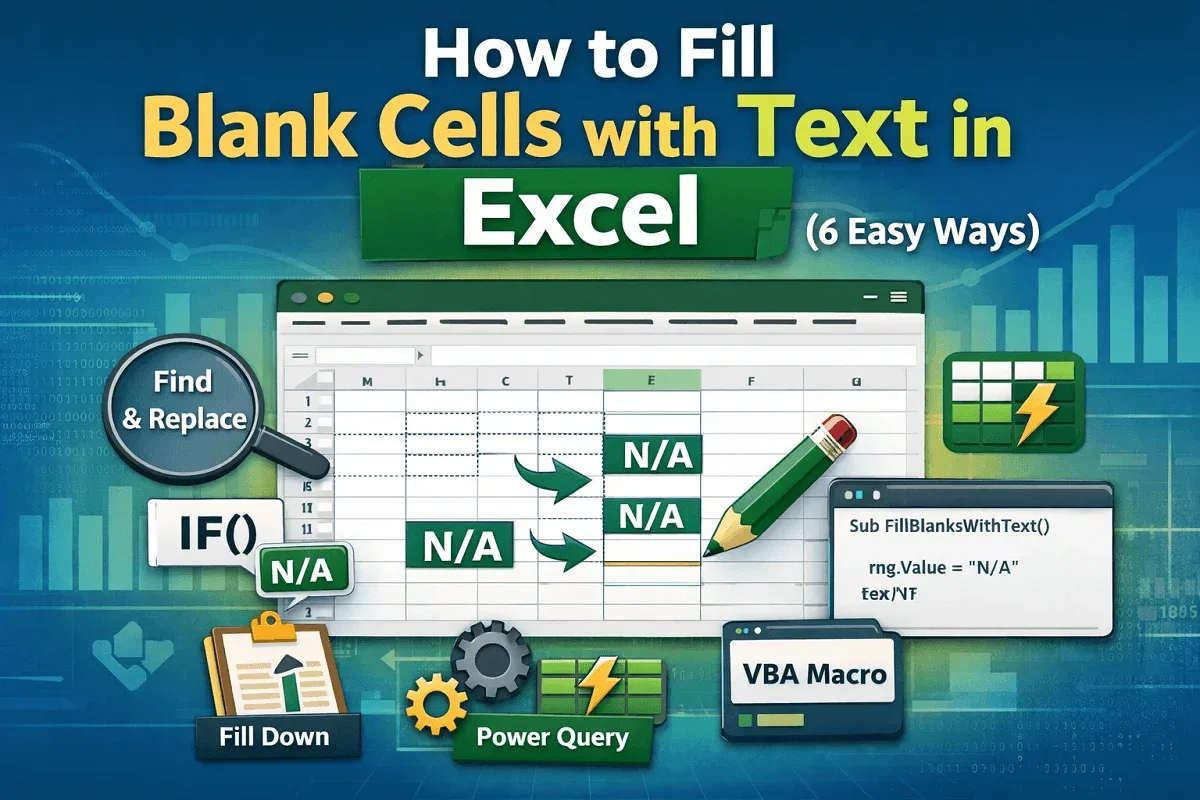
Learn how to fill blank cells in Excel using Go To Special, IF formulas, Find and Replace, Power Query, and VBA scripts easily.
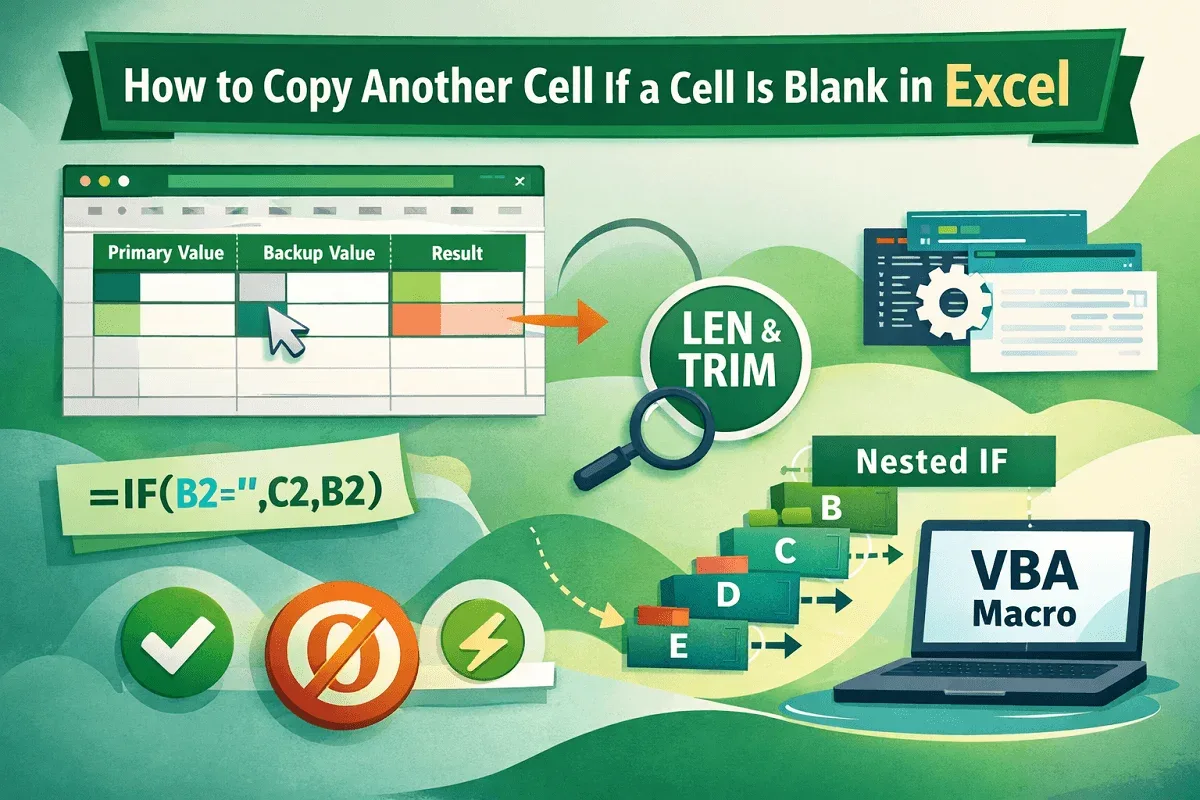
Learn how to copy another cell when a cell is blank in Excel using IF, ISBLANK, LEN, TRIM, nested formulas, and VBA macros easily.
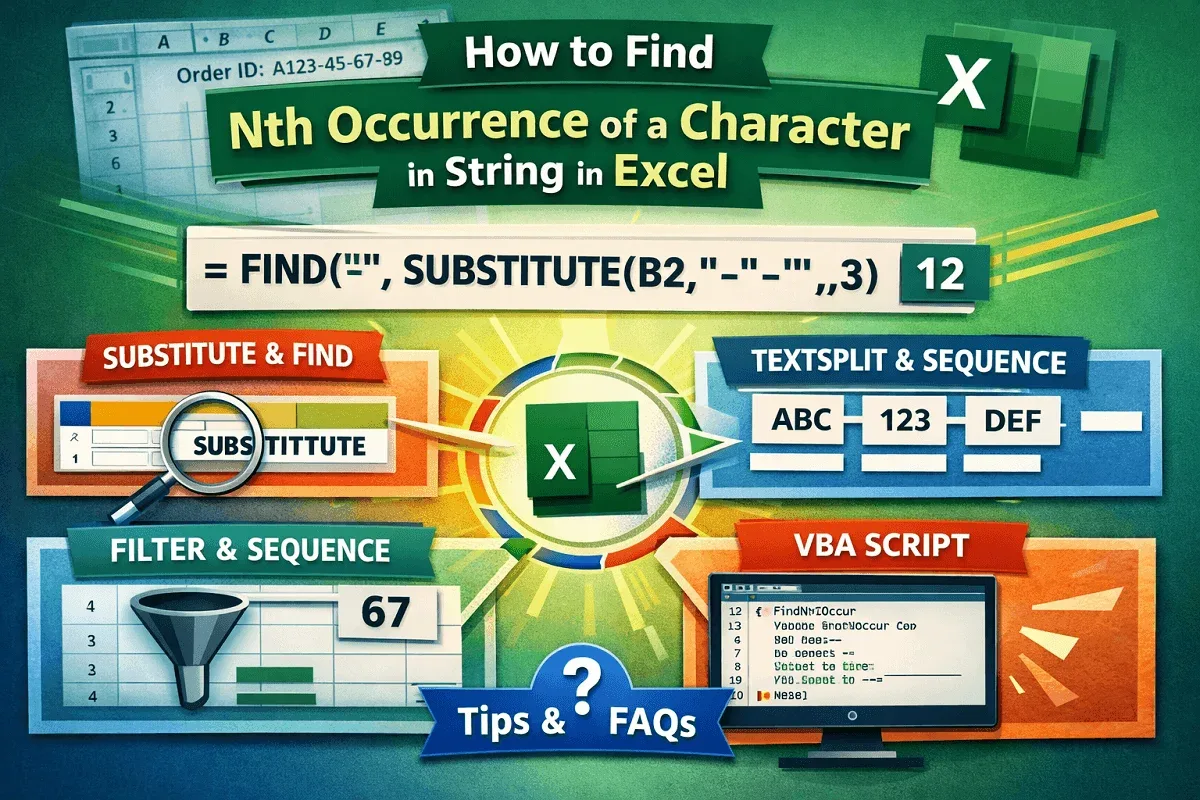
Learn how to find the Nth occurrence of a character in an Excel string using formulas, Excel 365 functions, and VBA with examples.
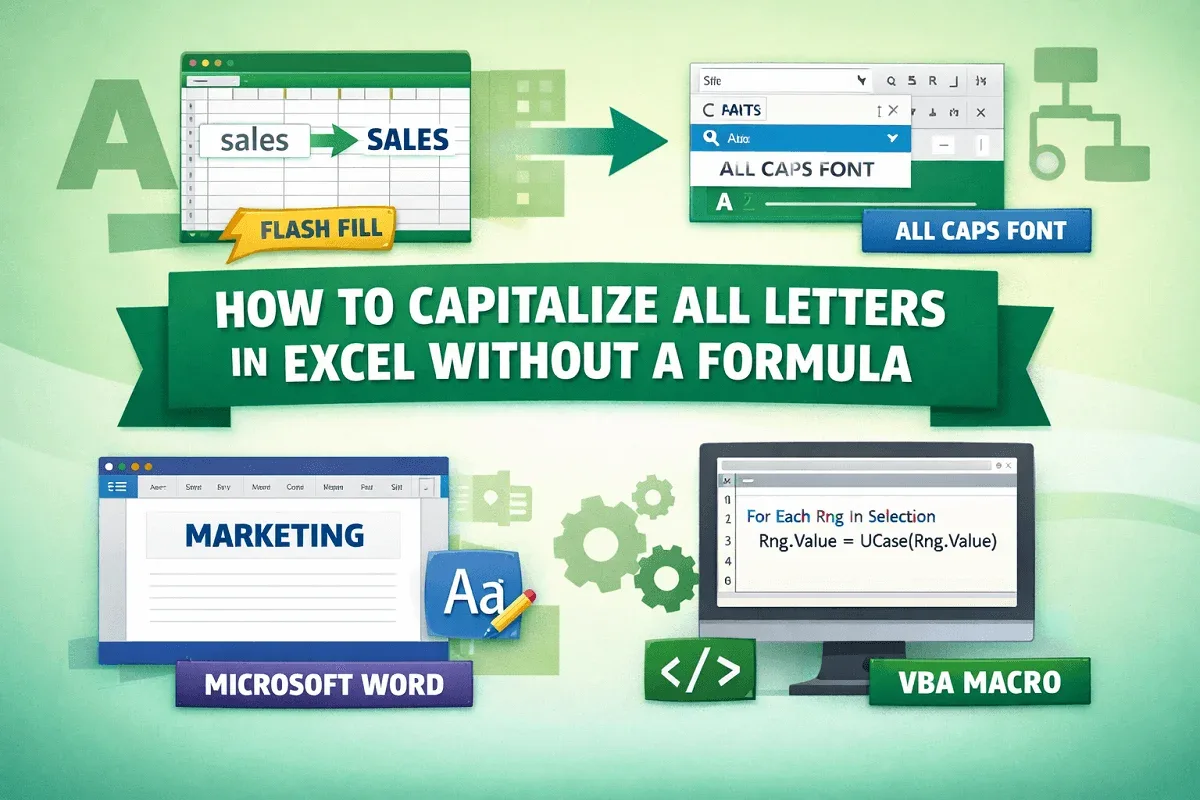
Learn how to capitalize all letters in Excel without formulas using Flash Fill, fonts, Word formatting, or VBA automation methods.
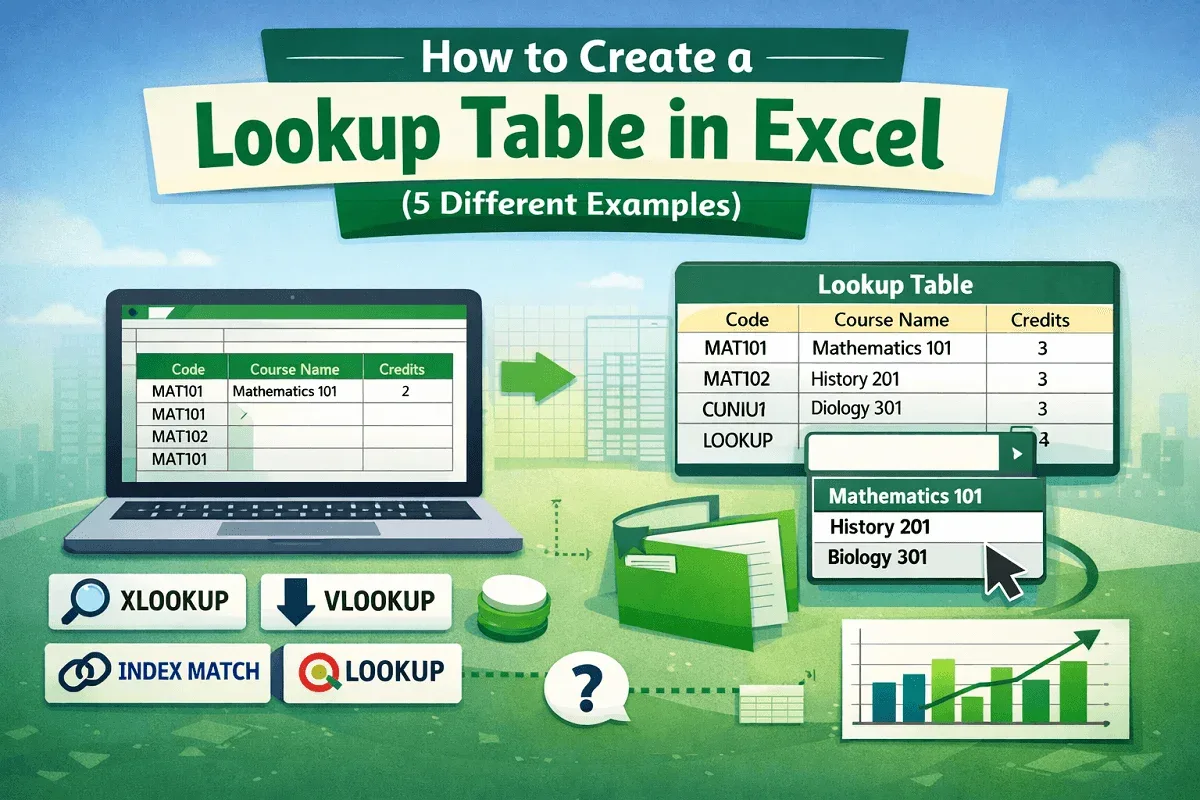
Learn how to create a lookup table in Excel using XLOOKUP, VLOOKUP, INDEX-MATCH, LOOKUP, and drop-down lists for fast data use.
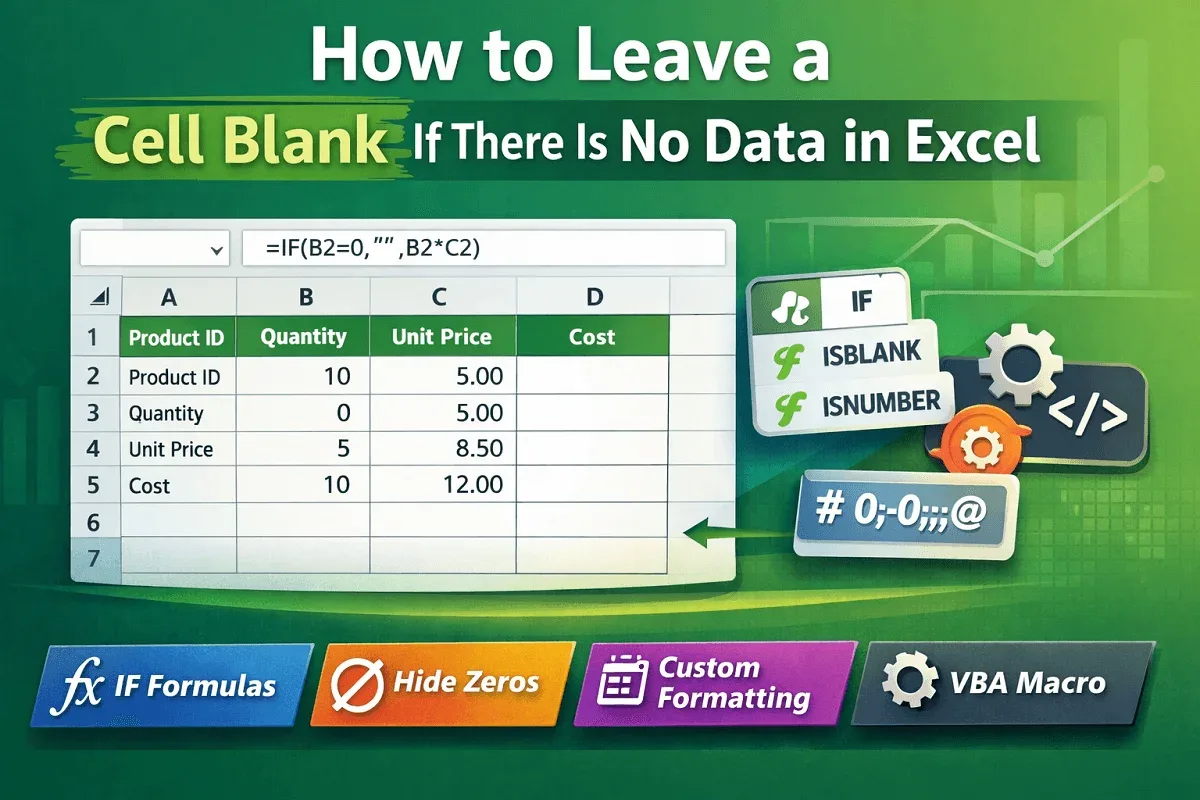
Learn how to leave a cell blank in Excel using IF formulas, ISBLANK, ISNUMBER, zero hiding, formats, and VBA macros easily today
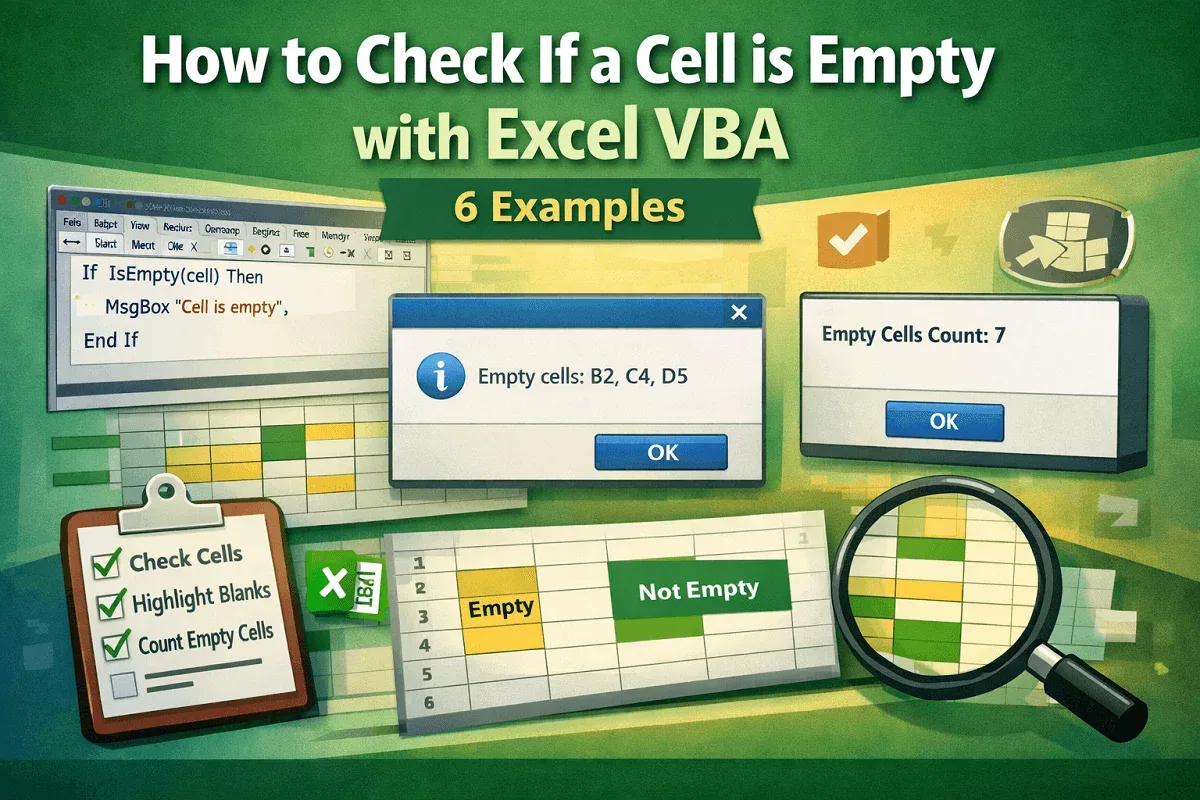
Learn how to check if a cell is empty with Excel VBA using IsEmpty, ranges, message boxes, and counting empty cells easily now.
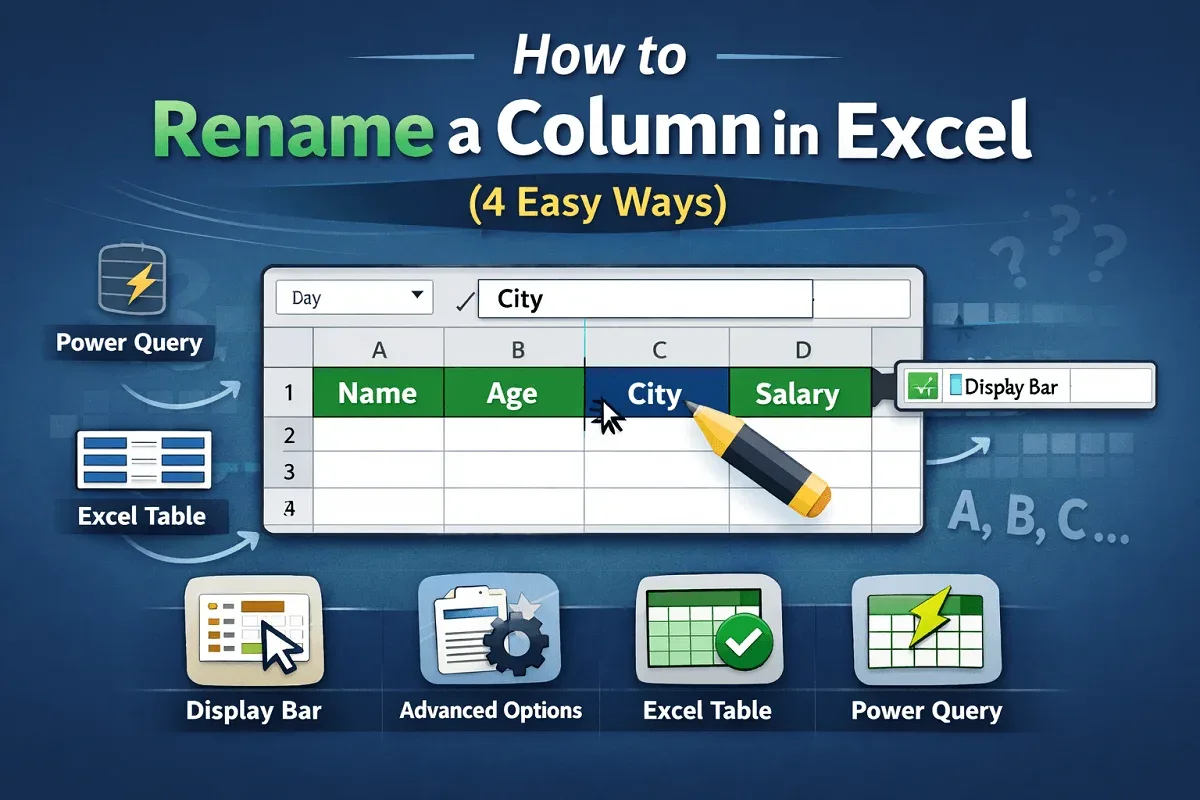
Learn how to rename a column in Excel using the display bar, advanced options, Excel tables, and Power Query efficiently.
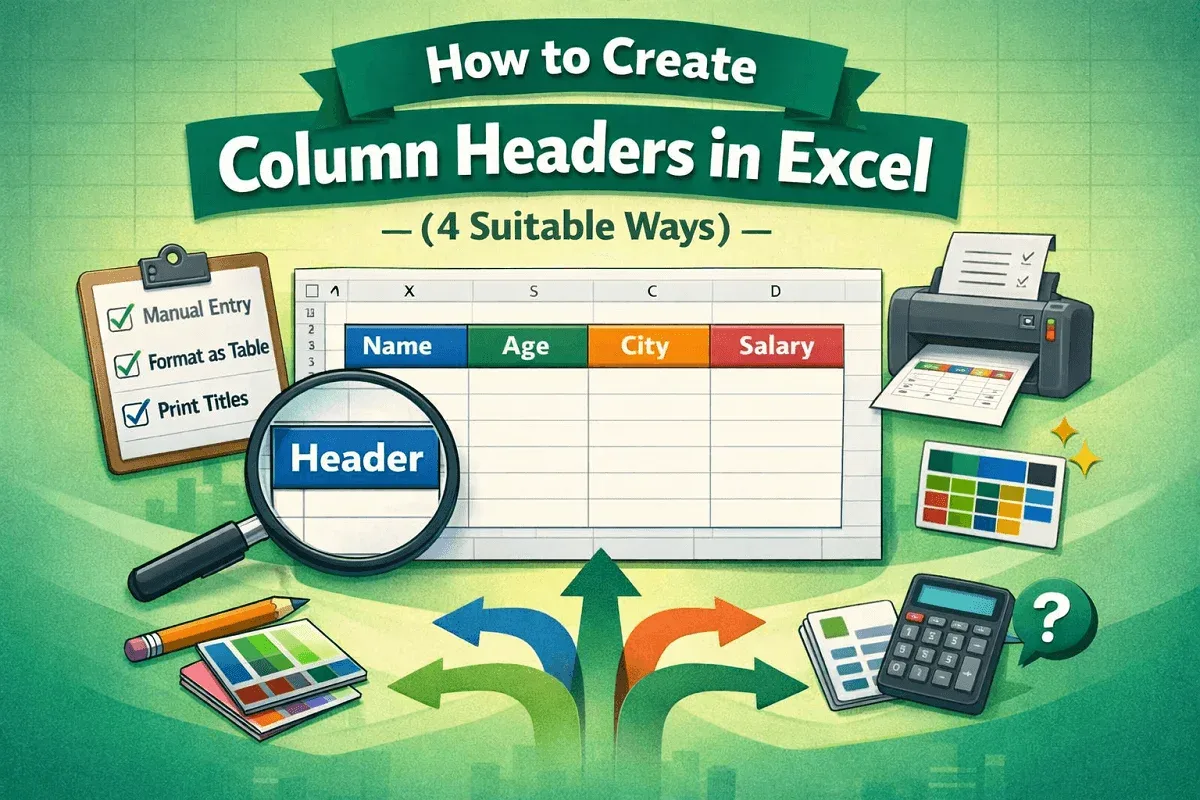
Learn how to create column headers in Excel manually, freeze panes, use tables, prepare headers for printing, and alternative methods.