Excel Pro Tips
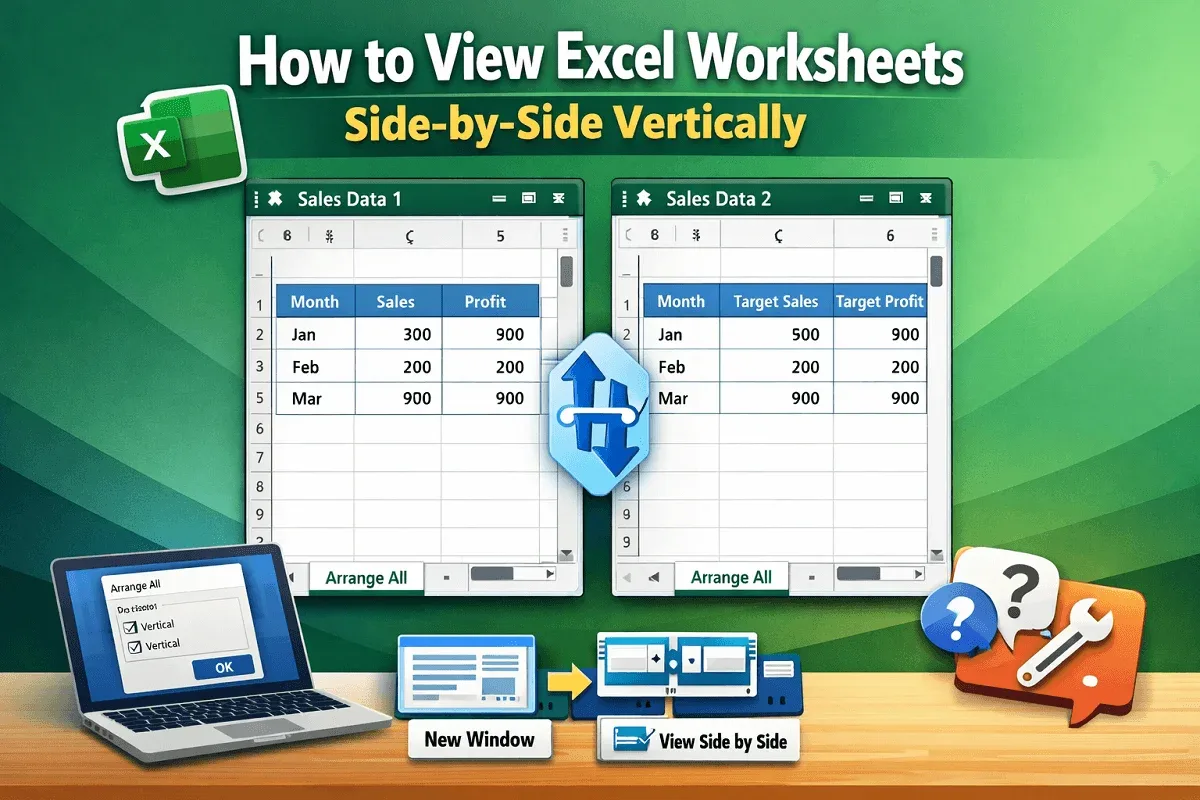
How to View Excel Worksheets Side-by-Side Vertically
Learn how to view Excel worksheets side by side vertically using new windows, View Side by Side, sync scrolling, and fixes for common issues.
Read article

555 articles
Learn how to view Excel worksheets side by side vertically using new windows, View Side by Side, sync scrolling, and fixes for common issues.
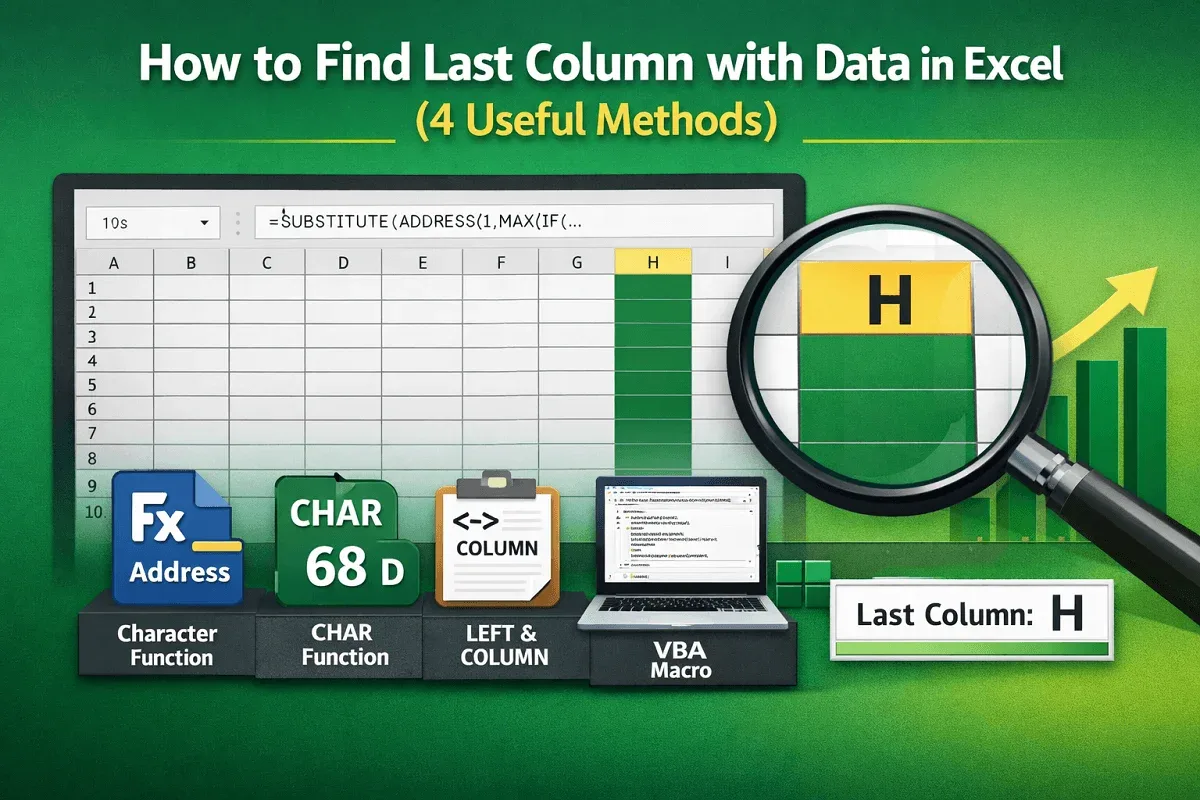
Learn how to find the last column with data in Excel using address references, character codes, formulas, or automatic VBA methods.
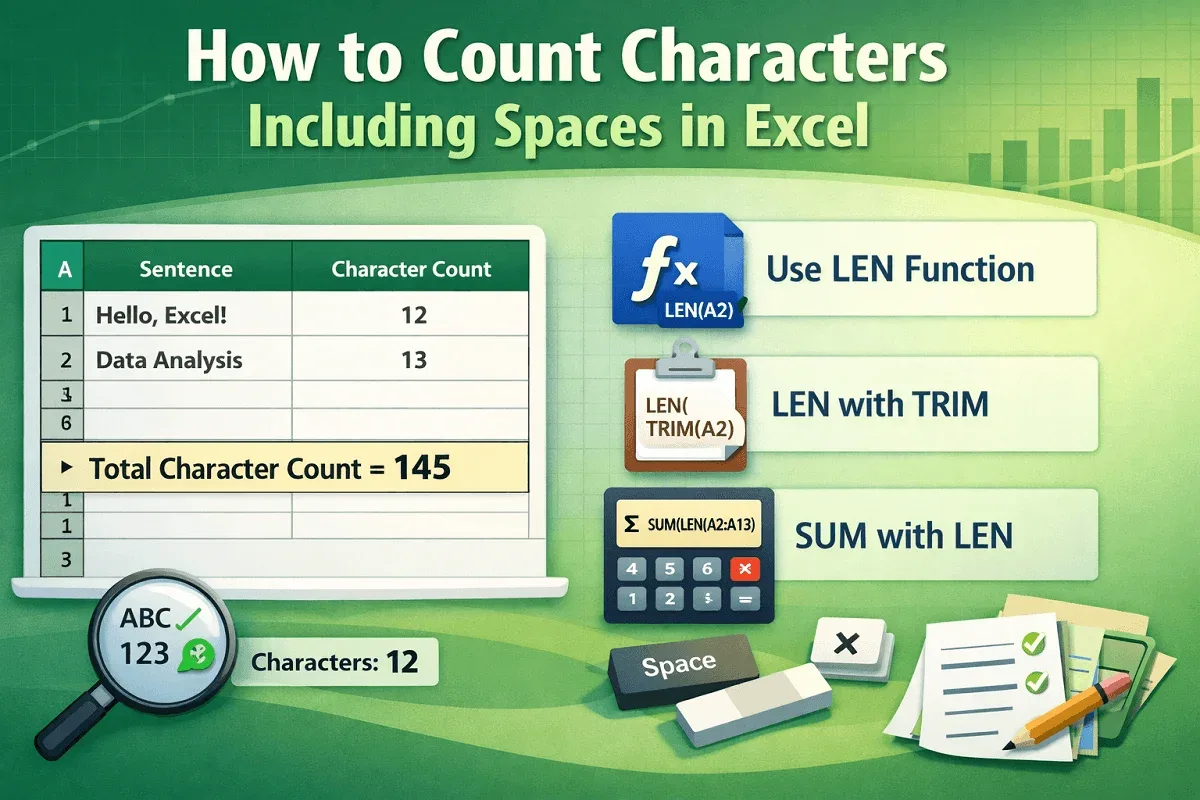
Learn how to count characters including spaces in Excel using LEN, LEN with TRIM, and SUM with LEN for single cells and ranges.
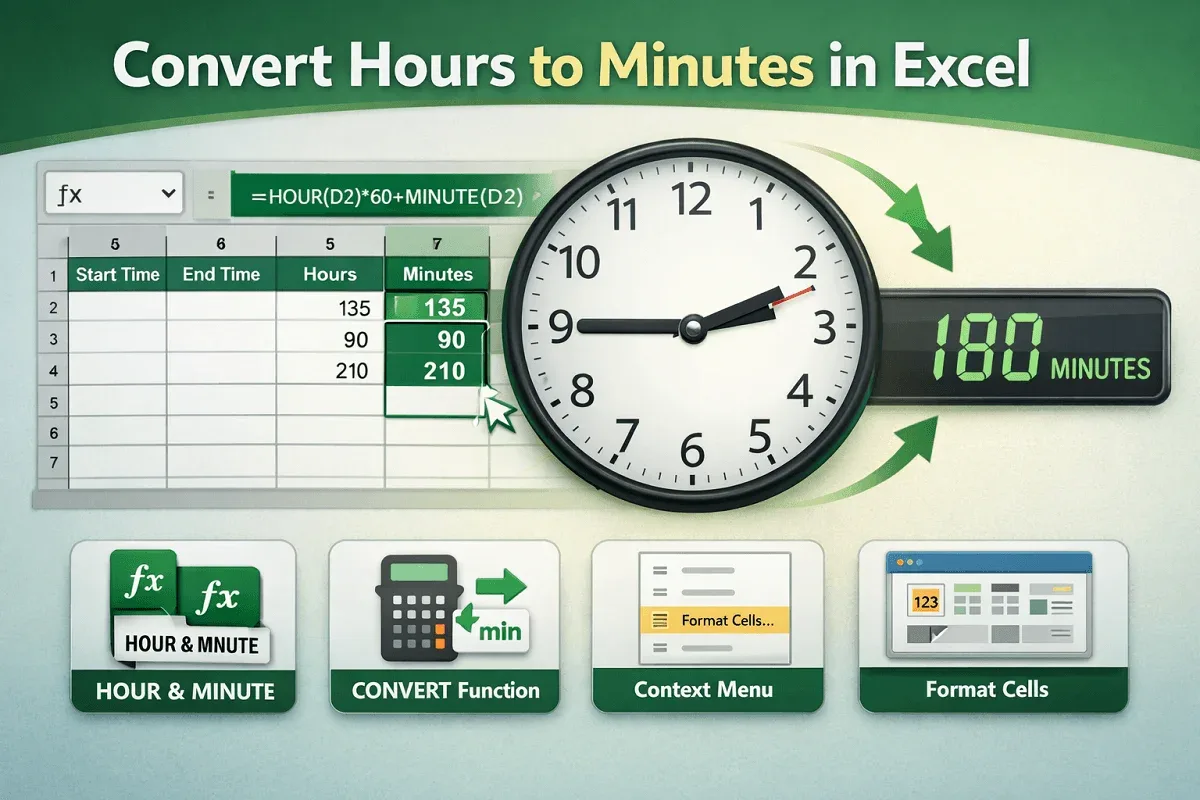
Convert hours to minutes in Excel using formulas, the CONVERT function, or cell formatting options from context and main menus.
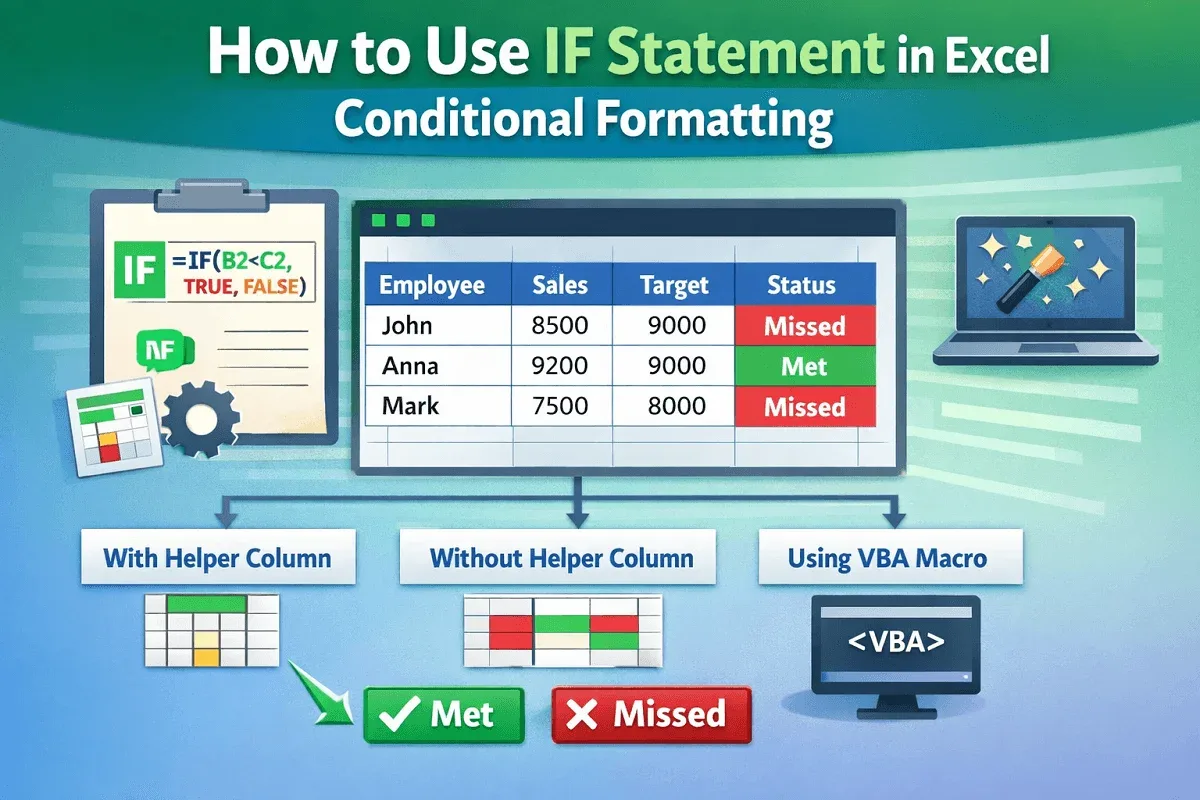
Learn how to use the IF statement in Excel conditional formatting with helper columns, direct formulas, and VBA to highlight results.

Learn how to add text after numbers in Excel using custom formats, conditional suffixes, scaling, symbols, and VBA alternatives.
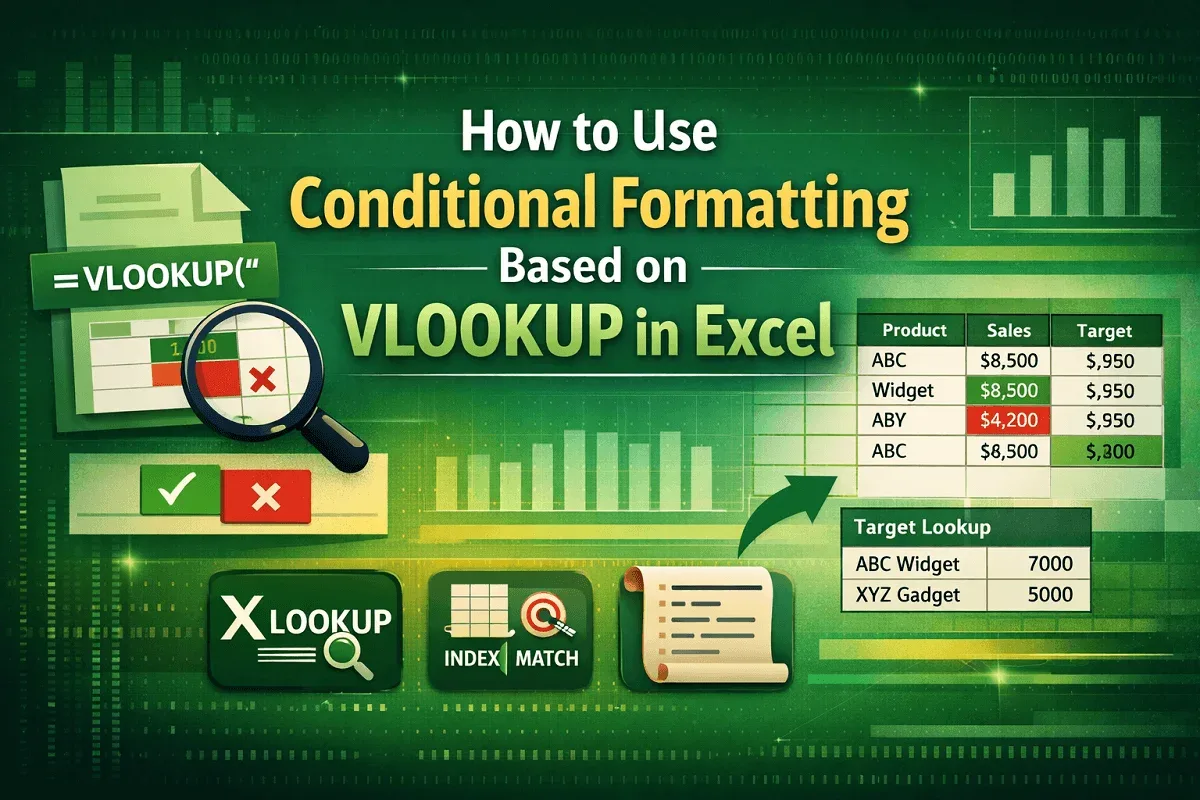
Learn how to use conditional formatting with VLOOKUP in Excel to highlight values, compare targets, and explore XLOOKUP, MATCH and VBA.
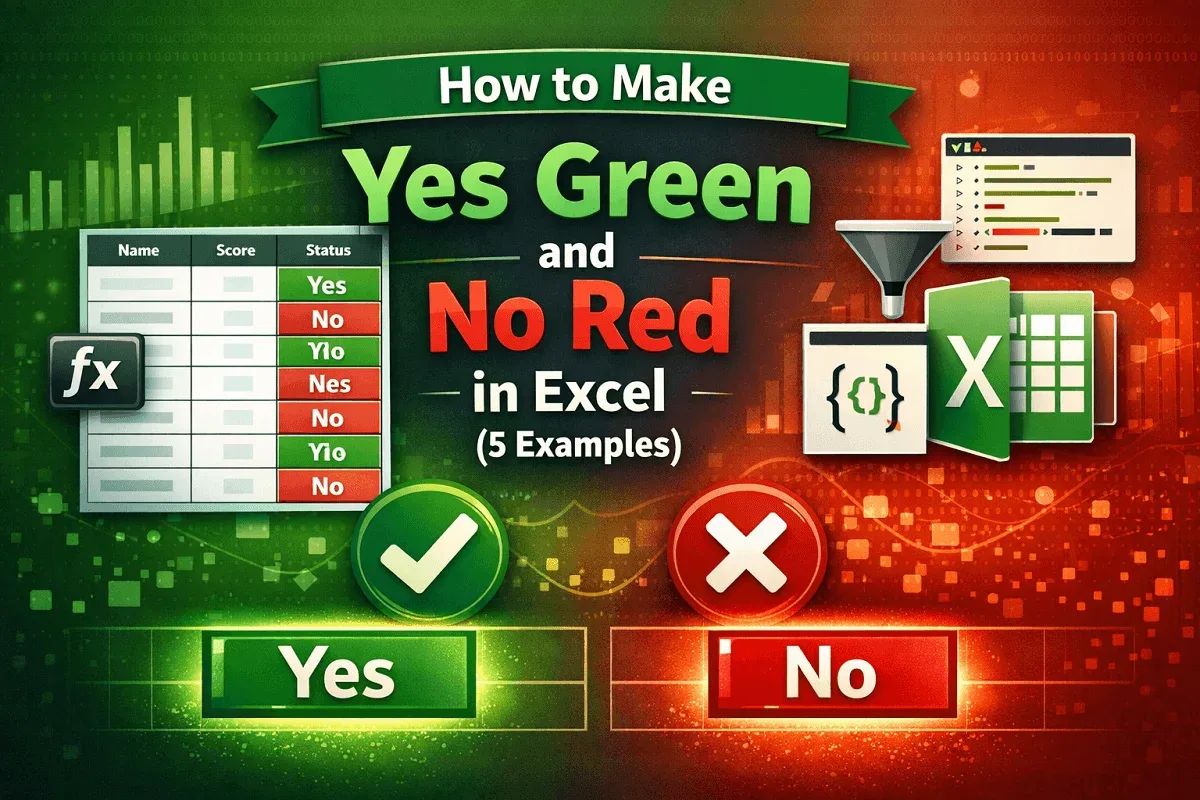
Make Yes green and No red in Excel using conditional formatting, filters, VBA Editor, or Office Scripts for highlights easily.
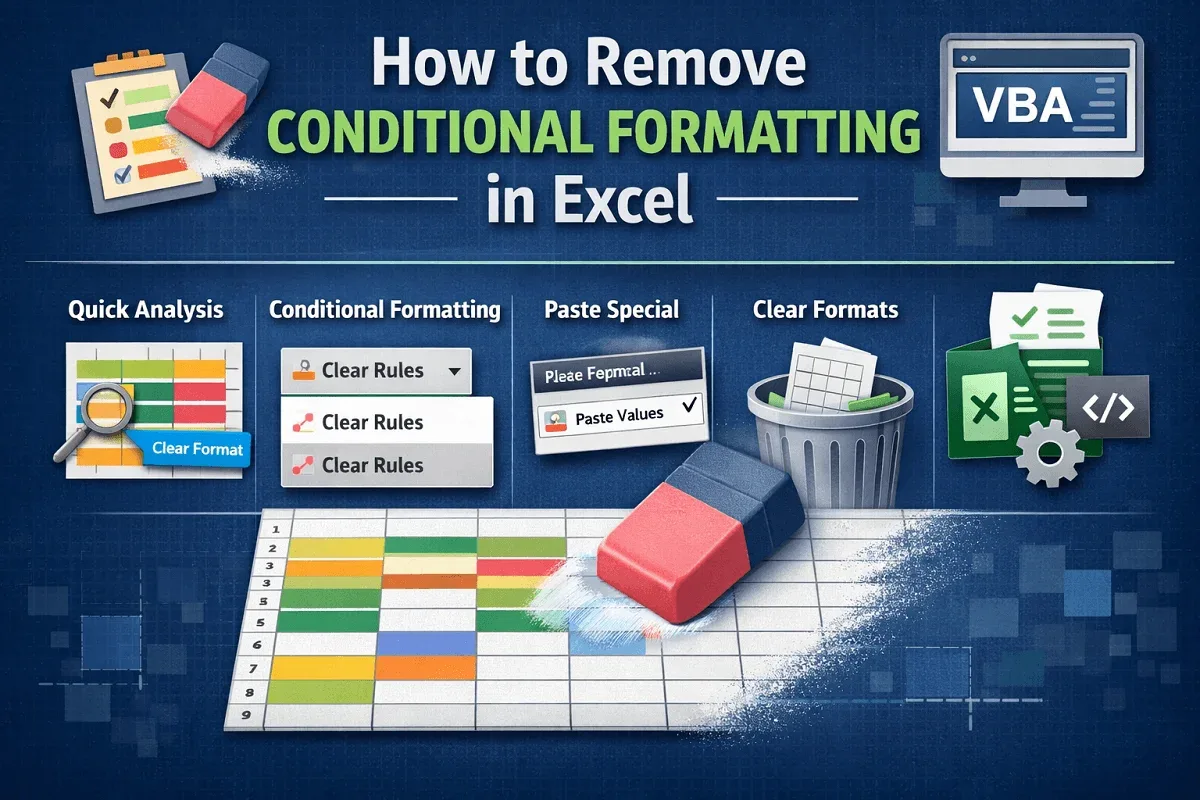
Learn how to remove conditional formatting in Excel using Clear Rules, Quick Analysis, Paste Special, Clear Format, or VBA automation.

Learn how to insert a watermark in Excel by adding an image via Header & Footer, using WordArt text, or inserting a background image.

Learn how to create a custom footer in Excel by using Page Layout view, customizing via Page Setup, or adding one with a VBA macro.
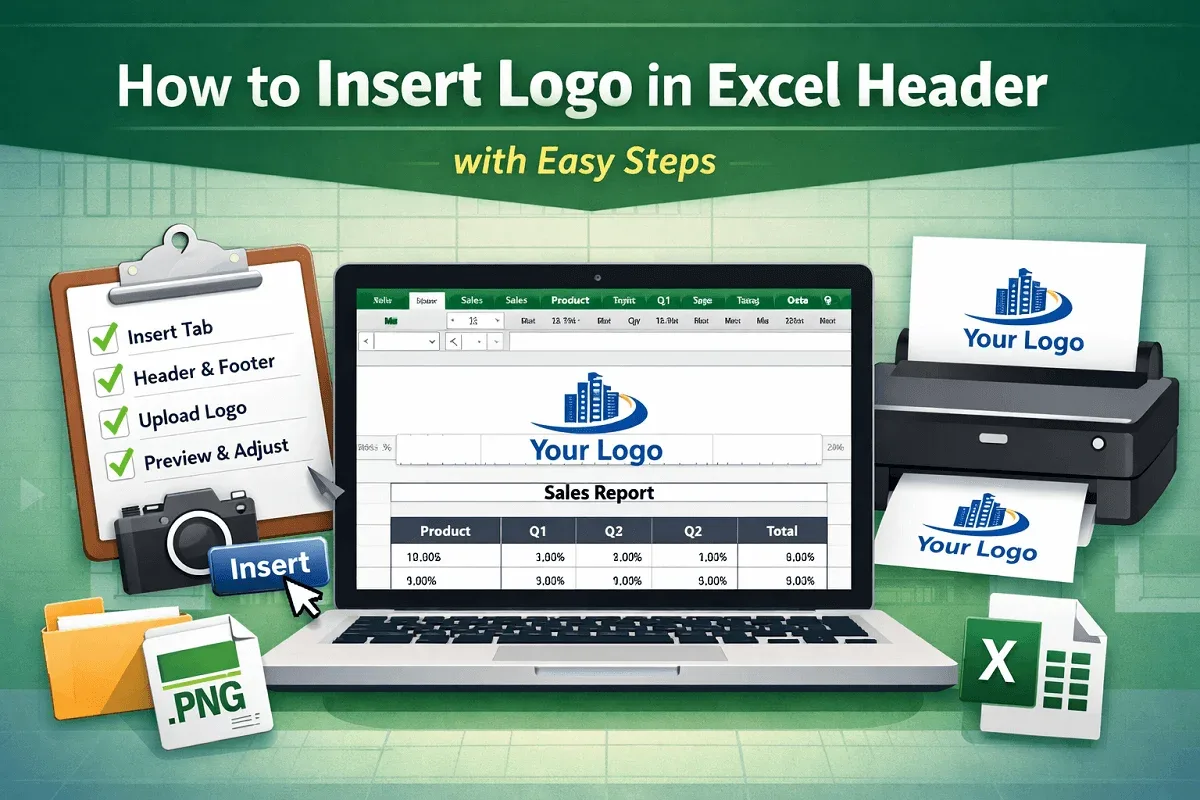
Add a logo to an Excel header by opening Header & Footer view, selecting a section, inserting the image, confirming it, adjusting the size.