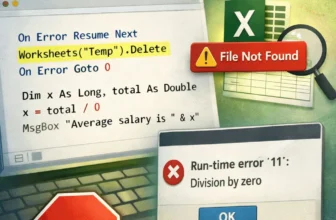
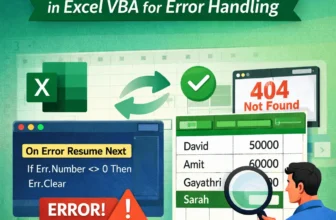
When writing macros in Excel VBA, managing errors is essential to keep your code reliable. By default, VBA uses the behavior of On Error GoTo 0, which means if an error occurs, the macro stops ...
When you're writing macros in Excel using VBA, it's normal to run into errors. These might happen if a worksheet is missing, a value is wrong, or an object isn’t available at the moment the code ...
Macros in Excel can make it easy to automate repetitive tasks and enhance productivity. However, sometimes, they refuse to run even when they are enabled. You may see errors or nothing happening.
...
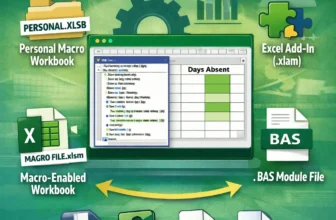
Macros help to automate repeated tasks in Excel very easily. Sometimes the macros are so effective that you want to reuse them for your future work, use them in other files, or share them. That’s ...