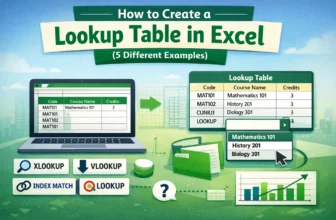
When you deal with data that repeats often, like product codes, employee IDs, or country names, it can quickly become tiring to type them again and again. It takes extra time, alongside increasing ...
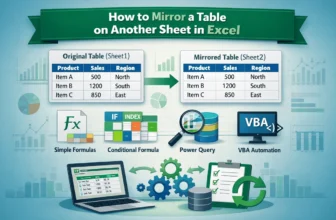
Mirroring a table on another sheet is a powerful way to keep your data synchronized across multiple locations. Whether you’re building dashboards, reports, or summary sheets, having a mirrored table ...
In Excel, creating a new table based on data from an existing table is a common task. This can help summarize, reorganize, or extract relevant information efficiently. Instead of manually copying ...
When you create an Excel table, Excel applies a default color scheme with specific font colors. However, you can customize the table colors by changing the fill, border, and font colors of your table ...
In Excel, you get a built-in option to add a Total row with functions like Average, Sum, Count, Max, Min, etc. This way, you get to calculate data within the table without manually typing separate ...
For Excel users, rotating a table has several meanings, including rotating the data structure only, visually rotating by treating the table as a picture, and flipping or transposing the table. In ...
Excel tables are structured ranges of data with added functionality, such as automatic column headers, built-in filtering and sorting, and predefined styles/formatting. They make managing, analyzing, ...
Structured reference in Excel is a way to refer to table data by column names instead of cell references. When you convert a range into an Excel Table, Excel allows you to write formulas like ...
Converting an image into a table in Excel means turning a picture that contains tabular data into actual editable cells. You can then work with these cells by sorting, filtering, calculating, and ...