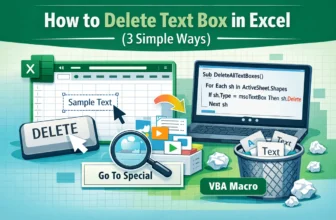
Text boxes are great for annotations and dashboard callouts but when they’re no longer needed, removing them keeps your worksheet tidy and easier to read. Excel offers several ways to delete text ...
Text boxes in Excel are versatile tools for highlighting important information, adding annotations, or enhancing the visual appeal of your worksheets. When formatting a text box, you can control its ...
Dynamic text boxes in Excel allow you to display changing messages or values that update automatically when the underlying data changes. Instead of editing shapes manually, you can link text boxes to ...
A floating text box in Excel is a movable text container that sits above the worksheet and is not tied to a specific cell. It allows you to display important notes, instructions, labels, or titles ...
Excel text boxes aren’t just for adding notes, they can also display live data straight from your worksheet. By linking a text box to a cell, any change in the cell will instantly appear in the box. ...