Advanced Excel
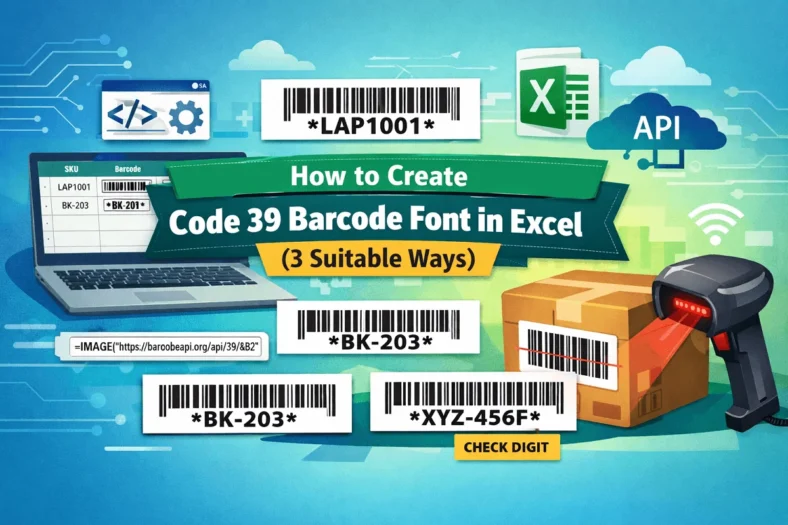
How to Create Code 39 Barcode Font in Excel (3 Suitable Ways)
Manually typing product codes and SKUs feels no less like the 2000s. Not only is it tiring, but it is also prone to errors. Imagine scanning the product codes to


Manually typing product codes and SKUs feels no less like the 2000s. Not only is it tiring, but it is also prone to errors. Imagine scanning the product codes to
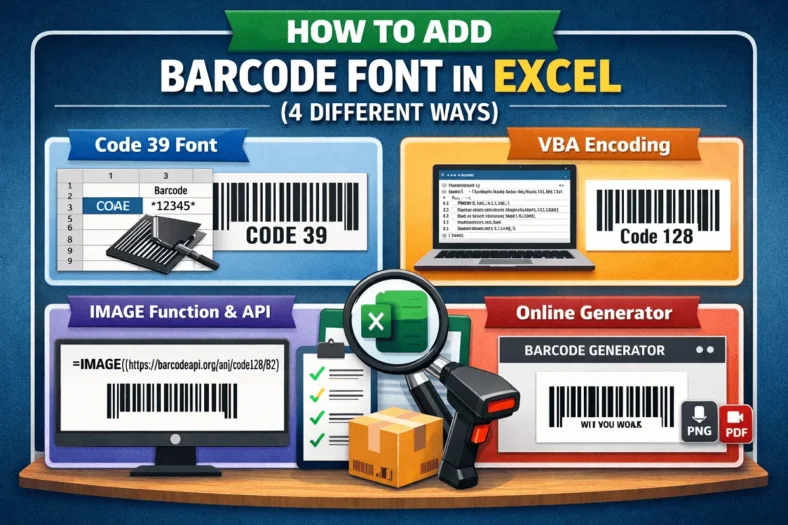
Managing inventory, sales, or product tracking is not just simple calculations. This process often requires using barcodes for more standard and productive worksheets in Excel. Businesses, warehouses, and even small
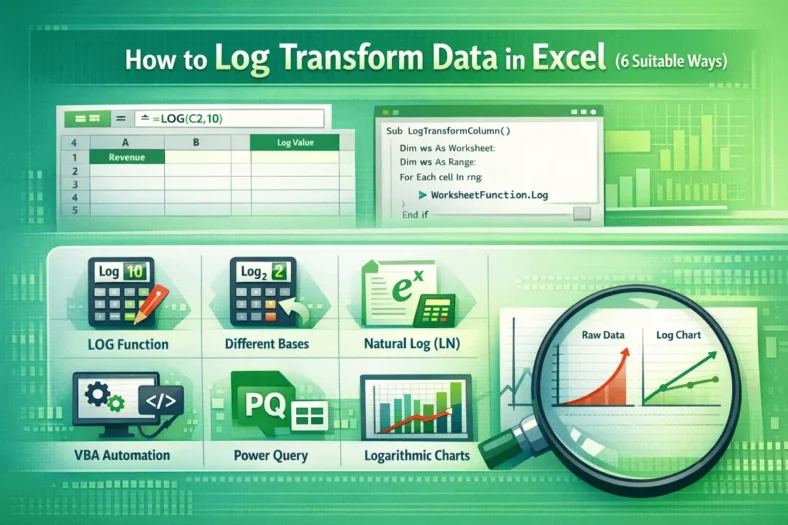
In Excel, we often need to work with data that is larger or has skewed trends. This makes it harder to analyze that large numeric range, let alone identify its
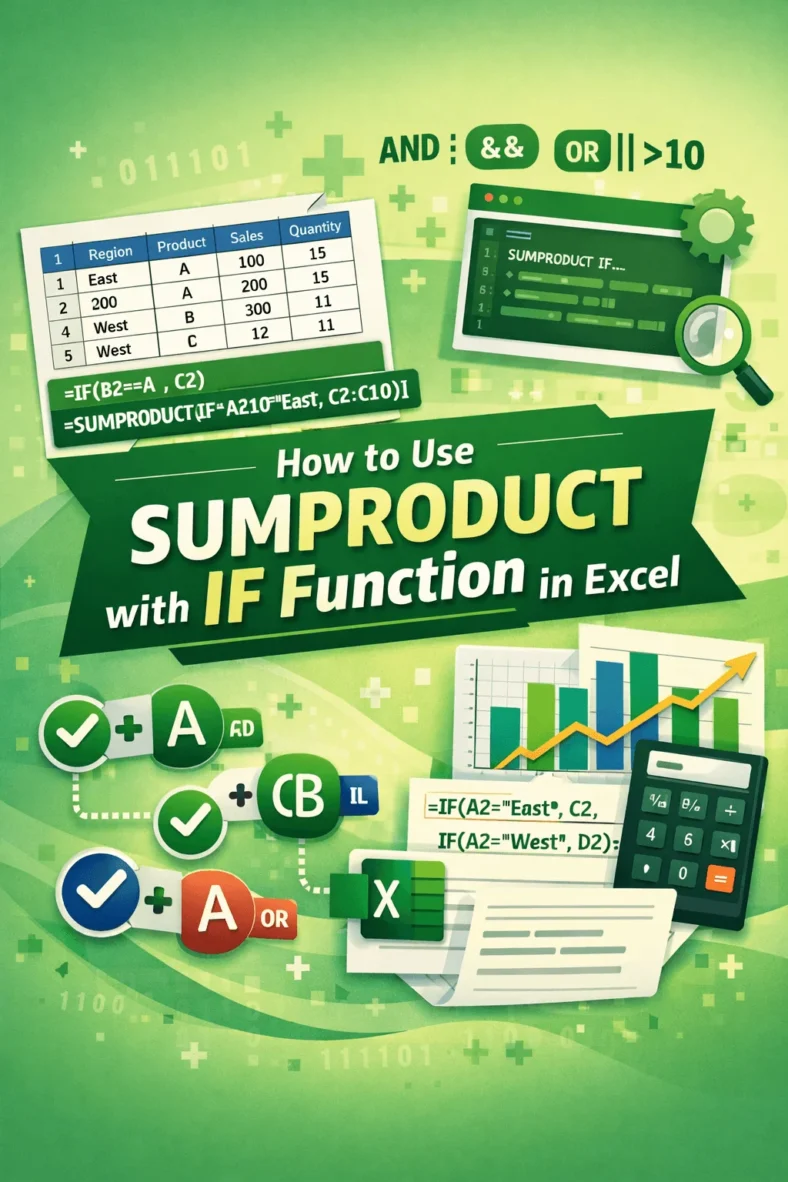
Ever feel the necessity to use SUMPRODUCT combined with conditionals? Exactly the way we use SUMIF. Though SUMPRODUCT has built-in unique functionality to use conditionals, Excel does not have any

Most Excel users are comfortable adding up the numbers across a single column. Drag cells or do a quick SUM and you’re done. But things get trickier when your data

When it comes to sum a range of data while handling multiple conditions in Excel, we often start to fumble. Most of the time, we jump to the SUMIFS formula

In Excel, you often require the sum of ranges of cells based on some criteria. Usually, you can do this with SUMIFS for a single sum range. However, to do

As in Excel, we always calculate this or that; the raw calculation needs to be paired with some text. The vague value itself sometimes does not make any sense. For
Combining text and numbers is often necessary for summaries and labels. For example, for sales data, you might need to integrate the text ‘Total’ with the sales value in numerics
