Excel Pro Tips
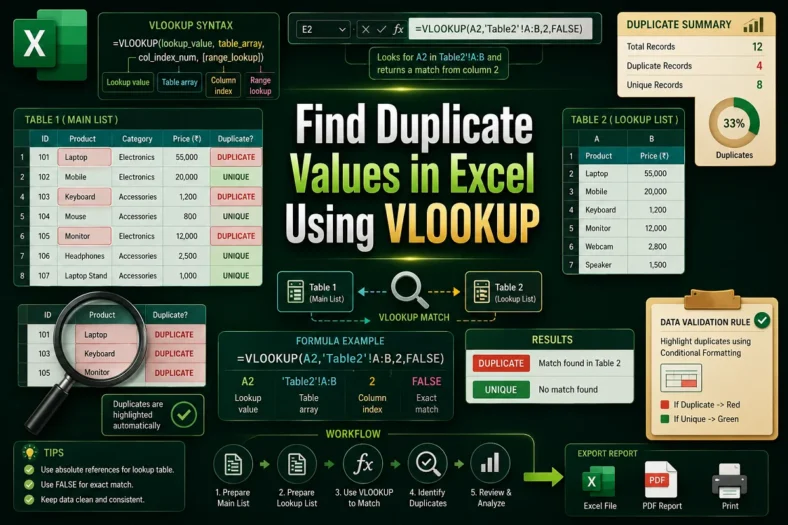
How to Find Duplicate Values in Excel Using VLOOKUP
Repeated entries in Excel can affect your report and analysis if the duplicate data is not dealt with properly. It does not matter whether you are working with customer details,


Repeated entries in Excel can affect your report and analysis if the duplicate data is not dealt with properly. It does not matter whether you are working with customer details,
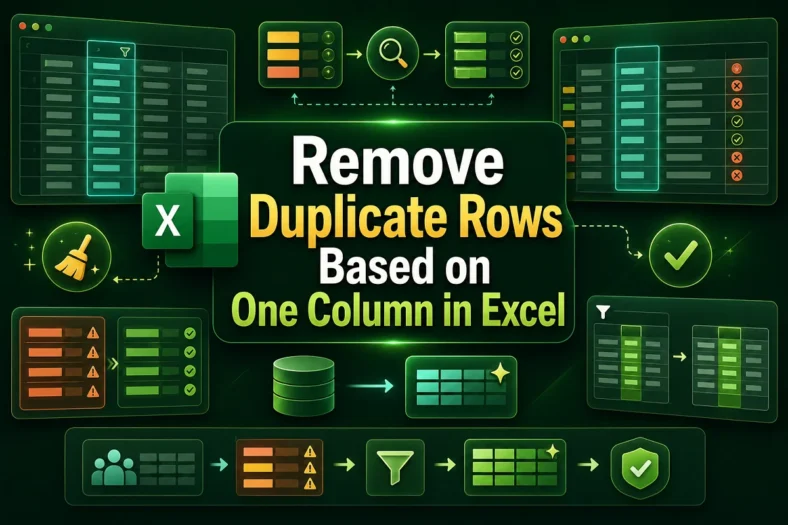
Duplicate rows are a common issue in Excel. We often encounter repeated entries such as customer names, places, and codes when working on large datasets. This data needs to be
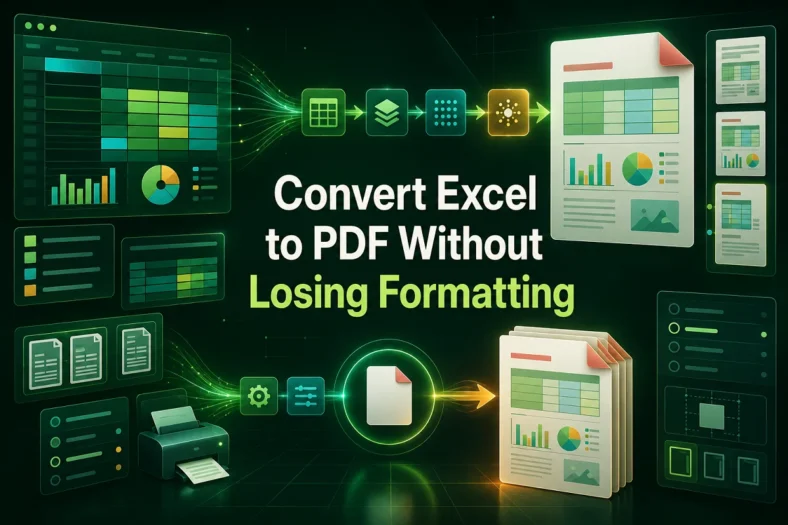
Excel, though versatile, often needs to be converted to PDF while sharing reports, printing documents, or presenting financial documents. However, this experience is usually awful, as the users rarely get
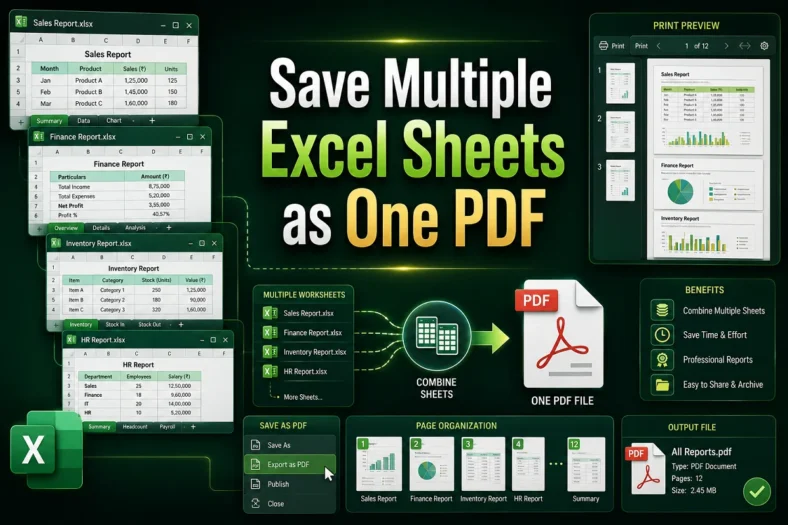
Technically, we seldom work with small datasets or single sheets in the real world. We often need to work with multiple Excel sheets in one file for financial summaries, departmental

Preparing financial documents or major business stats from Excel data often involves presentation in slides. Transforming all the data in the PowerPoint presentation is not often a great idea. Not

Organizing the data in Excel is not always enough. Sometimes, we need a more interactive approach to visualize and present them. A perfect solution for that can be PowerPoint slides.
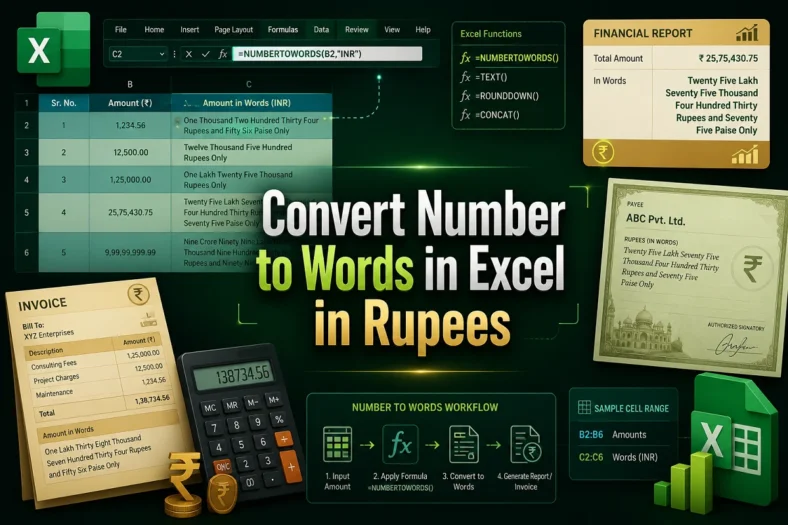
Representing financial documents, receipts, and cheques requires correctly understanding the Rupee format. Often, we need to convert numerical values to words to present the documents properly and avoid miscommunication. As

Excel often deals with data directly imported from other sources or databases. Trimming and prepping the data per your requirement creates an extra burden. Many times, while collecting customer data,

Time in decimals can be overwhelming, especially when dealing with huge time logs and calculations. It not only makes the Excel confusing but also makes the time calculation complex. To