How to Create Dynamic Cell References in Google Sheets
In Google Sheets, there are times when you want a formula to reference different cells based on user input or logic, without manually updating the formula. This is where dynamic


In Google Sheets, there are times when you want a formula to reference different cells based on user input or logic, without manually updating the formula. This is where dynamic
When working across multiple spreadsheets, you may need to pull data from a cell in a different Google Sheets file, commonly referred to as referencing another workbook. This is useful

Timestamps in Google Sheets often contain both date and time information (e.g., 2025-05-16 14:35:00). While this can be useful for logging events, many workflows only require the date portion. Google

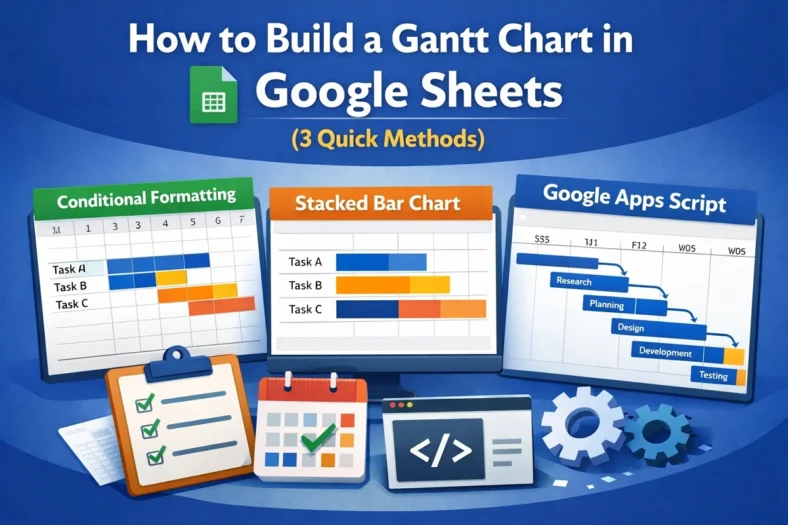
Gantt charts are essential tools for visualizing timelines, tracking project progress, and managing tasks over time. While Google Sheets doesn’t have a dedicated Gantt chart feature, you can still create

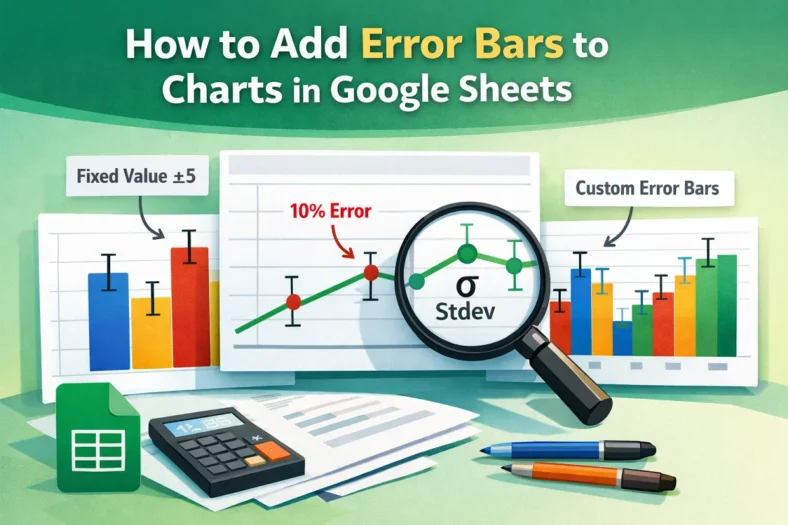
For data involving uncertainty, such as scientific experiments or survey results, error bars in charts visually represent the value range. Google Sheets allows you to add error bars to columns,

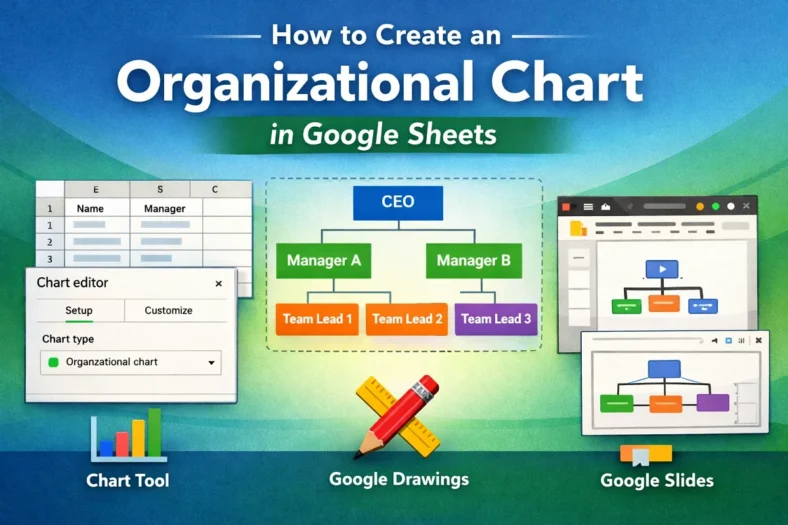
Organizational charts visualize team structures, reporting lines, and workflows in a company or project. If you manage teams or need to clarify roles and hierarchies, an org chart can save

If you’re using checkboxes in Google Sheets, for to-do lists, attendance tracking, or surveys, you might want to count how many have been checked (TRUE) or left unchecked (FALSE). Luckily,

When using Google Sheets, you might merge cells to make headers or sections look cleaner. But if you’re working with a large table, those merged cells can cause problems. For

If you’re working with financials, reports, or regional data in Google Sheets, using custom number formats can dramatically improve how your spreadsheet looks, without changing the underlying values. Instead of