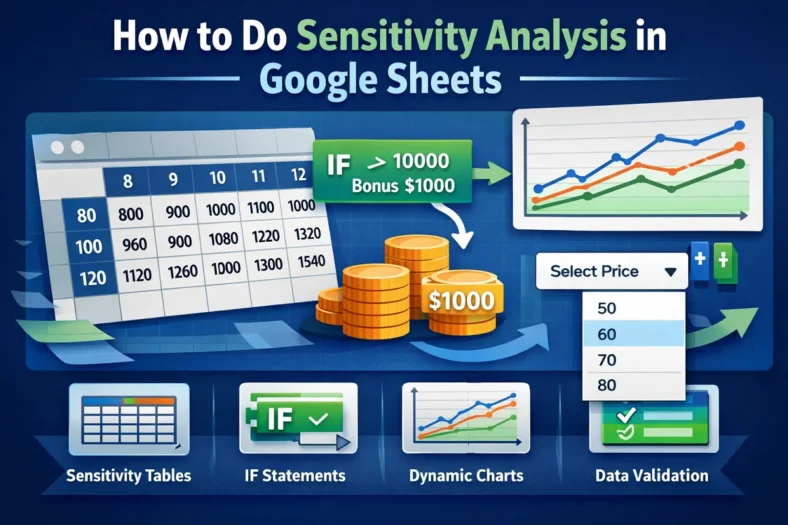
How to Do Sensitivity Analysis in Google Sheets
Sensitivity analysis is a powerful tool that helps you understand how changes in input values affect the outcome of a model. In Google Sheets, you can perform a sensitivity analysis
Sensitivity analysis is a powerful tool that helps you understand how changes in input values affect the outcome of a model. In Google Sheets, you can perform a sensitivity analysis
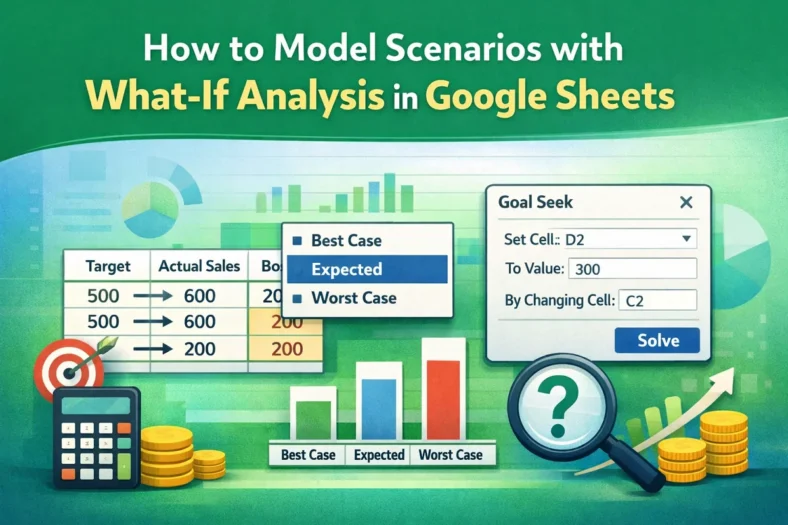
What-if analysis helps you test different assumptions or inputs in a spreadsheet to see how they affect the final outcome. Whether you’re planning a budget, tracking inventory, or forecasting sales,

If your Google Sheets formula isn’t working, it can disrupt your entire workflow. Whether you’re seeing errors, blank results, or unexpected outputs, the issue often comes down to syntax errors,

If you’re unable to see the edit history in Google Sheets, it can make tracking changes difficult. This problem often occurs due to permission restrictions, browser glitches, or changes in

If the “Protect range” option is missing or not working in Google Sheets, it’s often due to issues with sheet ownership, permissions, or being in a shared file with limited

If you see an “Internal error” while using the IMPORTRANGE function in Google Sheets, you’re not alone. This cryptic error usually appears when something goes wrong behind the scenes, whether

If you want to analyze, filter, or share your calendar data, exporting Google Calendar events to Google Sheets is a useful way to do it. Whether you’re managing project deadlines,

If your Google Sheets FILTER function isn’t working as expected, it can be frustrating. Whether it’s returning errors, no results, or incorrect data, the problem usually comes down to range

When working with large datasets in Google Sheets, apply the VLOOKUP function across an entire column without manually dragging the formula down. Unfortunately, Google Sheets does not apply VLOOKUP to