How to Convert Numbers to Strings in Excel VBA (3 Examples)
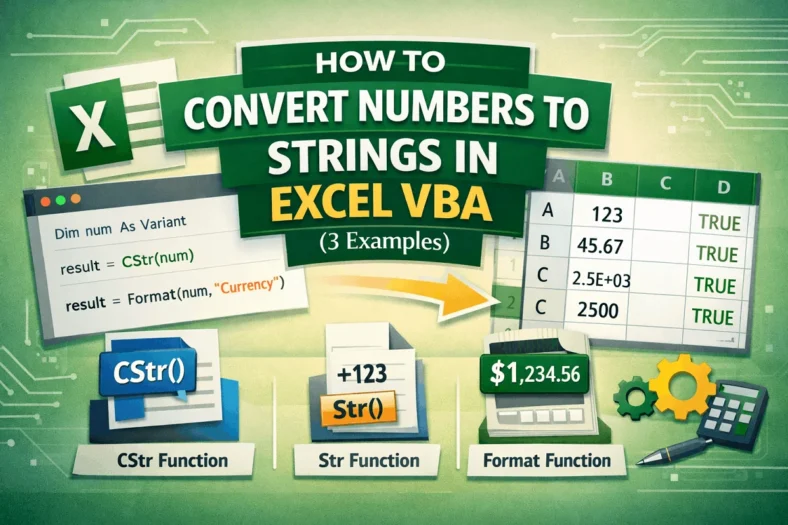
When working with Excel VBA, you will often need to convert numbers into text, whether it is for displaying values in a specific format, preparing data for concatenation, or manipulating
When working with Excel VBA, you will often need to convert numbers into text, whether it is for displaying values in a specific format, preparing data for concatenation, or manipulating
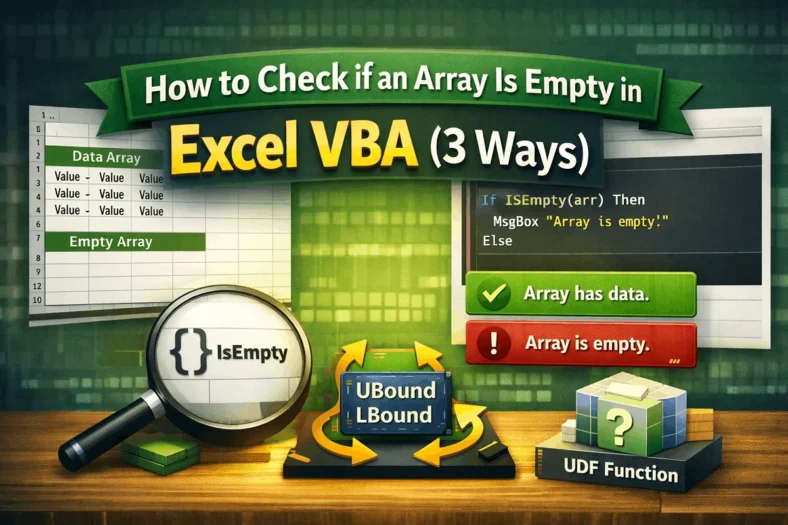
Arrays are a common way to store multiple values in Excel VBA, but sometimes you need to find out if an array has any data or if it’s empty. This

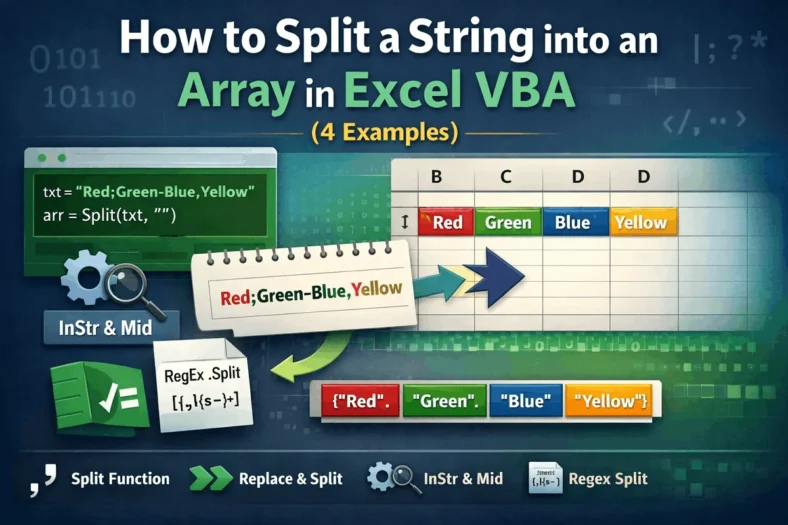
Working with text in Excel VBA often means breaking it into parts, for example, separating names, splitting values, or parsing CSV data. That’s where string splitting comes in. VBA gives

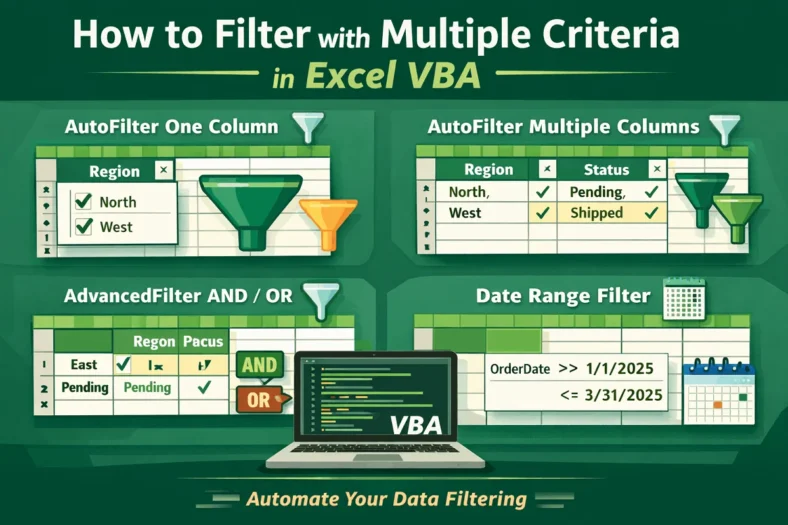
Filtering data in Excel is easy when you do it by hand, but it can take a lot of time if the table is big or the filters are complicated.

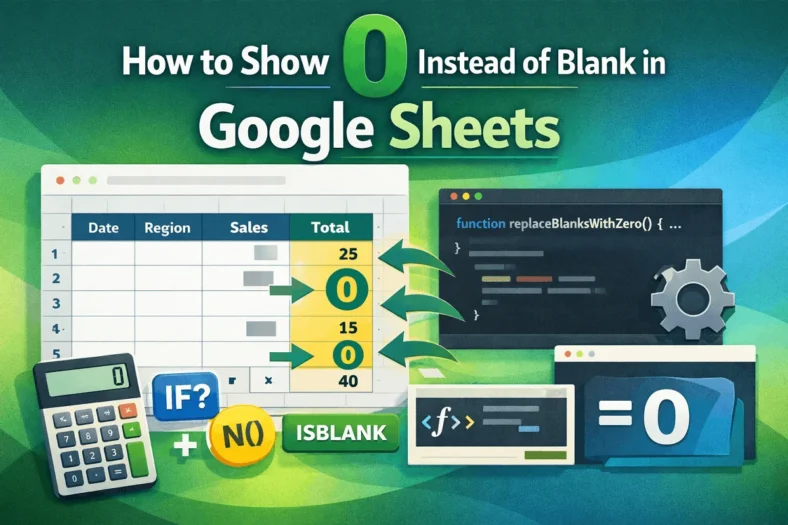
Blank cells in Google Sheets can cause issues when you’re working with calculations, charts, or dashboards. Inconsistent data can lead to misleading results or display errors, especially if you’re summing

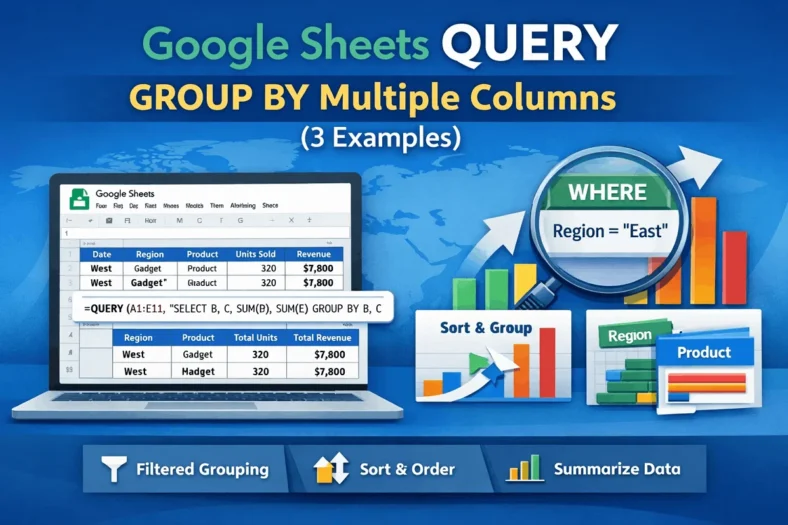
The QUERY function in Google Sheets is a powerful tool for summarizing and analyzing data, especially when you need to group values across more than one column. Whether you’re managing

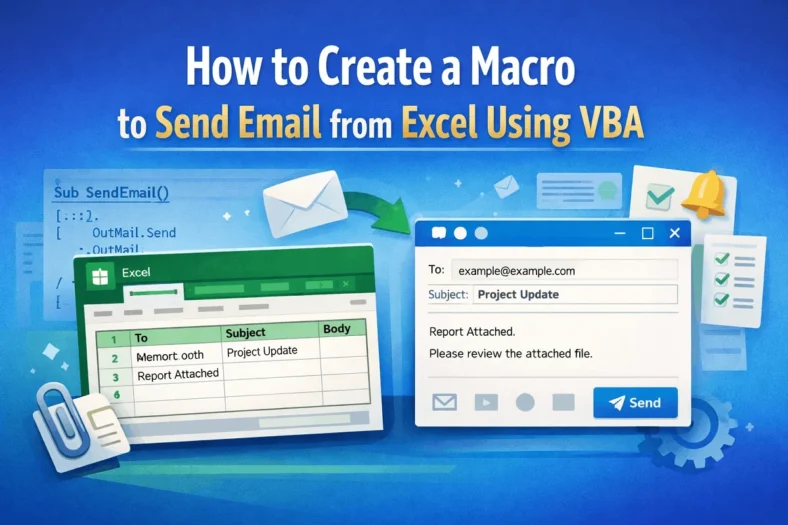
Sending emails manually from Outlook can be repetitive, especially when you are working with data in Excel. Whether you’re notifying employees, sending invoices, or distributing reports, automating the email process

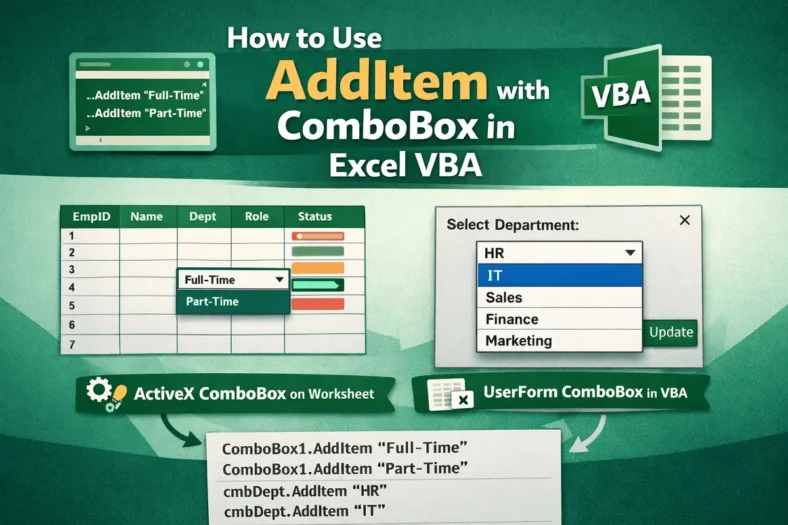
When designing forms in Excel VBA, ComboBoxes lets users select from a list instead of typing values manually. This not only improves accuracy but also enhances the user experience. One

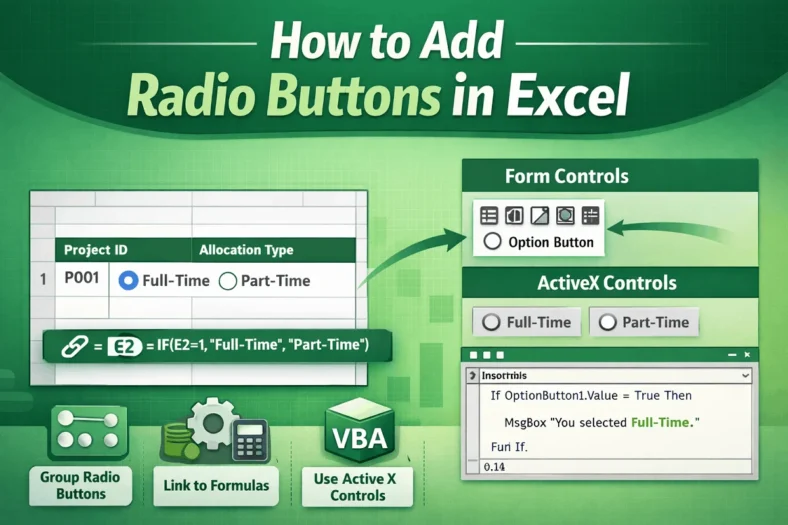
Radio buttons, also known as option buttons, are a powerful tool in Excel for creating interactive forms and data input systems. They allow users to select only one option from