Advanced Excel
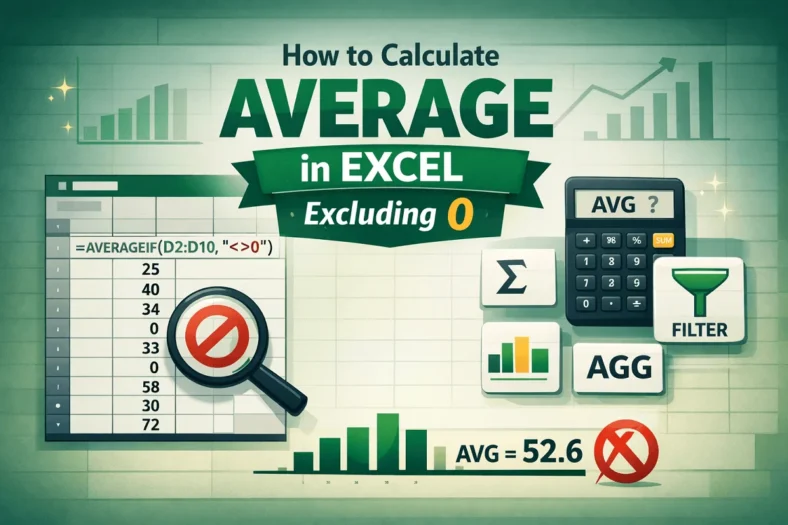
How to Calculate Average in Excel Excluding 0
While calculating average in Excel, including zeros affects the accuracy of the calculation as it usually lowers the average. It doesn’t add anything to the sum of values, but is


While calculating average in Excel, including zeros affects the accuracy of the calculation as it usually lowers the average. It doesn’t add anything to the sum of values, but is

If you copy a cell with a comment or note from one cell to another in the traditional way (using CTRL + C and CTRL + V), you transfer the

Protecting specific Excel cells from editing prevents unwanted changes, deletions, and data loss. By default, all cells in Excel are set as Locked. However, locking has no effect until you

Both sorting and filtering help you arrange a large database according to specific criteria. While both functions help in organizing data, they serve different purposes. Sorting helps you alphabetize, rank

Marking the blank cells in your worksheet helps you avoid issues with data analysis, project tracking, spotting errors, and accidentally removing data. While there are many static and dynamic ways

When a formula returns an error, zero, or negative numbers, you might want to replace it with a blank instead for a cleaner look. Although Excel doesn’t allow a formula
Unused empty rows at the bottom of your Excel sheet can interrupt critical activities like data processing, formula application, pivot table formatting, etc. Unfortunately, Excel doesn’t allow you to truly

In an Excel file, Metadata often contains personal and sensitive information about the authors, their devices, company names, shared links, titles & tags, external data connections, and people who edited
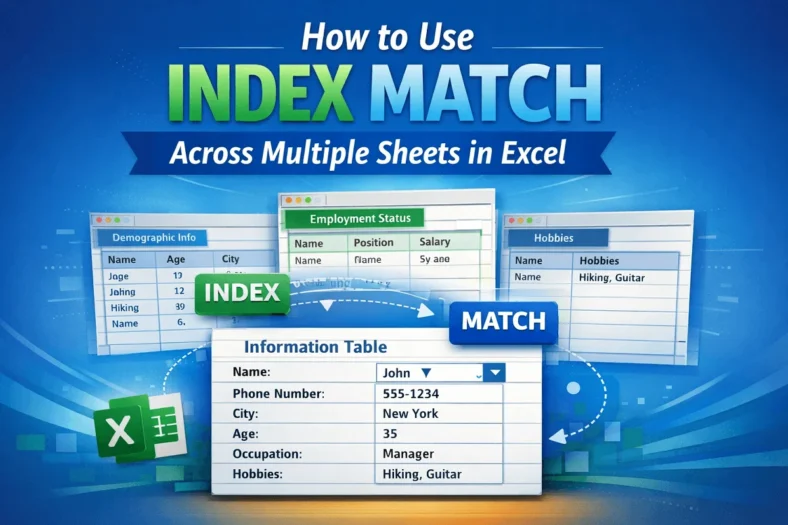
Often, we work with business or academic data spread across multiple worksheets and need to find certain information from these datasets. However, most of the time, using basic lookup formulas
