How to Capitalize First Letter of Sentence in Excel
When you import data from other external systems or user entries, some texts become all lowercase and inconsistently capitalized. Capitalizing the first letter is essential to give your dataset a
When you import data from other external systems or user entries, some texts become all lowercase and inconsistently capitalized. Capitalizing the first letter is essential to give your dataset a

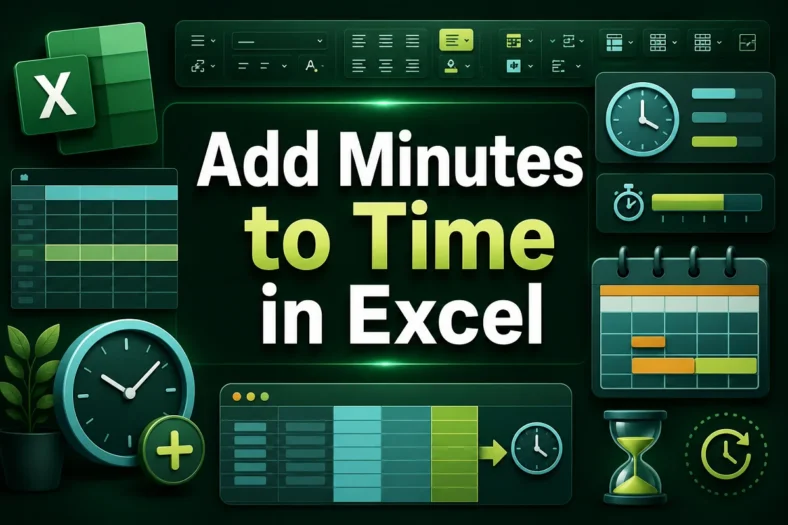
While working with shift schedules, project time management, or delivery timesheets, you’ll often need to add extra minutes to previously estimated time. Instead of handling it manually, you can use

Counting months is necessary to keep track of project timelines, financial planning, managing schedules, etc. Excel has several date functions such as MONTH, YEARFRAC, and DATEDIF to count the number

Blank cells often cause inconsistent results while calculating, transporting data, and applying formulas. With Excel’s Find & Replace tool, you can easily replace all the blank cells in a worksheet

Exporting data to Excel often results in empty rows scattering throughout the worksheet. As manually deleting each blank row is a tedious task, we’ll show you all the different ways

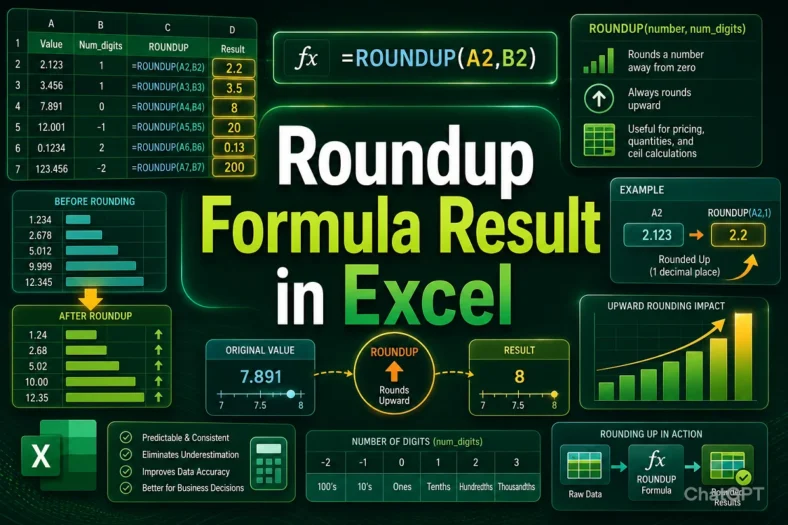
Rounding up a number to your preferred decimal points allows you to keep your dataset neat and easy to apply the results in real-life situations. Be it employee scheduling, shipping

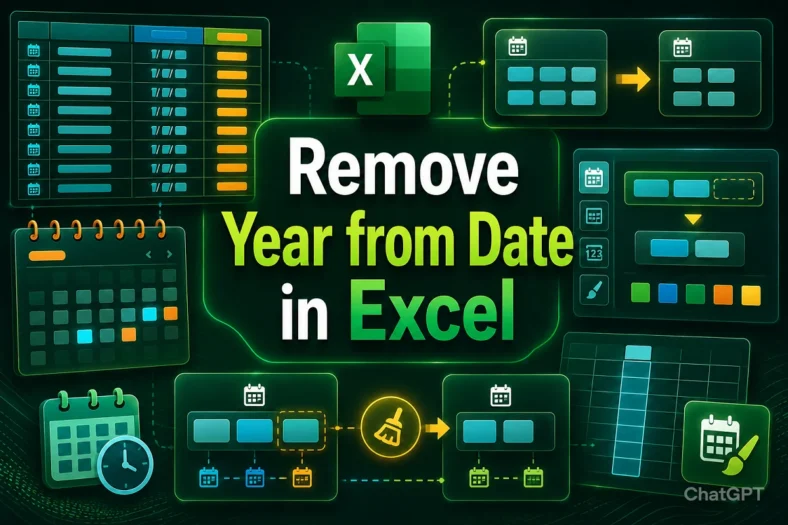
Excel offers several functions and formatting options to change its default date format in your preferred data type. If you want to remove the year from a date to better

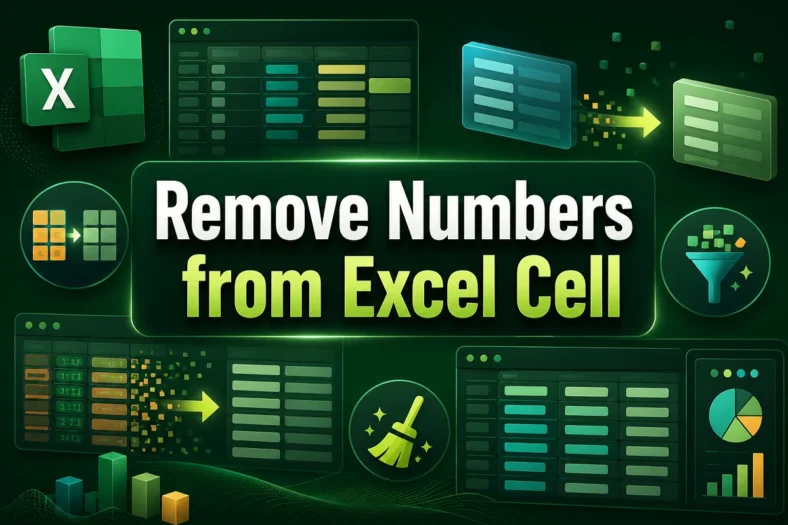
Manually separating numbers from texts from hundreds of rows is a tedious task no doubt. Unfortunately, Excel hasn’t yet developed any useful feature or direct function to do it quickly.

Although Notepad is great for basic editing and modifications of text files, it doesn’t have any advanced formatting features like Excel. Therefore, if you want to import a Notepad file