How to Reference Another Excel Workbook Without Opening
When working with multiple Excel files, you might need to reference data from another workbook without opening it. This can be useful to speed up your workflow, reduce resource usage,


When working with multiple Excel files, you might need to reference data from another workbook without opening it. This can be useful to speed up your workflow, reduce resource usage,

Working with Excel often involves managing hyperlinks embedded in cells. These hyperlinks usually display friendly text but link to web addresses or files behind the scenes. Sometimes, you need to

When working with Excel workbooks that contain external links to other files, sometimes you need to break those links to make the workbook independent. Breaking links removes the connection to

If you’re working with large datasets in Excel, locating specific entries can become tedious and time-consuming. Creating a filtering search box helps you instantly narrow down your data without manually

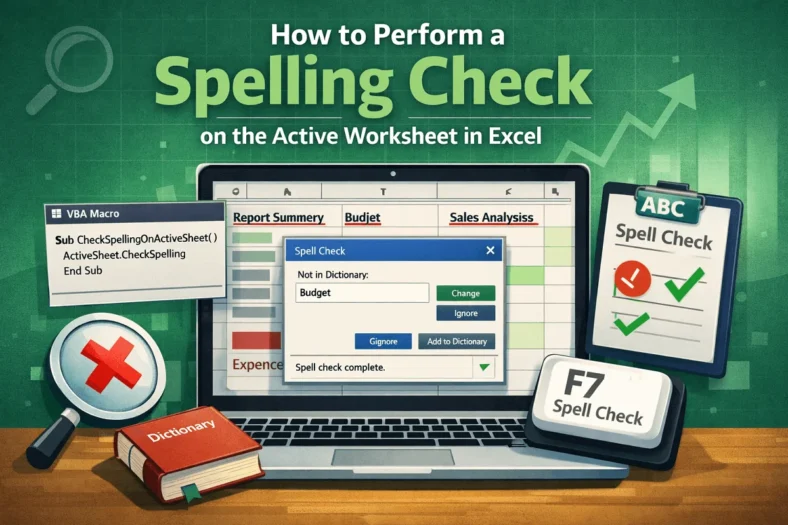
Typos in Excel spreadsheets may seem harmless but they can damage your credibility, mislead readers, and cause costly misunderstandings in reports or client deliverables. That’s why running a spelling check

If you’re dealing with a dataset that’s spread horizontally across rows but needs to be reorganized into vertical columns, you’re not alone. Excel doesn’t always give you data in the

Managing a growing list of data like employee records, customer orders, or product catalogs can quickly become overwhelming. Manually scrolling through hundreds or even thousands of rows isn’t just time-consuming,

Creating a dynamic database in Excel that updates automatically can save you hours of manual work and ensure your data stays current and accurate. Whether you’re managing sales records, inventory,

When printing an Excel sheet, it’s common to run into formatting issues where the text or tables appear too small on paper. This often happens because Excel tries to fit