Advanced Excel
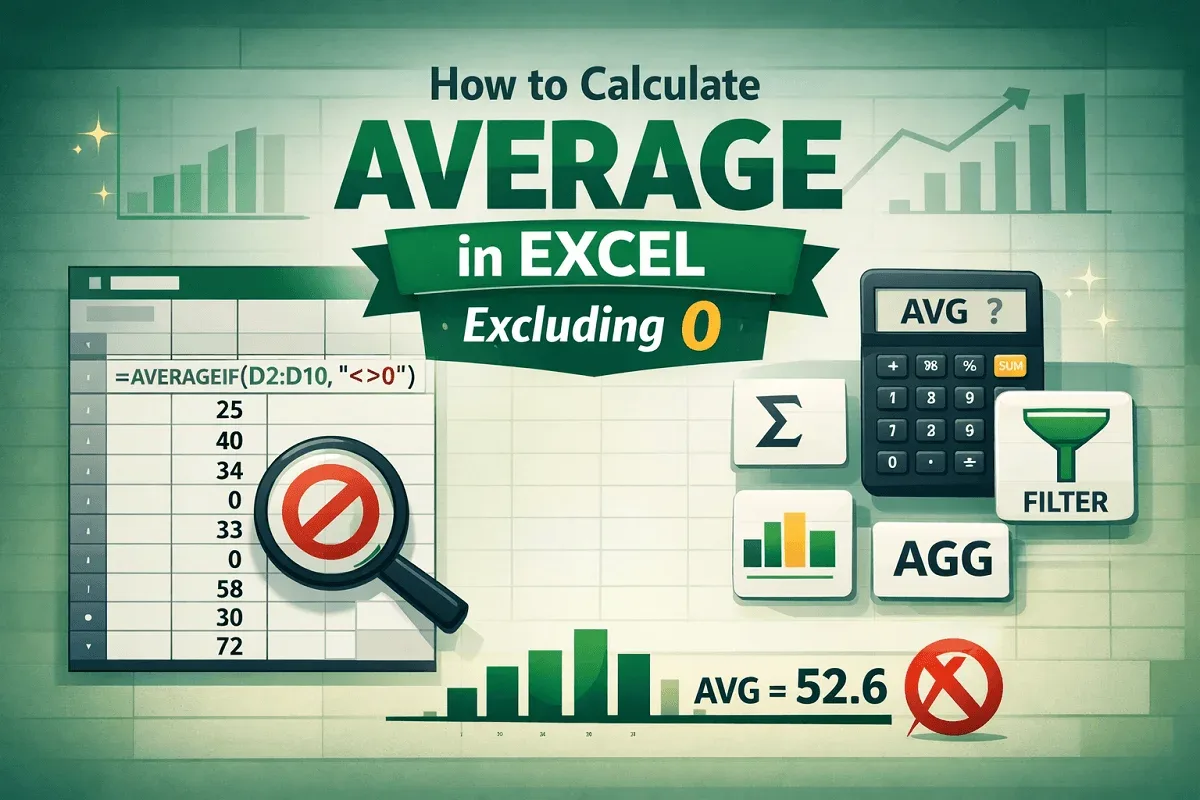
How to Calculate Average in Excel Excluding 0
Learn how to calculate average in Excel excluding zeros using AVERAGEIF, SUM & COUNTIF, FILTER, SUBTOTAL, and AGGREGATE functions.
Read article

1285 articles
Learn how to calculate average in Excel excluding zeros using AVERAGEIF, SUM & COUNTIF, FILTER, SUBTOTAL, and AGGREGATE functions.

Learn how to copy comments in Excel manually, with Paste Special, or using VBA macros to duplicate or extract all comments easily.

Learn how to convert text to clickable links in Excel using the HYPERLINK function, Paste Special, AutoCorrect, or VBA for bulk conversion.
Learn how to calculate time differences in minutes in Excel using arithmetic, HOUR & MINUTE functions, and the TEXT function.

Learn how to add time in Excel over 24 hours using formulas and custom formatting to correctly sum and display total time values.
Learn how to calculate tenure in years and months in Excel using DATEDIF, DAYS, LET, INT, and ROUND functions for accurate results.
Learn how to round percentages in Excel using ROUND, ROUNDUP, ROUNDDOWN, and MROUND functions for accurate data formatting.

Learn how to add trailing zeros in Excel using REPT & LEN, the FIXED function for decimals, or a custom VBA function.
Learn how to apply custom number formats in Excel using multiple conditions, including text labels, percentages, and dates.
![[Fixed] Word Mail Merge Not Working with Excel](https://pub-b39c974f4c124a36a2fb517be38076ec.r2.dev/images/2026/08/featured-image-word-mail-merge-not-working-with-excel-2a056f16.webp)
Learn how to fix Word Mail Merge not working with Excel by addressing issues like file format errors, missing headers, or misaligned data.

Learn how to create mailing labels in Excel without Word using CHAR, CONCAT, and TEXTJOIN functions for quick and clean formatting.

Learn how to mail merge labels from Excel to Word in 6 easy steps—connect data, insert fields, preview, and print your labels fast!