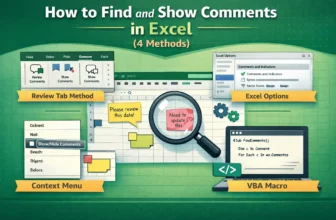
Comments in Excel are essential for adding notes, explanations, or feedback directly in your worksheets. They help clarify data, provide instructions, and improve collaboration in team environments. ...
Adding a picture to an Excel comment (or note in newer versions) can make your worksheet more visually informative which is perfect for showcasing product images, reference diagrams, or company logos ...
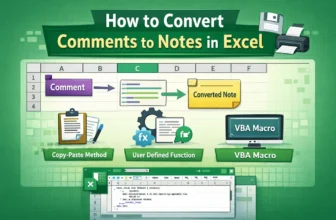
Excel’s comment system changed starting with Excel 365 and Excel 2019 using the new “Threaded Comments” feature replaced the classic “Notes” you might be used to. If you’re collaborating in newer ...
Exporting Instagram comments into Excel is a smart way to analyze engagement, track feedback, or organize giveaway entries. Instead of scrolling endlessly through Instagram, you can pull all comments ...
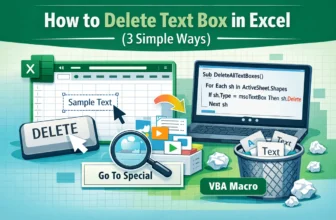
Text boxes are great for annotations and dashboard callouts but when they’re no longer needed, removing them keeps your worksheet tidy and easier to read. Excel offers several ways to delete text ...
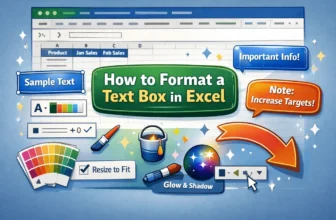
Text boxes in Excel are versatile tools for highlighting important information, adding annotations, or enhancing the visual appeal of your worksheets. When formatting a text box, you can control its ...
Dynamic text boxes in Excel allow you to display changing messages or values that update automatically when the underlying data changes. Instead of editing shapes manually, you can link text boxes to ...
When you create an Excel table, Excel applies a default color scheme with specific font colors. However, you can customize the table colors by changing the fill, border, and font colors of your table ...
In Excel, you get a built-in option to add a Total row with functions like Average, Sum, Count, Max, Min, etc. This way, you get to calculate data within the table without manually typing separate ...