Conditional Formatting allows you to format a cell or a range of cells based on the data of another cell. This helps you to highlight important data and increases visibility. However, this is a ...
Are you tired of changing values because of the formula in Google Sheets? We can totally relate to you, so we are here with the solution. This article will explore two methods for removing formulas ...
Have you ever wondered about alternative methods of auto-filling data in Google Sheets?The traditional drag-and-drop method can be pretty hectic when dealing with large amounts of data. So we ...
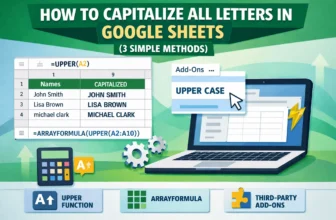
Capitalizing letters is the easiest way to ensure that your texts become more noticeable in Google Sheets. This is an essential step in presenting your data efficiently. However, unlike Google Docs, ...
In project management, it is common to set deadlines for different parts of the project. While the start and end dates are usually shown in the chart, the time in between is not often clear. In this ...
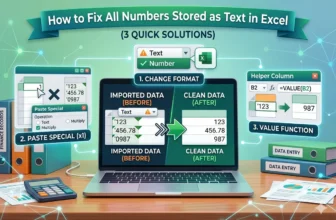
There are different kinds of data values in excel. When importing from other programs, or due to an issue in data entry, the numbers might be stored as text. But to work with that data efficiently, ...
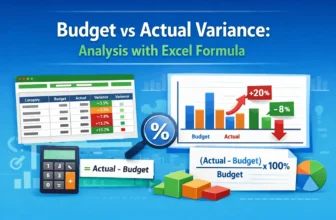
Managing business performance requires comparing budgeted and actual results. This article explains budget vs actual variance and teaches how to calculate the budget vs. actual variance formula in ...
Data analysis often requires us to parse texts in different ways. You might need to clean some data, extract some words, or validate a string. As there is no direct function in excel to find the last ...
In the financial market, the exponential moving average is a commonly used calculation to detect buying and selling opportunities. These days, recent prices usually affect the market more than ...