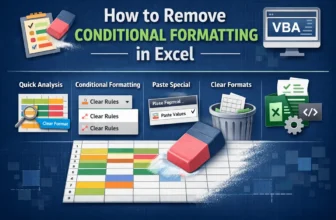
Conditional Formatting is a powerful Excel feature that highlights cells based on specific rules, making patterns and trends easier to spot. However, excessive formatting can clutter the worksheet ...
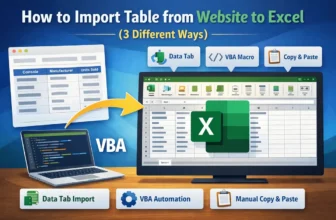
Importing tables from websites to Excel datasets is often necessary for researchers, analysts, and professionals who regularly process online data. By using Excel’s built-in tools and features, we ...
QR codes are widely used in businesses and daily operations for encoding information such as text, URLs, or product details. By using Excel’s built-in functions and tools, we can effortlessly ...
EAN-13 is a widely used barcode standard consisting of 13 digits, commonly applied in product labelling, inventory management, and sales tracking. By combining Excel’s built-in features with external ...
Adding a watermark in Excel is a great way to indicate confidentiality, brand your worksheets, or highlight draft documents. Watermarks can be images, logos, or text that appear subtly behind your ...
Adding footers in Excel is an important way to make your worksheets more professional and organized. Footers can include page numbers, dates, file names, or custom text, helping readers understand ...
Adding a logo to your Excel header is a professional way to brand your spreadsheets, especially when preparing reports, invoices, or company documents. By placing your logo in the header, it ...
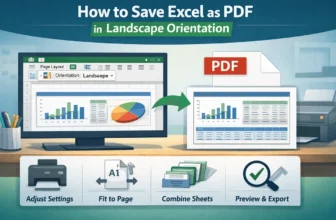
Saving Excel worksheets as PDFs is a common requirement when preparing reports, sharing dashboards, or archiving data. By default, Excel often saves sheets in portrait orientation, which can cut out ...
When working with large Excel files, size can quickly become a problem, especially if you’re sharing them via email, cloud storage, or enterprise platforms. Large files not only slow down performance ...