If you need to locate empty cells in a dataset, whether to fill them in, highlight them, or remove them, Excel offers several quick and reliable methods. Finding blanks is useful for cleaning data, ...
Working with large spreadsheets, counting columns, or following formulas gets a little tricky. Excel labels columns with letters by default, but sometimes it’s easier to follow along when columns are ...
If you’re working with Excel and need to clean up your dataset fast, deleting rows where a certain cell contains a specific word or value can save a lot of time. Also you can filter out zeros, remove ...
When working with Excel, sometimes we need to repeat actions until a certain condition is met, but we don’t know in advance how many times. For instance, processing rows, validating input, ...
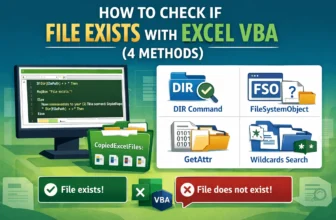
When working with Excel, sometimes we need to ensure whether a file exists before running a macro or processing data. Of course, checking the files manually can be time-consuming, that’s especially ...
If you see the “Else without If” error in VBA, it usually happens when an Else statement has no matching If, or when your If…Then…Else block is incomplete. This can stop your macro from running and ...
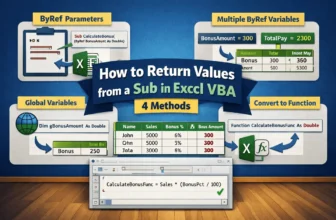
In Excel VBA, a Sub procedure is one of the most common ways to automate tasks. A Sub can perform actions. For instance, calculating results, updating cells, or formatting results. However, it does ...
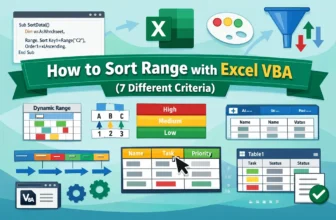
When working with an Excel dataset, sometimes you need to sort data in a specific range to keep your information structured. But sorting manually can be time-consuming. Moreover, there can be chances ...
When working with Excel datasets, you often need to delete unwanted rows to keep your data clean and organized. However, manually deleting them takes time and increases the chances of errors. That’s ...