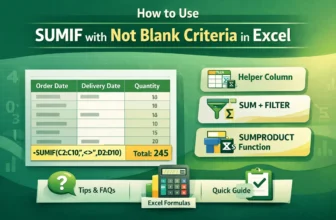
While working in excel, we may often work with datasets with blank cells. And we need to sum up values in a range based on a different column where we have some blank cells. In these cases, we use ...
Normally, the SUMIFS function in Excel is used when we need to add up numbers based on multiple conditions. Most of the time, we use it for conditions like greater than, less than, or equal to. But ...
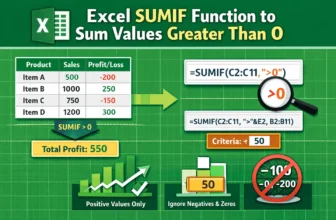
When working with data in Excel, you’ll often find both positive and negative numbers. Positive values might represent income, sales, or gains, while negative values usually indicate losses, ...
Usually, the SUMIF function in excel works with specific values or conditions. And one of the most common conditions we use is summing the values greater than 0. So, this is very helpful and highly ...
Basically, the SUMIF function in Excel works with specific values or conditions, not cell colors. In fact, Excel doesn't offer any function that can sum values based on cell colors. So, this is one ...
By default, the VLOOKUP function in excel searches for a value in the first column of a table range and returns the result from another column to the right. And I would say, this is the biggest minus ...
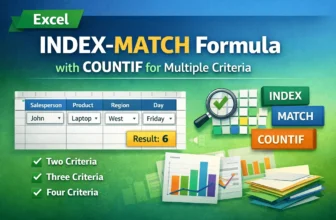
While working with datasets in Excel, it is often required to return values based on multiple criteria. By combining COUNTIF with INDEX and MATCH functions, we can effortlessly perform this ...
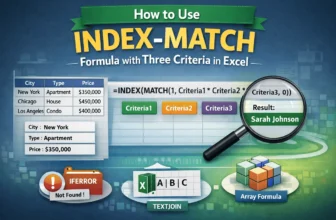
When working with large datasets in Excel, we often need to look up values based on multiple criteria. The INDEX and MATCH functions are powerful built-in tools that allow us to perform this task ...
A Data Dictionary in Excel is an essential tool that serves as a centralized reference, providing clear descriptions of each field in a dataset, making it easier for users to understand and manage ...