Excel’s Spell Check is a handy feature that helps maintain error-free text in datasets. However, it can sometimes fail to detect spelling errors due to factors such as protected sheets, formula-based ...
Creating a search box in Excel makes it easier for users to quickly locate and display specific data within a dataset without needing to scroll manually. Using Excel's built-in tools and functions, ...
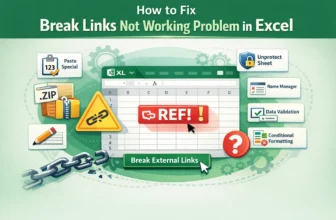
While breaking links in Excel is usually straightforward, it can become challenging when the Break Links tool fails to work. This often happens when broken external links are hidden within formulas, ...
Broken links in Excel occur when formulas, charts, or data references point to sources that are missing, invalid, or no longer accessible. Excel allows users to easily locate and deal with broken ...
When working with large datasets, finding and managing rows with similar values can be challenging. Instead of manually sorting or filtering, you can group rows by cell values in Excel. Grouping ...
Creating a price list in Excel is one of the simplest ways to organize product information and calculate totals automatically. Instead of maintaining a manual list, you can use Excel features such as ...
When working in Excel, there may be times when you need to display multiple items inside a single cell instead of spreading them across rows or columns. This is especially useful for organizing ...
Numbered lists in Excel are a fundamental tool for organizing data, making reports, and tracking items clearly. They improve readability and help maintain order in everything from simple task lists ...
Creating a list from a range in Excel is one of the most versatile skills you can master for organizing and analyzing data. Whether you’re building a simple drop-down menu for quick selections, ...