Bank reconciliation is a process that is used to compare the financial records of the company with the bank statement. In accounting, there are possibilities of mistakes happening, which might cause ...
In financial accounting, a ledger is an important tool that helps to track financial transactions. After creating a primary journal, separate ledgers are created for different accounts to know the ...
One of the most important things to do for financial planning in a company is to prepare a budget. By contacting all the departments of a company, the financial manager prepares how much money should ...
Alpha is calculated to compare a stock investment's performance to the market's or benchmark index’s performance. Imagine you want to buy a stock, but unsure about whether it will be a good ...
In order to understand the condition of a stock in the market, it is essential to calculate beta. As an investor, you might want to assess the risk of the potential investment you are going to make ...
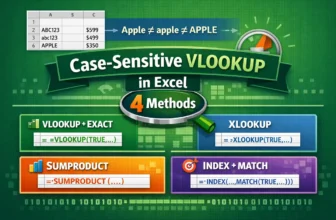
The standard VLOOKUP formula, by default, is not case-sensitive. That means it treats uppercase and lowercase characters as the same. For example, it will consider "apple," "Apple," and "APPLE" as ...
If you are working with linear dimensions measured in millimeters and require the area to be expressed in square meters, this article will be helpful for you. For example, you might have the single ...
Pivot Tables are a powerful tool for summarizing data in Excel. However, when you drag multiple fields into the Rows area, Excel's default layout (Compact Form) nests them together. This makes your ...
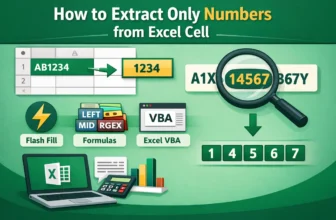
Often, information or data came with a mix of text and numbers. In that sense, extracting the numbers from the text gives a clear view and better readability. On the other hand, removing unnecessary ...