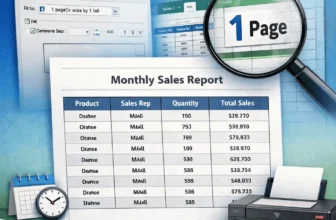
Let’s say you’re a manager of a small business. And you have to maintain an Excel sheet with lots of rows and columns. When you print it, it looks messy across pages, making it unprofessional for ...
An unexpected crash means losing unsaved work in Excel. Suppose you’re working with a product inventory tracker where you have to update the file regularly. You've just added new data when your PC ...
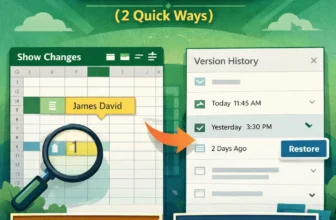
In today’s collaborative work, multiple users can edit a single workbook simultaneously. To ensure transparency and accountability, we need to check who made the edits in Excel online.For ...
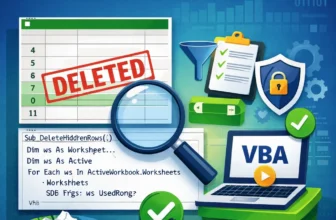
We often hide rows that contain unwanted, irrelevant rows in Excel, and it often seems harmless. But these rows can be equally dangerous to your dataset as erroneous data. A hidden row containing ...
Datasets in minutes for durations work perfectly until you need a precise calculation for small tasks. It seems like minutes is not a good comparison time unit here. For second-level accuracy, it can ...
When working in a team, we often need to know beyond just numbers. You also need to know the internal details, like who created it and the custom notes behind each. This information is often known as ...
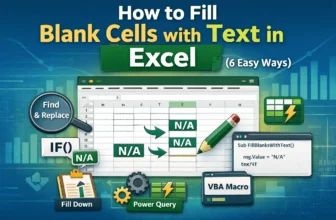
Blank cells are silent saboteurs. They break the reports, pivot tables, and lookups, and make the dashboard unfinished and void. Even with proper data, sheets with blank cells have no meaning and do ...
Sometimes we open Excel files with half-empty cells where values rarely make any sense. Blank cells are sneaky - we never know what important sales record, customer list, or product sheets are ...
In Excel, sometimes you need to find a specific piece of text or a character from a large string. For example, have you ever needed to find the 3rd dash in the Order ID? It might seem irrelevant at ...