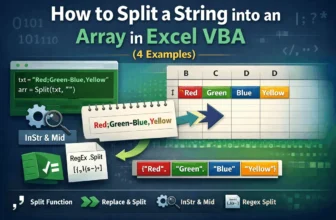
Working with text in Excel VBA often means breaking it into parts, for example, separating names, splitting values, or parsing CSV data. That’s where string splitting comes in. VBA gives you several ...
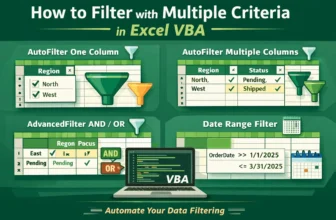
Filtering data in Excel is easy when you do it by hand, but it can take a lot of time if the table is big or the filters are complicated. With VBA, you can apply many filter conditions at once, hide ...
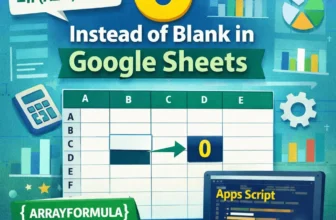
Blank cells in Google Sheets can cause issues when you're working with calculations, charts, or dashboards. Inconsistent data can lead to misleading results or display errors, especially if you're ...
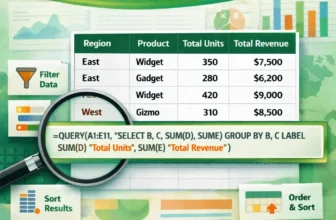
The QUERY function in Google Sheets is a powerful tool for summarizing and analyzing data, especially when you need to group values across more than one column. Whether you’re managing sales reports, ...
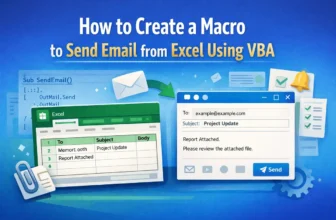
Sending emails manually from Outlook can be repetitive, especially when you are working with data in Excel. Whether you're notifying employees, sending invoices, or distributing reports, automating ...
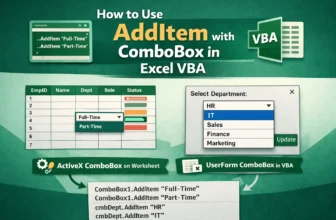
When designing forms in Excel VBA, ComboBoxes lets users select from a list instead of typing values manually. This not only improves accuracy but also enhances the user experience. One of the most ...
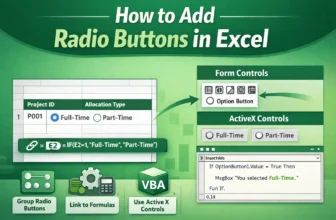
Radio buttons, also known as option buttons, are a powerful tool in Excel for creating interactive forms and data input systems. They allow users to select only one option from a set, making them ...
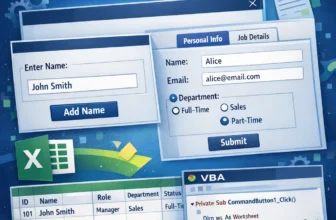
UserForms in Excel VBA let you build interactive forms that improve user experience and data input. Instead of entering values directly into cells, you can collect information through buttons, text ...
When writing macros in Excel VBA, managing errors is essential to keep your code reliable. By default, VBA uses the behavior of On Error GoTo 0, which means if an error occurs, the macro stops ...