4 Examples with Array Formula in Excel

Excel array formulas are a powerful way to perform multiple calculations at once, returning either a single value or multiple values. They are used for tasks like summing based on multiple ...

Excel array formulas are a powerful way to perform multiple calculations at once, returning either a single value or multiple values. They are used for tasks like summing based on multiple ...

When we work in Excel, sometimes we need a continuous list or range of numbers such as invoice IDs, dates, or sequences for data analysis. We can create a range of numbers manually but that can be ...

When we work with large datasets, it is common to have important details like emails, IDs, or codes inside long text strings. We want to extract this information manually, which can be time consuming ...

During working with large datasets in Excel we frequently need to find and replace specific patterns, particularly if the data has inconsistent formatting. Here, Regular Expressions (RegEx) provide ...
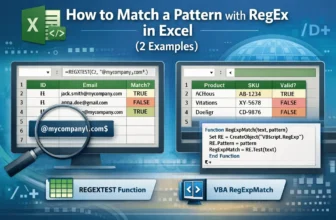
Working with large datasets in Excel helps identify the values that follow a specific pattern. You can use Regular Expressions (RegEx) in Excel, which helps you to find and match patterns such as ...
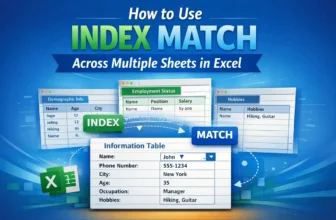
Often, we work with business or academic data spread across multiple worksheets and need to find certain information from these datasets. However, most of the time, using basic lookup formulas is ...

When we work with business or academic data, using a simple average doesn’t always give an accurate result. Because, in most cases, some values carry more importance than others in this type of data. ...
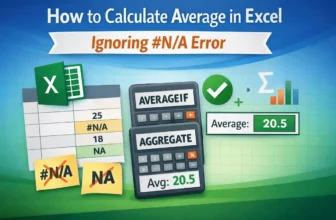
If we try to calculate the average of a range of data in Excel that contains NA or #NA, it will return an error instead of any value. Thus, we need to ignore this NA or #NA while calculating the ...

In our Excel dataset, we often encounter blank values or text values. Including the blank value on average can yield misleading results, while including the text data will return an error. Thus, to ...
