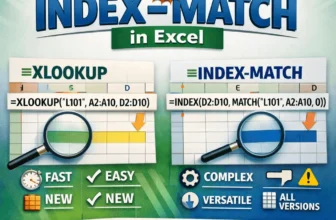
Both INDEX-MATCH and XLOOKUP are two powerful lookup functions in Excel used to find data from a specific range. You can use them for exact matches, approximate matches, two-way lookups, binary ...
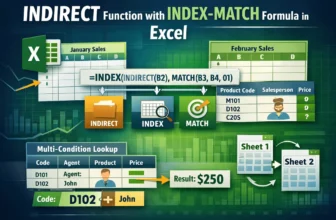
Excel's MATCH function looks for a specific item in a row or column and tells you its position. While INDEX returns the value at a specific position in a range, INDIRECT converts text into a cell ...
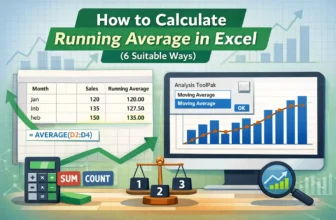
Calculating running averages for time-based data is best for long-term projects, sales analysis, and recognizing changing trends. Here, we take a certain period and calculate the average of our data. ...
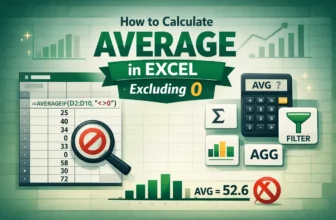
While calculating average in Excel, including zeros affects the accuracy of the calculation as it usually lowers the average. It doesn’t add anything to the sum of values, but is counted as valid ...
Dynamic arrays in Excel allow formulas to automatically return multiple values or single values based on a range of cells without needing to copy formulas manually. Dynamic array is widely used for ...
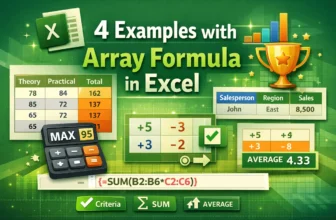
Excel array formulas are a powerful way to perform multiple calculations at once, returning either a single value or multiple values. They are used for tasks like summing based on multiple ...
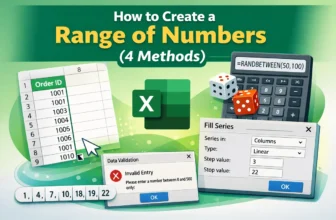
When we work in Excel, sometimes we need a continuous list or range of numbers such as invoice IDs, dates, or sequences for data analysis. We can create a range of numbers manually but that can be ...
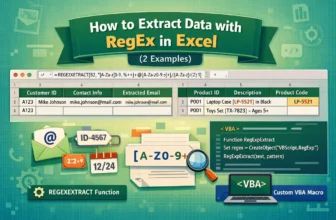
When we work with large datasets, it is common to have important details like emails, IDs, or codes inside long text strings. We want to extract this information manually, which can be time consuming ...
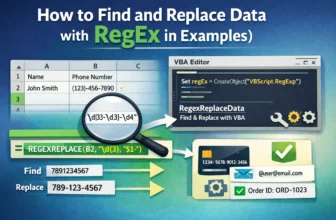
During working with large datasets in Excel we frequently need to find and replace specific patterns, particularly if the data has inconsistent formatting. Here, Regular Expressions (RegEx) provide ...