Excel Pro Tips
How to Make a Bulleted List in Excel (5 Simple Tricks)
Learn how to make a bulleted list in Excel using shortcuts, CHAR function, symbols, custom formatting, and SmartArt options easily.
Read article

555 articles
Learn how to make a bulleted list in Excel using shortcuts, CHAR function, symbols, custom formatting, and SmartArt options easily.
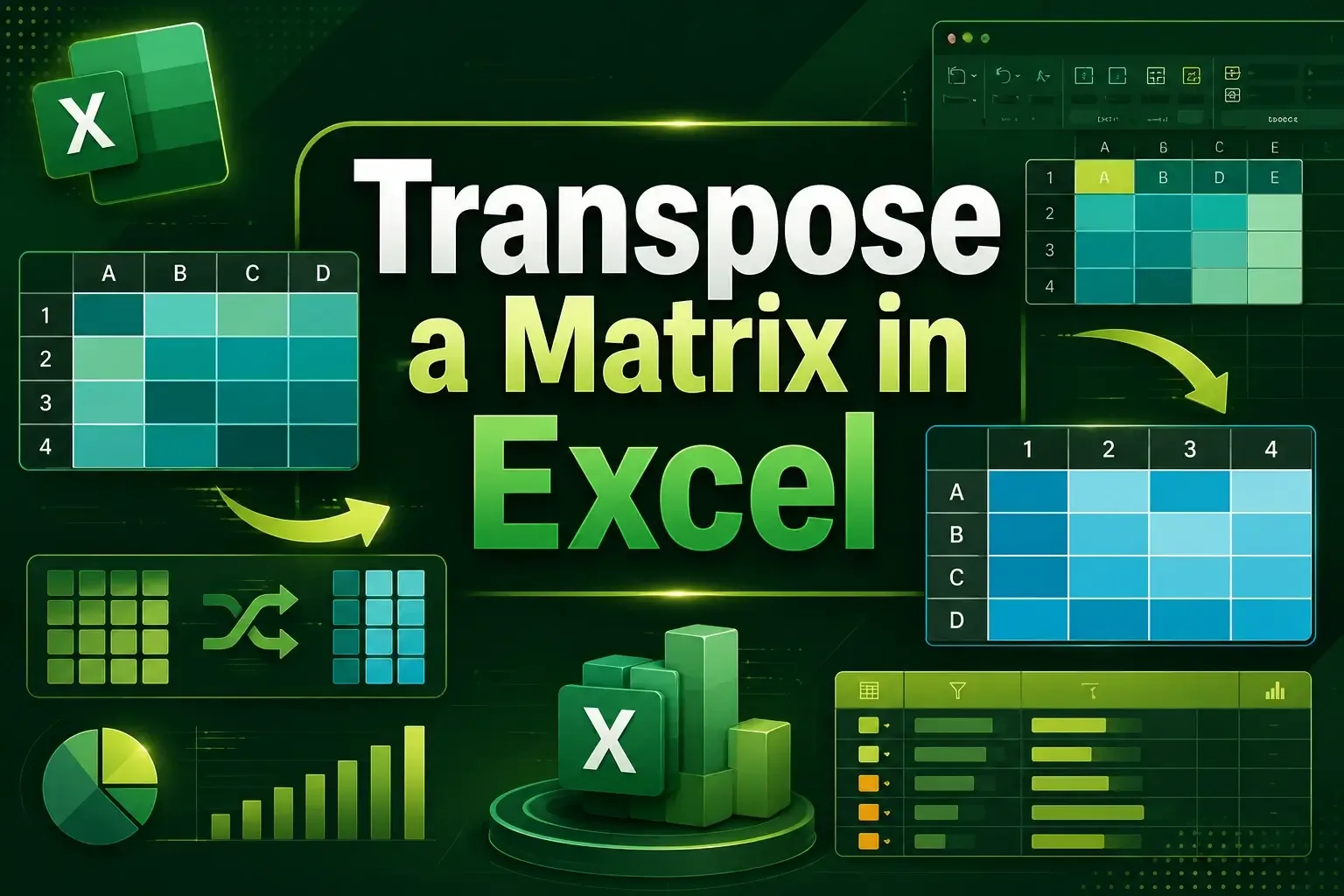
Learn how to transpose a matrix in Excel using Paste Special, the TRANSPOSE function, and Power Query with easy step-by-step methods.
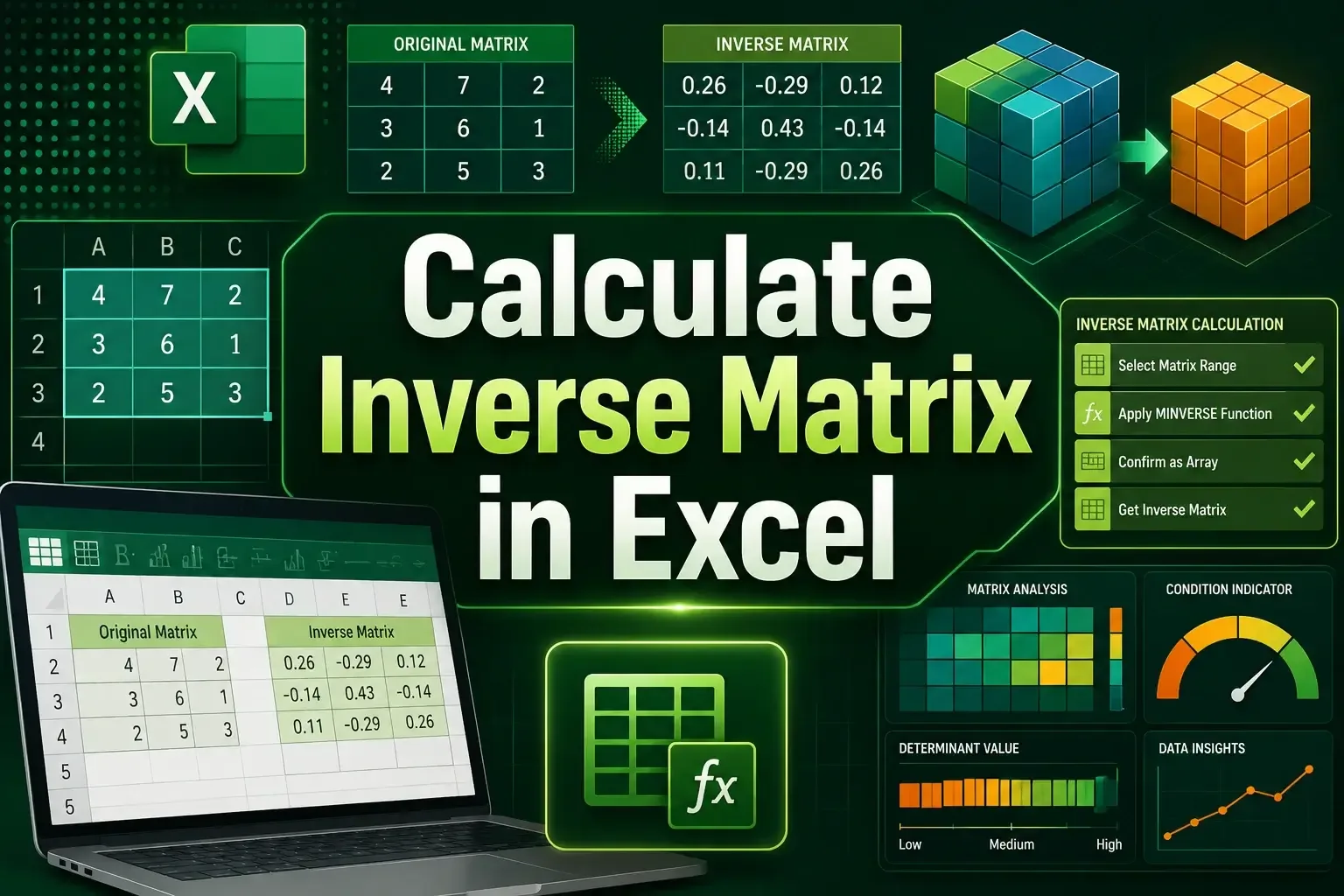
Learn how to calculate an inverse matrix in Excel using the MINVERSE function and VBA with step-by-step guidance and examples.
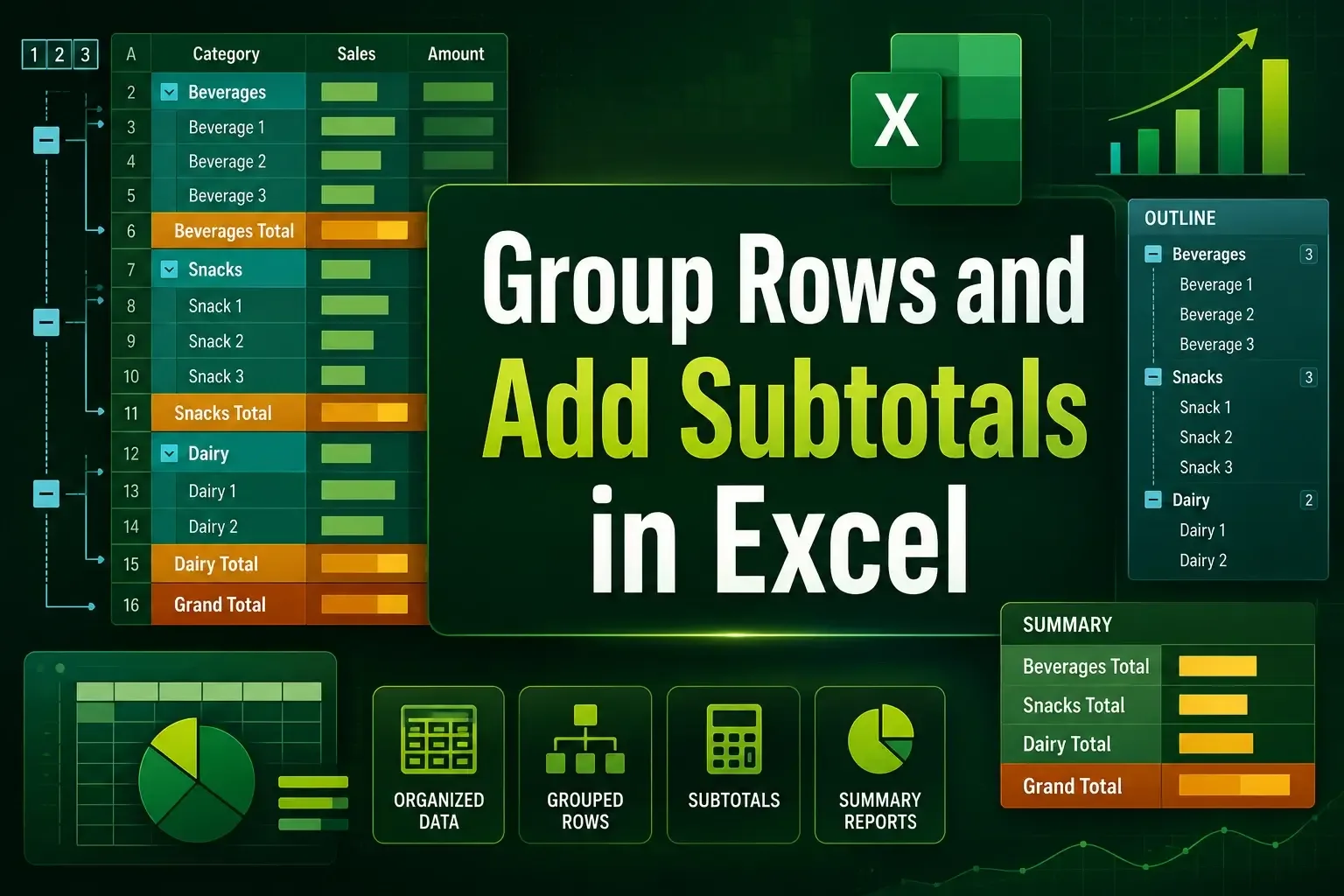
Learn how to group rows and add subtotals in Excel using the Subtotal feature, SUBTOTAL function, and create multi-level summaries easily.
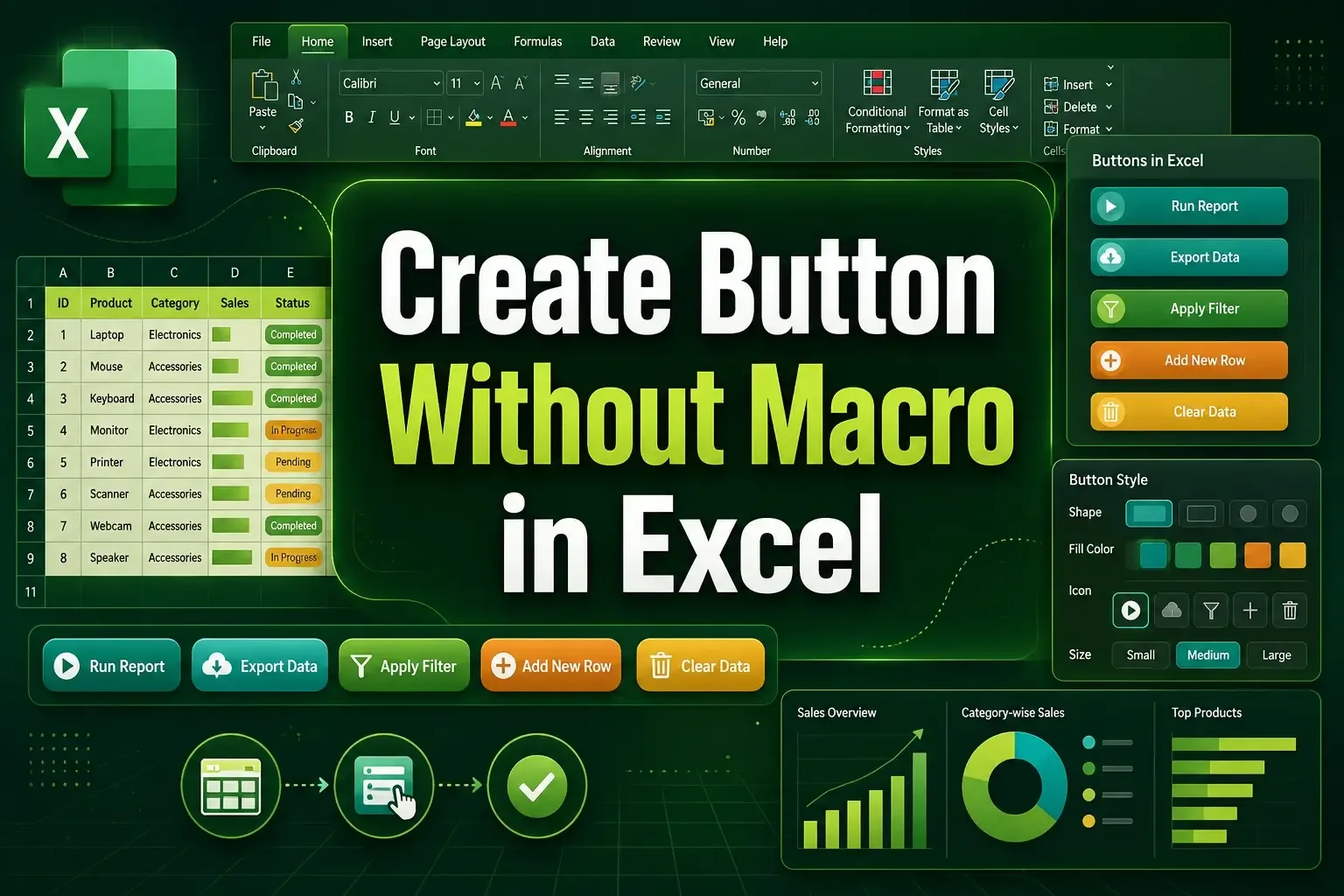
Learn how to create a button without macro in Excel using shapes and the Developer tab for easy sheet navigation.
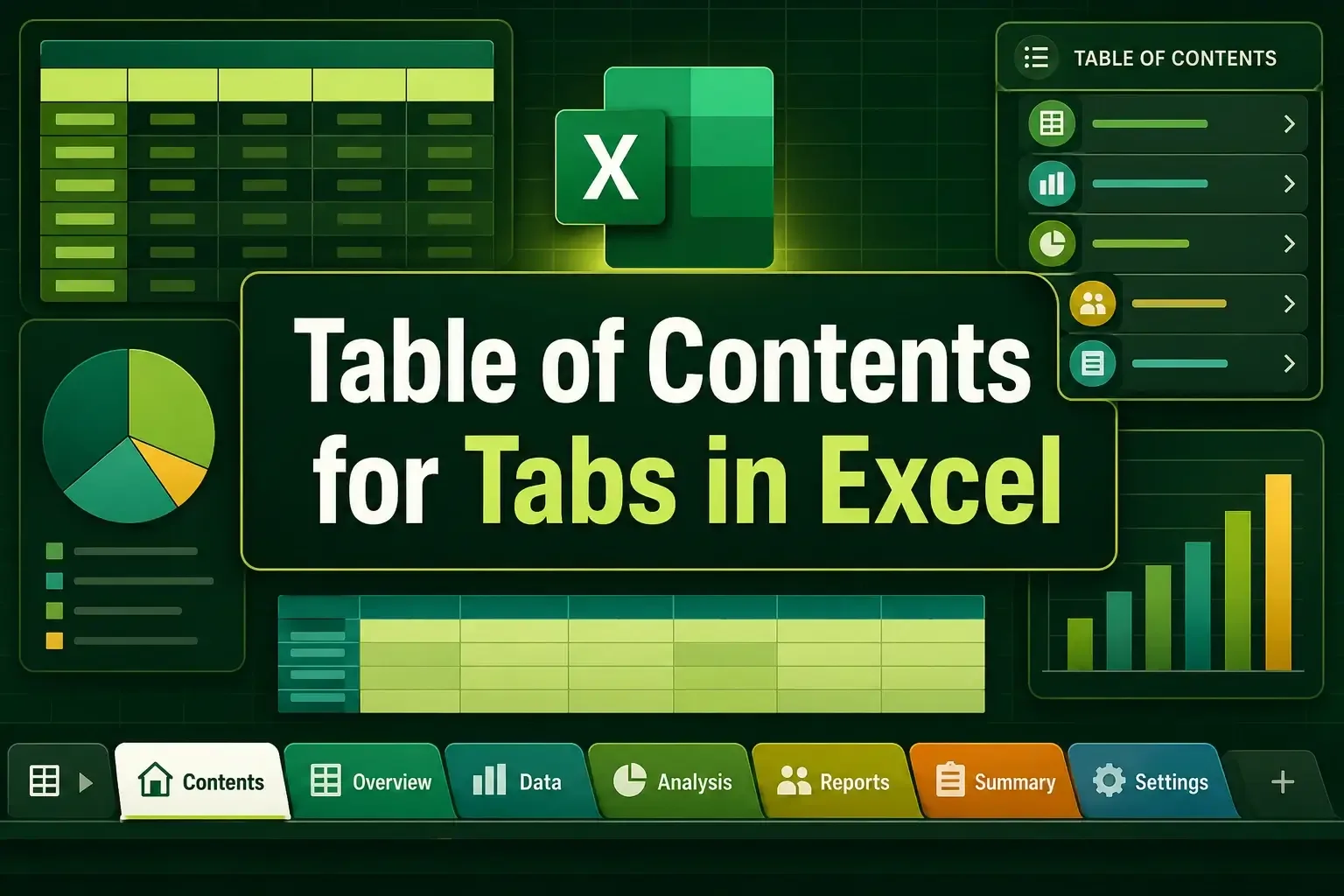
Learn how to create a Table of Contents for tabs in Excel using HYPERLINK, context menu, Power Query, buttons, and VBA.
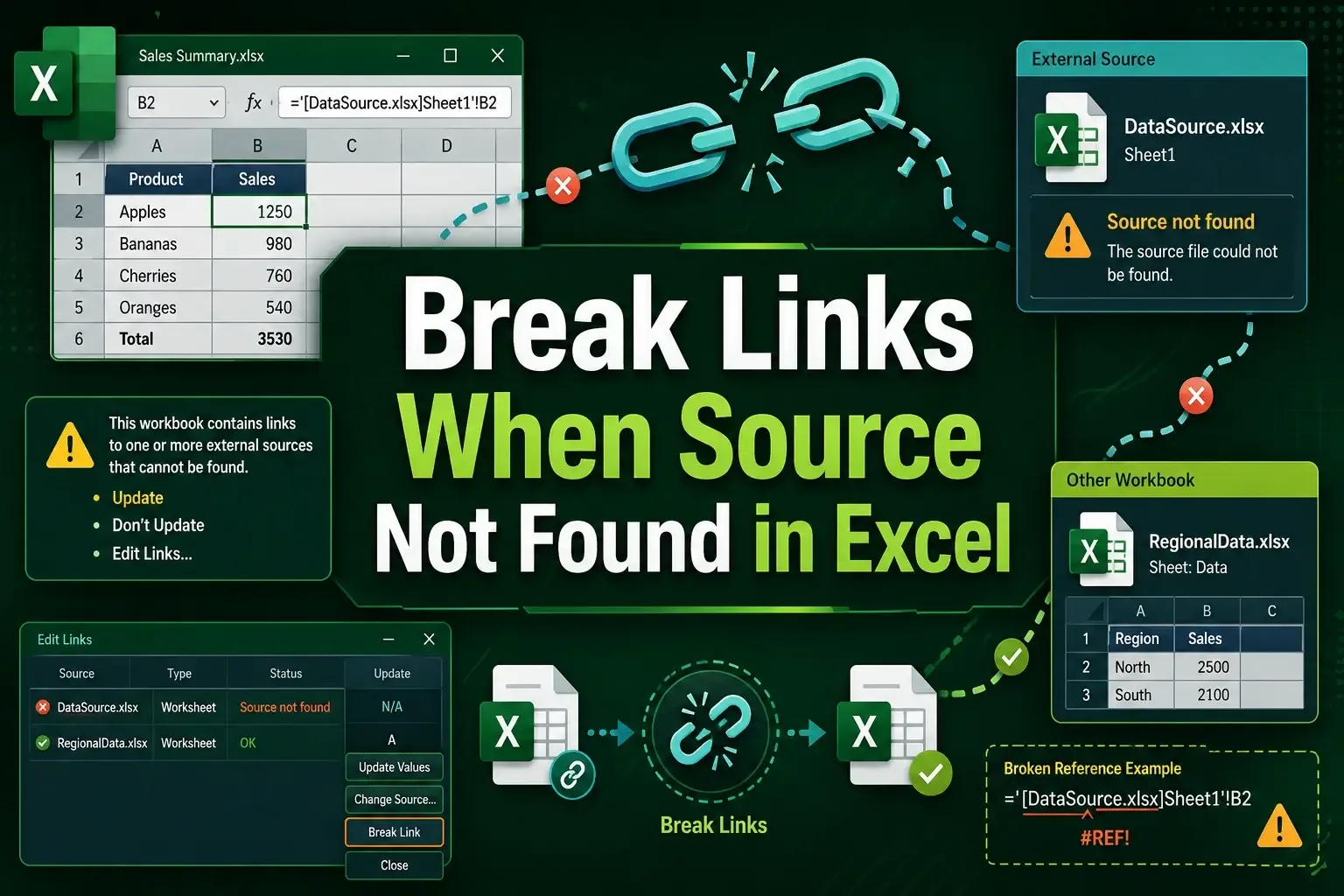
Learn how to break links when source not found in Excel using Workbook Links, Find and Replace, paste values, and VBA methods.
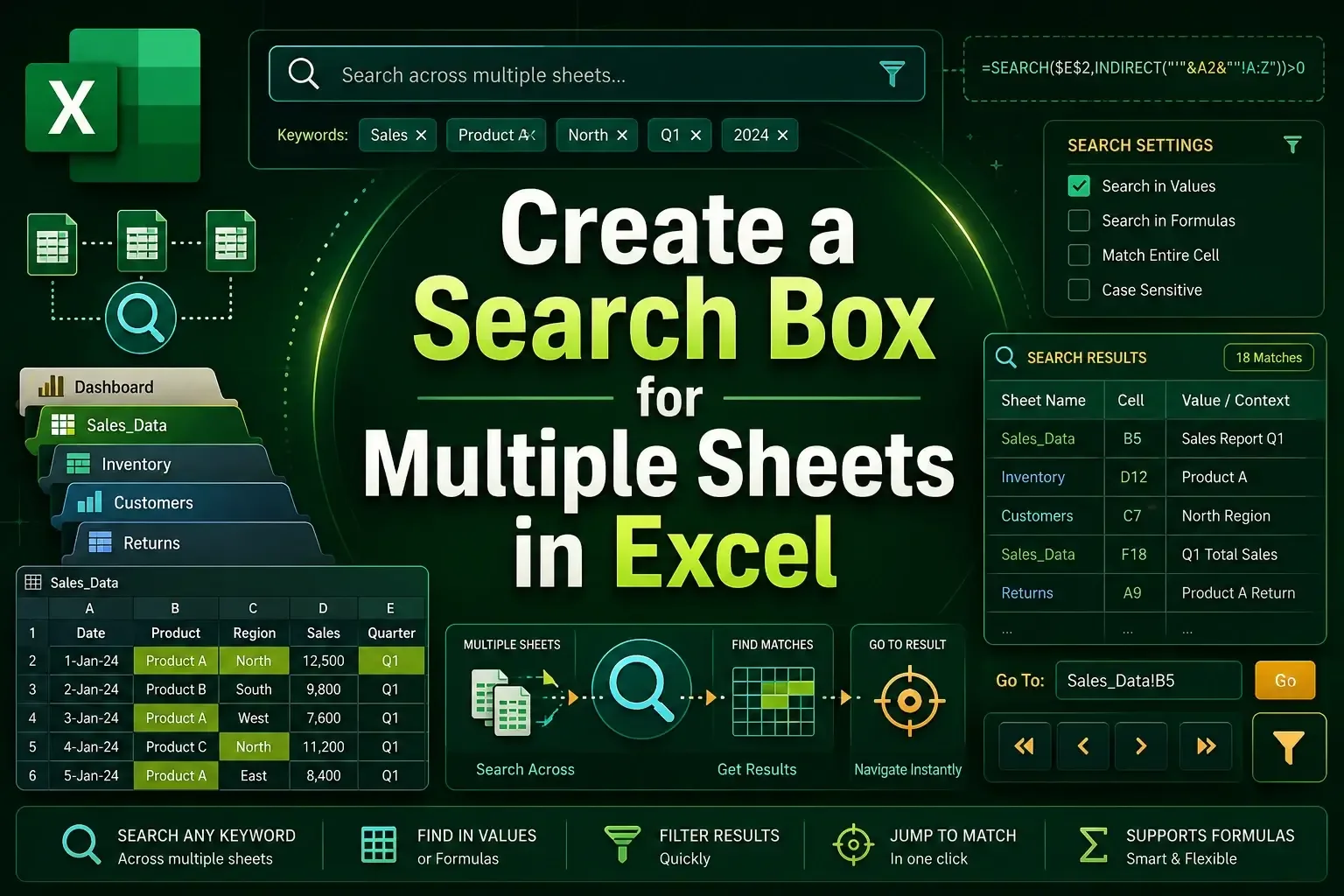
Learn how to create a search box for multiple sheets in Excel using FILTER, VSTACK, ActiveX controls, and dynamic formulas.
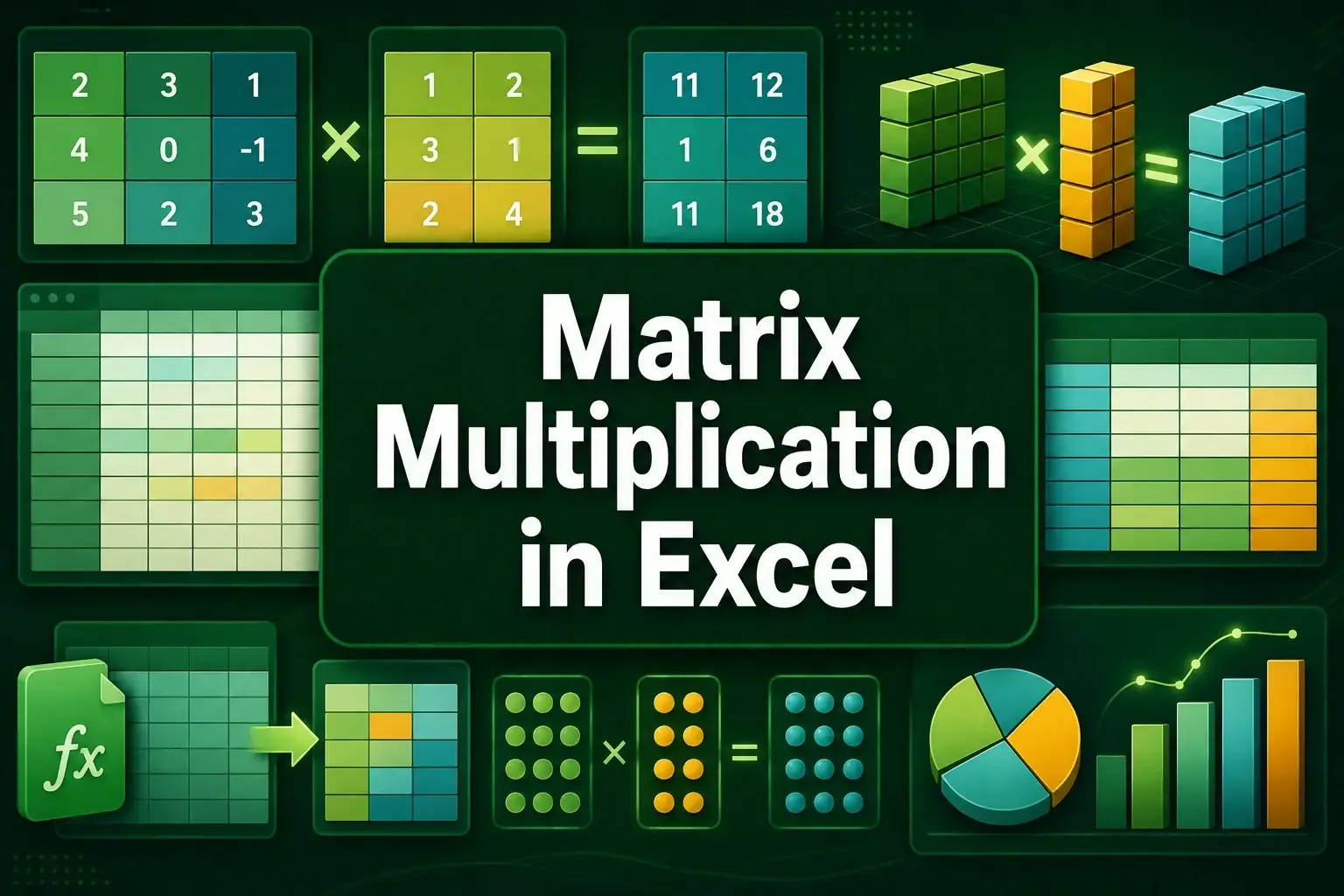
Learn how to do matrix multiplication in Excel using MMULT, SUMPRODUCT, and TRANSPOSE functions with clear examples.
Learn how to combine date and text in Excel using CONCAT, ampersand, TODAY, and TEXTJOIN functions with clear examples.
Learn how to bold text in a concatenate formula in Excel using VBA to format specific words or the entire result easily.
Learn how to concatenate string and integer in Excel using VBA with ampersand and addition operators easily.