
Excel Pro Tips
How to Add Text to Multiple Cells in Excel (8 Different Ways)
Learn how to add text to multiple cells in Excel using formulas, Flash Fill, REPLACE, SUBSTITUTE, and VBA methods easily.
Read article

555 articles
Learn how to add text to multiple cells in Excel using formulas, Flash Fill, REPLACE, SUBSTITUTE, and VBA methods easily.
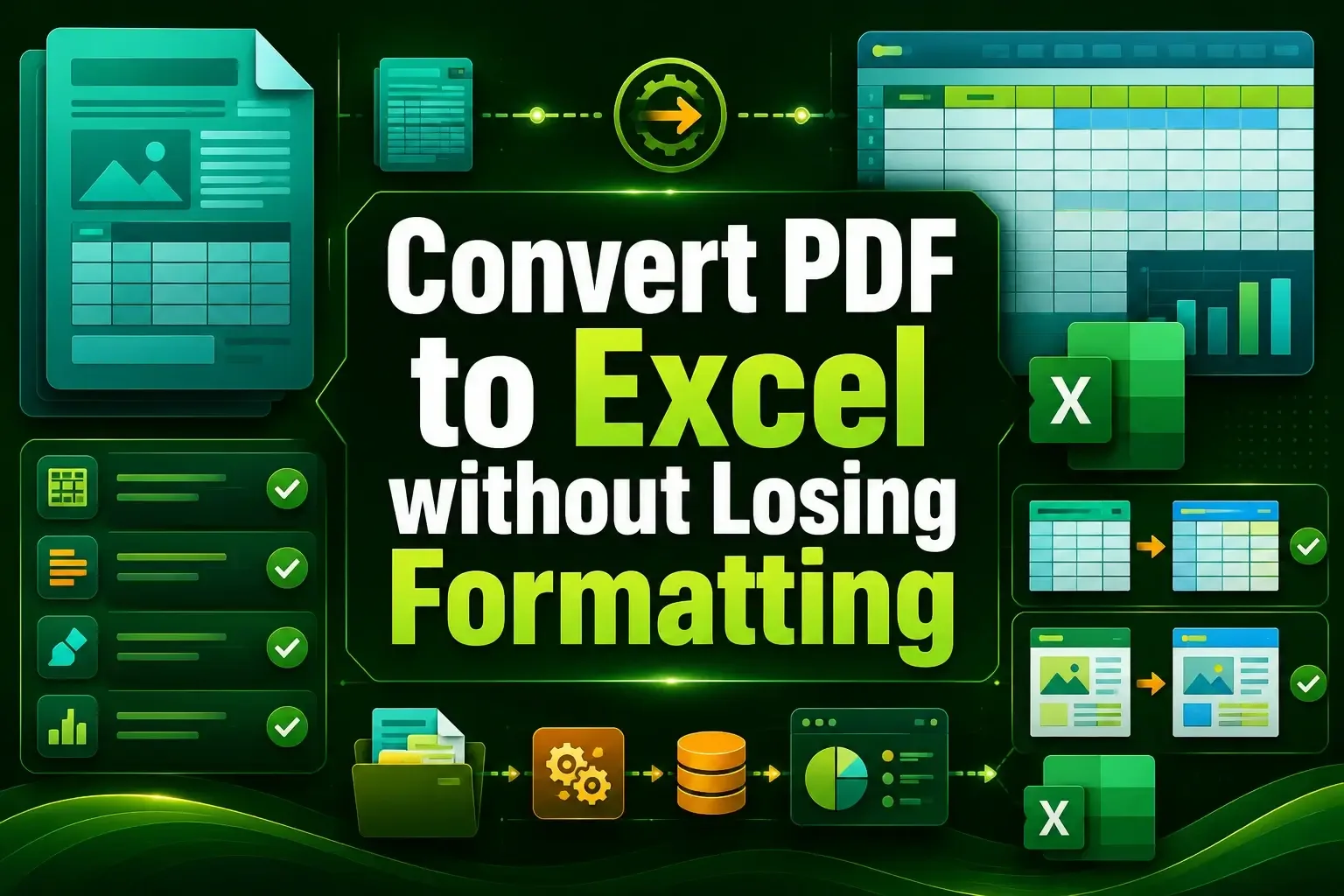
Convert PDF to Excel without losing formatting using Power Query, Adobe Acrobat, or free online tools like iLovePDF and Smallpdf.

Learn how to link a Word document to Excel using hyperlinks, linked objects, or Paste Special to connect specific content easily.

Learn how to remove drop-down arrows in Excel using filters, tables, data validation, Paste Values, VBA, and Go To Special methods.

Learn how to remove trailing spaces in Excel using TRIM, CLEAN, SUBSTITUTE, and VBA to clean and fix messy text data quickly.

Learn how to remove parentheses in Excel using Find & Replace, SUBSTITUTE, Flash Fill, formulas, and VBA macros, step by step now.
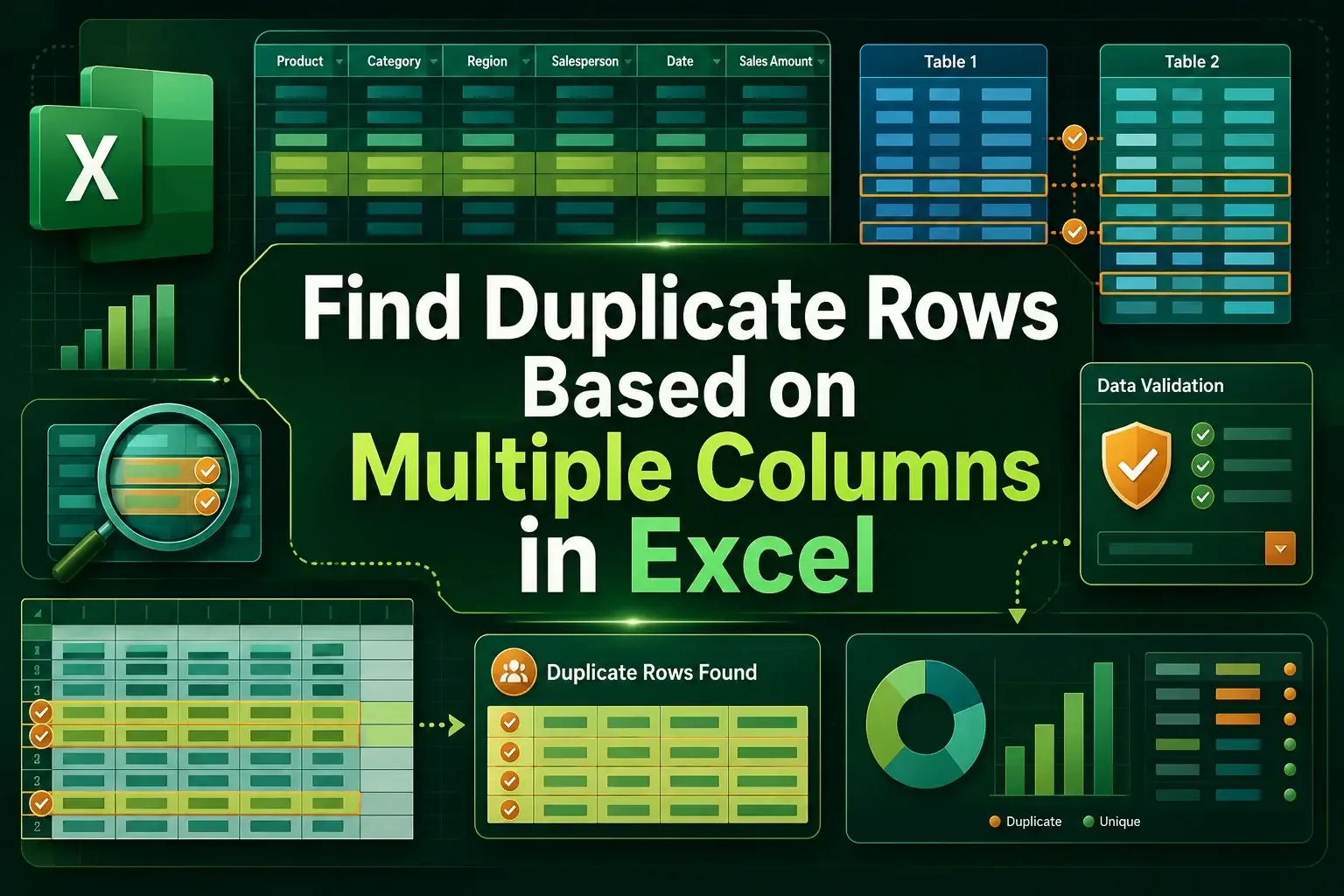
Find duplicate rows based on multiple columns in Excel using COUNTIFS, Conditional Formatting, Remove Duplicates, and formulas.
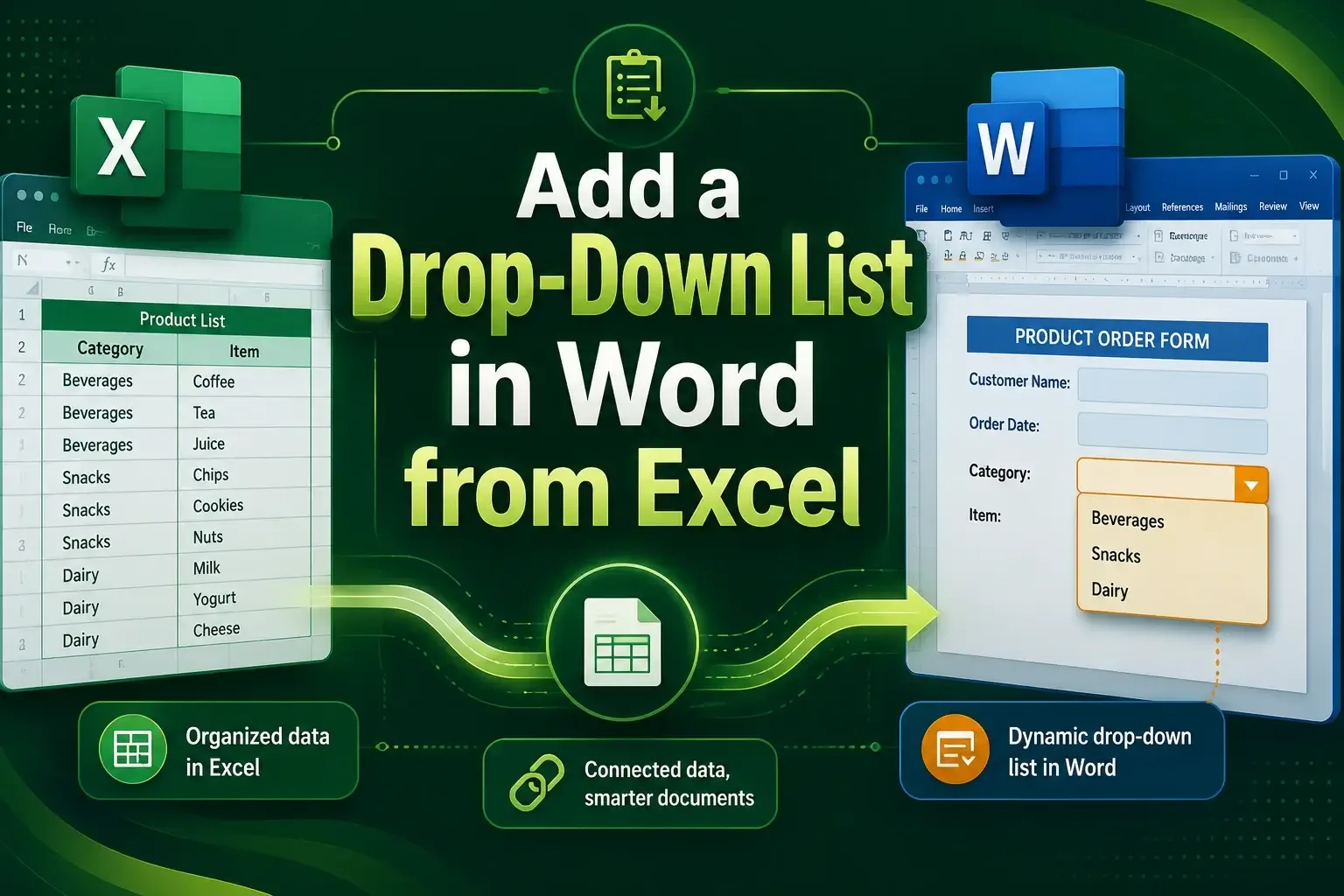
Learn how to add a drop-down list in Word from Excel using the Developer tab, Paste Special, or VBA for dynamic, linked data in minutes.

Learn how to import text files with multiple delimiters into Excel using Text Import Wizard, Power Query, and VBA easily.
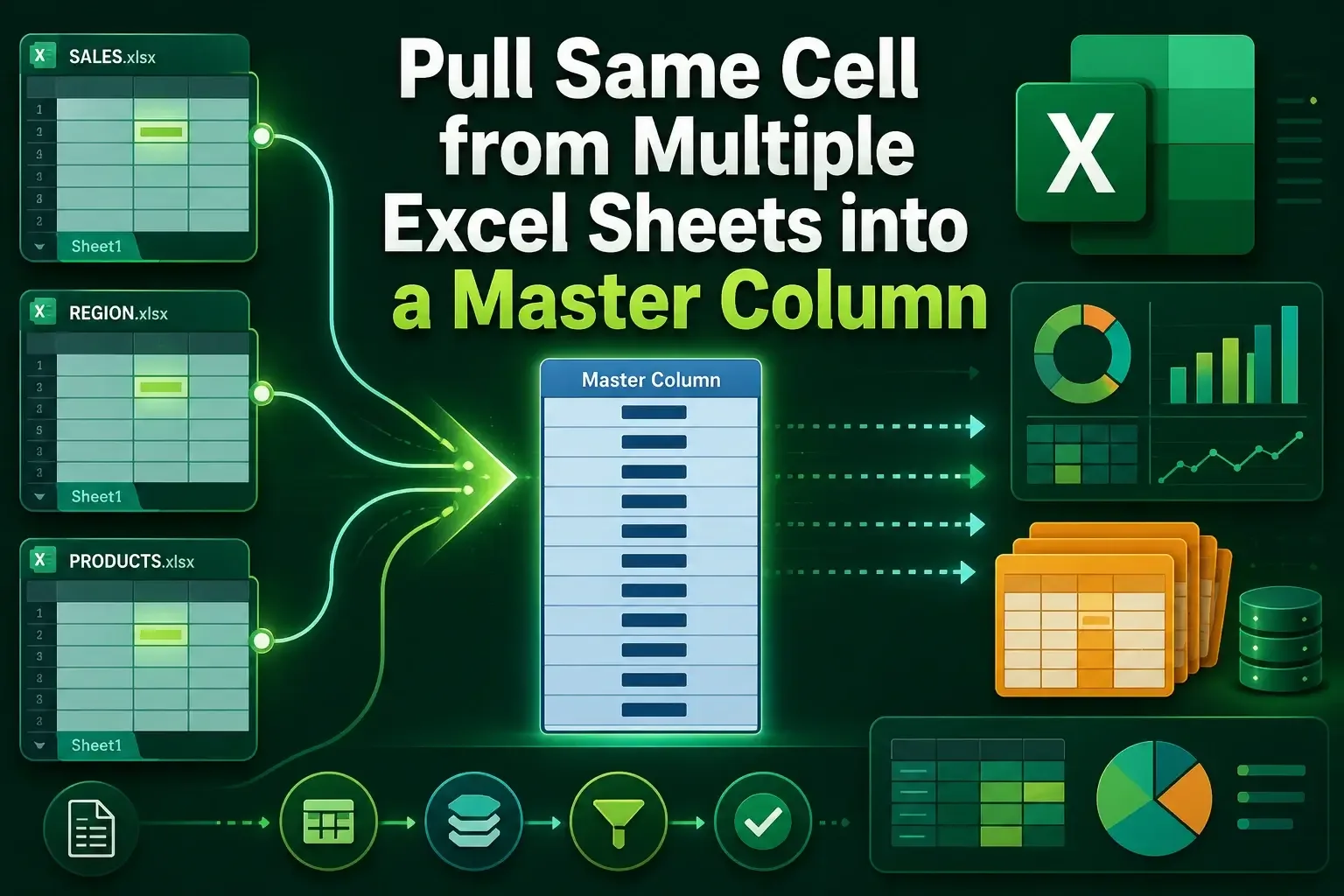
Learn how to pull the same cell from multiple sheets into a master column in Excel using INDIRECT, Consolidate, and 3D references.
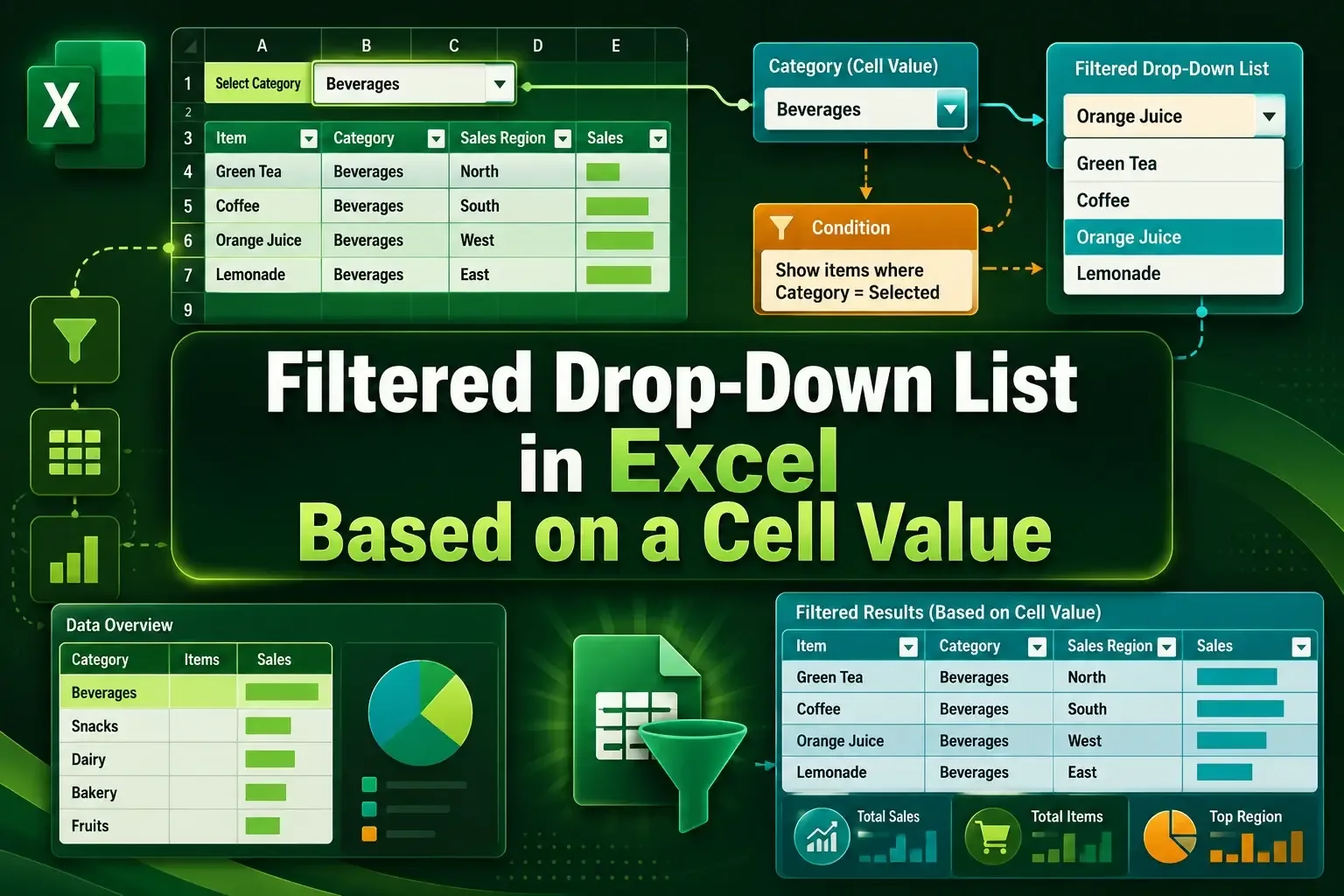
Learn how to create a filtered drop-down list in Excel using FILTER, UNIQUE, named ranges, and INDIRECT with step by step setup.
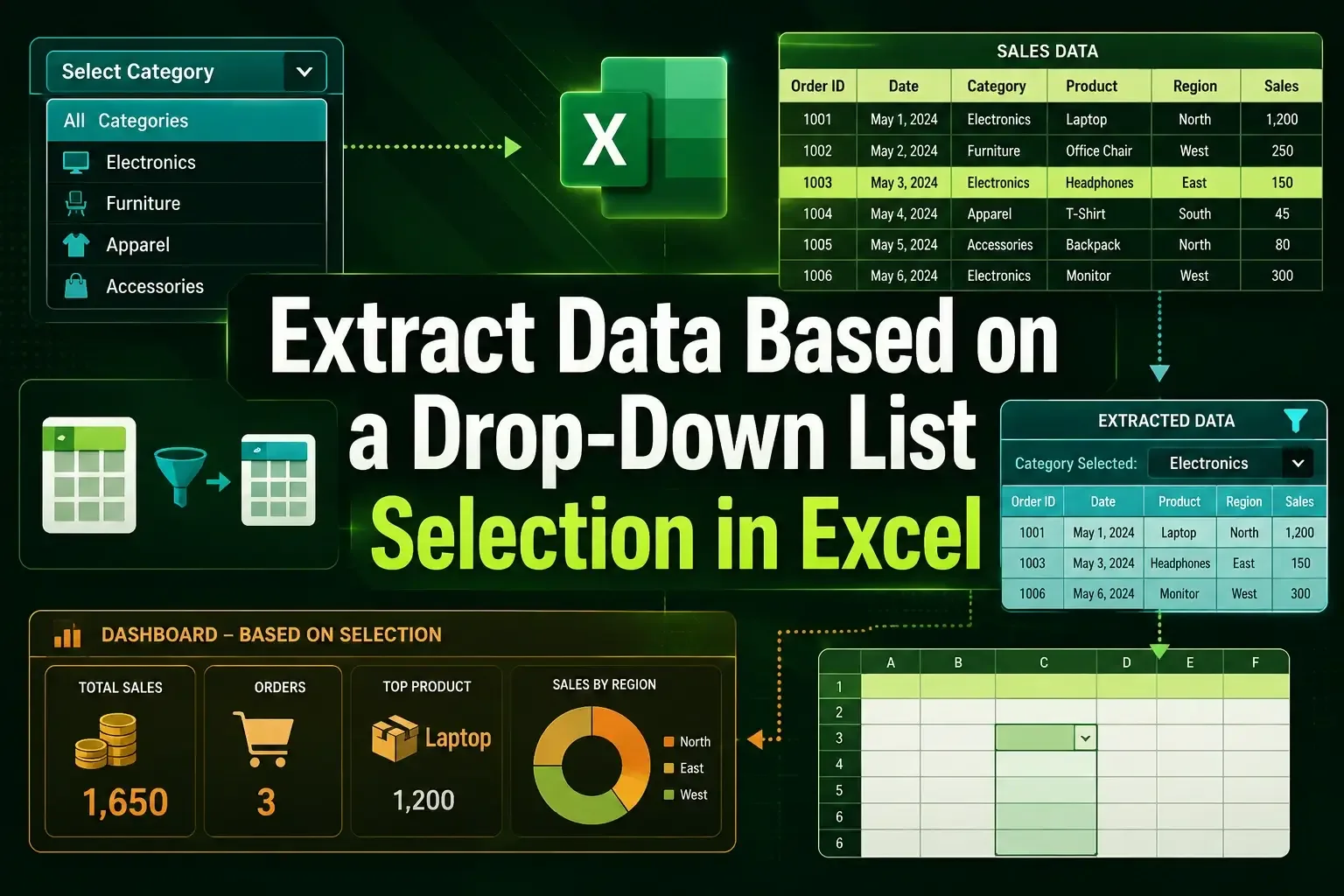
Learn how to extract data based on a drop-down list in Excel using FILTER, multiple criteria, and INDEX with helper columns.