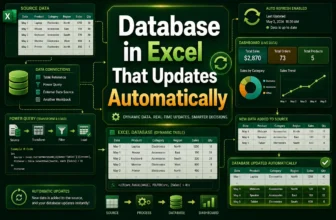
Creating a dynamic database in Excel that updates automatically can save you hours of manual work and ensure your data stays current and accurate. Whether you’re managing sales records, inventory, or ...
When printing an Excel sheet, it’s common to run into formatting issues where the text or tables appear too small on paper. This often happens because Excel tries to fit everything on the page ...
If you're working with a workbook that contains multiple sheets like monthly reports or departmental data, you might want to add the same header to every sheet for consistency. Repeating this ...
Working with large Excel files can be frustrating when it leads to slow calculations, constant lag, and even crashes. Whether you're handling thousands of rows, complex formulas, or linked workbooks, ...
If your Excel file has become too large to email, upload, or even open quickly, you’re not alone. Files with heavy data, images, or complex formulas can balloon in size without warning.In this ...
Accidentally saved over your Excel file and can’t find a previous version? That’s a frustrating situation but don’t panic. Even if no previous versions appear in File History, there are still a few ...
An Excel file password protects your workbook from unauthorized access. If you forget the password, you may lose access to important data stored in the file. Fortunately, there are several methods ...
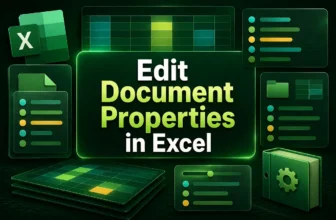
Excel lets you store useful information behind the scenes of your workbook including the author name, title, subject, tags, and more. These details are known as document properties or metadata, and ...
Sometimes you need more than just numbers. Whether you're managing categories, tracking statuses, or sorting names, Excel makes it easy to highlight cells based on text values. Conditional formatting ...