Searching for data in Excel is common when verifying entries, locating errors, or gathering related information. Doing this manually or with worksheet formulas can be slow, especially on large ...
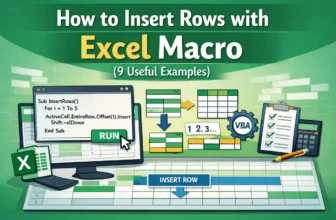
When you are working with an Excel dataset, you often need to insert new rows to manage data. It may need to add single rows, multiple rows, or rows at a specific level. However, manually adding them ...
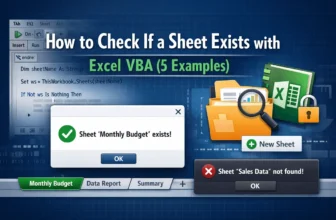
When you're working with Excel macros, you often need to check whether a specific sheet exists in the workbook before performing any tasks on it. The reason is obvious—if you try to access a sheet ...
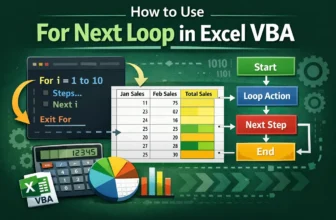
When we work with an Excel dataset, we often need to repeat actions many times. That is where the For Next loop is used. It is a VBA statement that lets you run a set of instructions repeatedly. ...
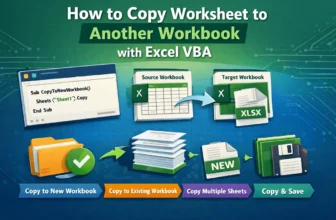
When you are managing multiple Excel files, sometimes you may need to copy one or more worksheets to another workbook. Obviously, doing this manually can be time-consuming and repetitive. That is ...
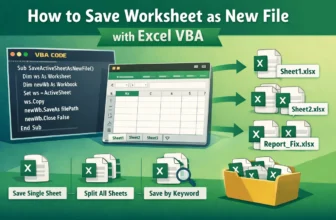
When working with a large Excel worksheet, you often need to share or save individual sheets. Obviously, it will be very time-consuming and repetitive to save each worksheet manually. Excel VBA makes ...
When working with Excel workbooks, there are more than a number of times when you open a file just to view or make temporary calculations. In some cases, saving the changes is not even necessary; in ...
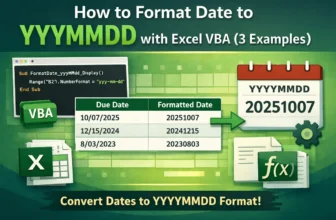
When working with dates in Excel, it’s really helpful to have them in a consistent form like YYYYMMDD. It makes your data easier to read, sort, filter, or export. So, instead of changing the formats ...
It’s very common when we work with a large dataset that we often need to clean or organize the data. In this way, sometimes we have to delete rows, and manually doing so based on a certain value is ...