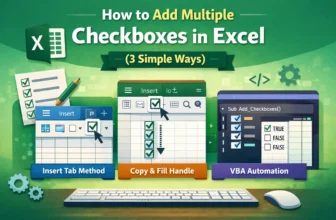
Managing multiple checkboxes in Excel can be time-consuming, especially when you need to select or deselect all of them one by one. However, with a simple VBA macro, you can automate this process ...
Conditional formatting is an effective Excel feature that visually enhances your data by applying color or style changes based on specific conditions. When combined with checkboxes, it becomes an ...
When working with lists, to-do sheets, attendance trackers, or dashboards, checkboxes make data tracking far more interactive and user-friendly. Instead of entering “Yes” or “No” manually, you can ...
When working with Excel forms, surveys, or task trackers, a simple Yes/No option can make your sheet more interactive and user-friendly. Whether you’re tracking approvals, marking completion, or ...
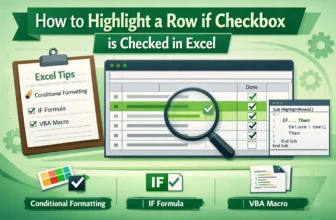
When managing tasks, projects, or data lists in Excel, it’s often helpful to visually identify rows that have been completed or selected. Highlighting an entire row based on a checkbox makes your ...
Excel checkboxes are widely used to track tasks, manage dashboards, or collect user input in interactive spreadsheets. While they provide functionality, they can be difficult to interpret at a glance ...
Checkboxes in Excel can make your spreadsheets more interactive, whether you're building to-do lists, attendance sheets, or tracking completed tasks. But once you’ve added these checkboxes, you might ...