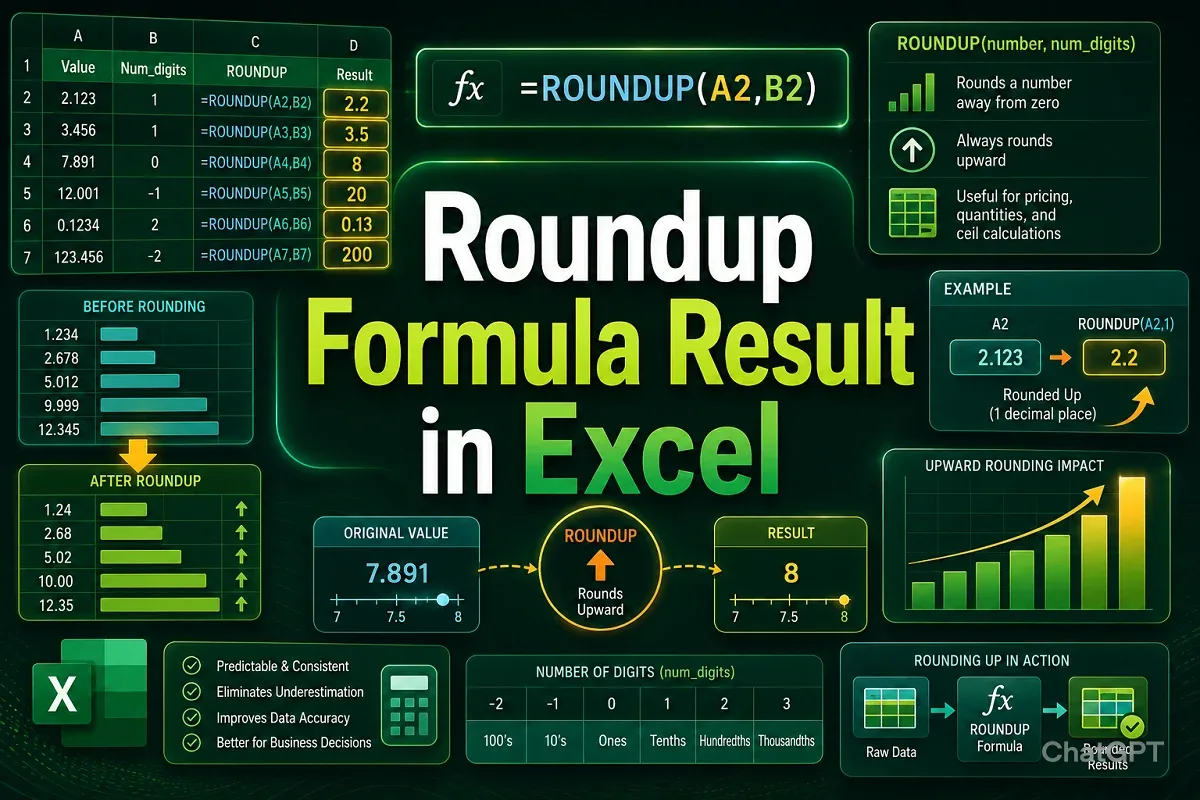
Excel Pro Tips
How to Roundup a Formula Result in Excel (6 Easy Ways)
Learn how to round up formula results in Excel using ROUNDUP, ROUND, MROUND, EVEN, and ODD functions, or by formatting cells correctly.
Read article

7 lessons in order
Learn how to round up formula results in Excel using ROUNDUP, ROUND, MROUND, EVEN, and ODD functions, or by formatting cells correctly.
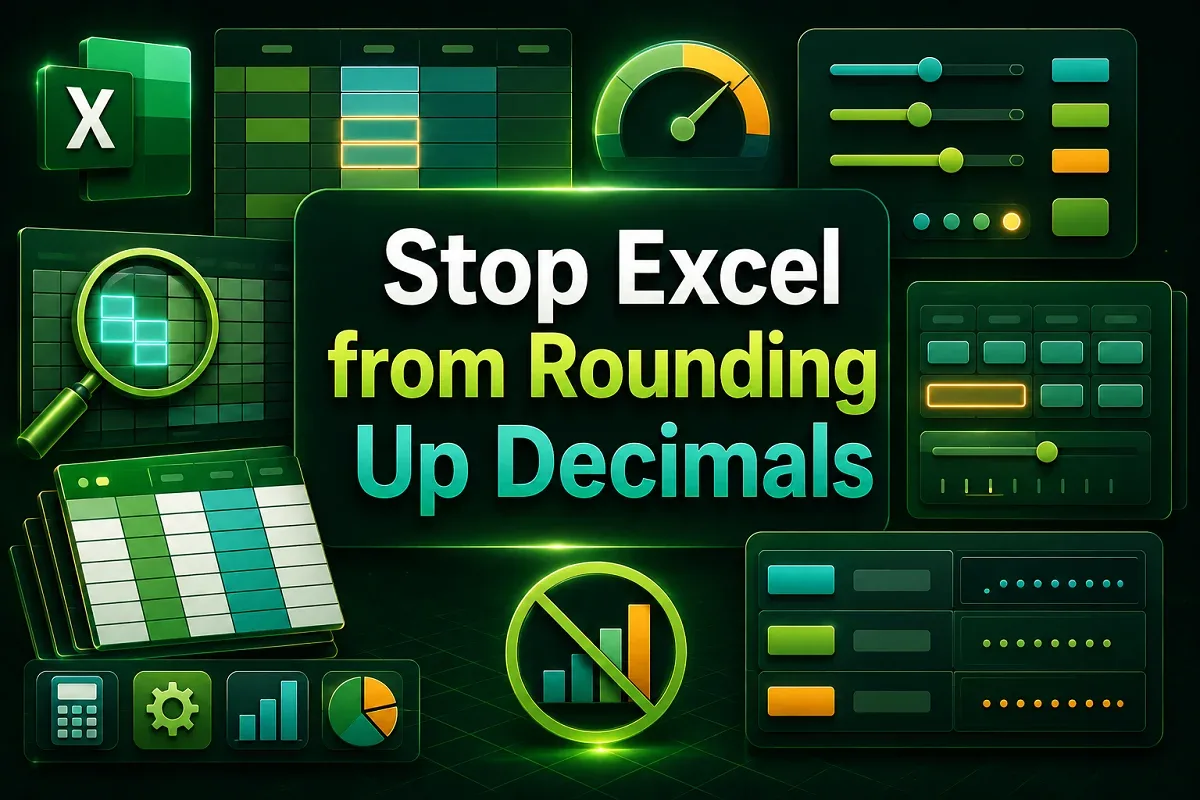
Learn how to stop Excel from rounding decimals by adjusting precision settings, column width, decimal formatting, and using the TEXT function.
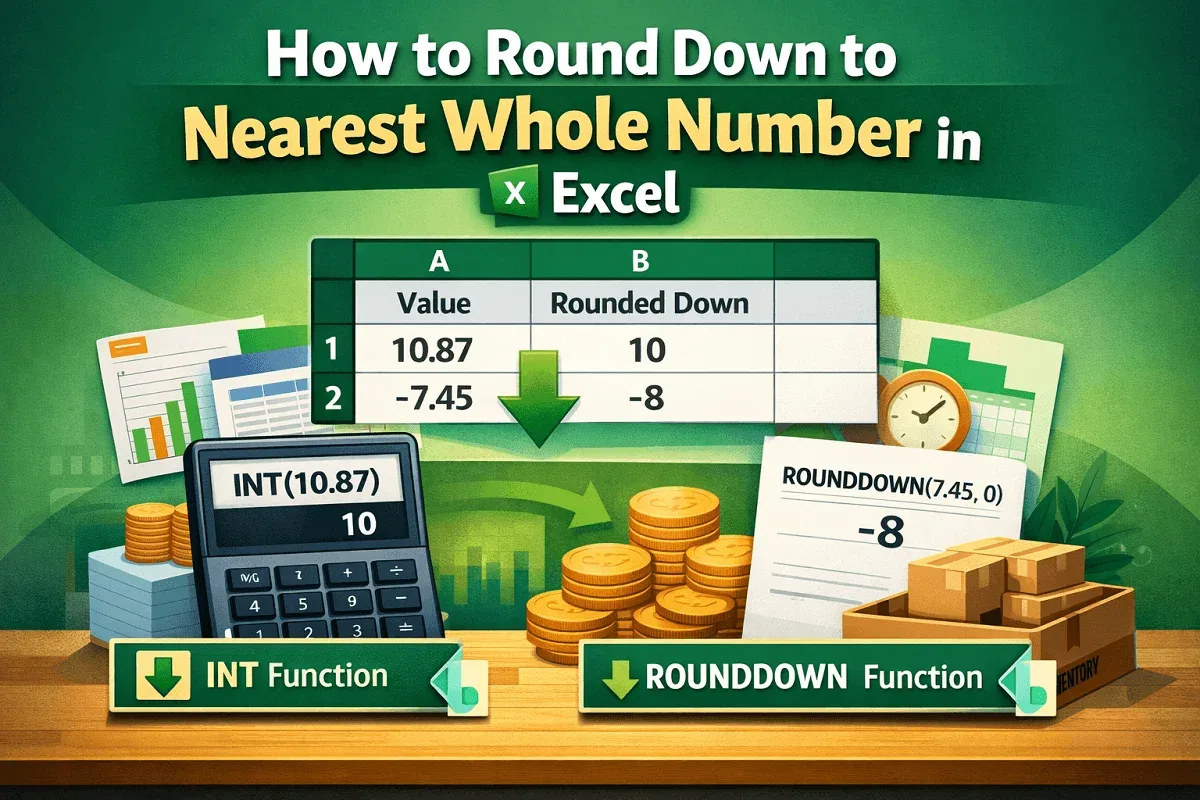
Learn how to round down to the nearest whole number in Excel using ROUNDDOWN and INT functions for both positive and negative values.
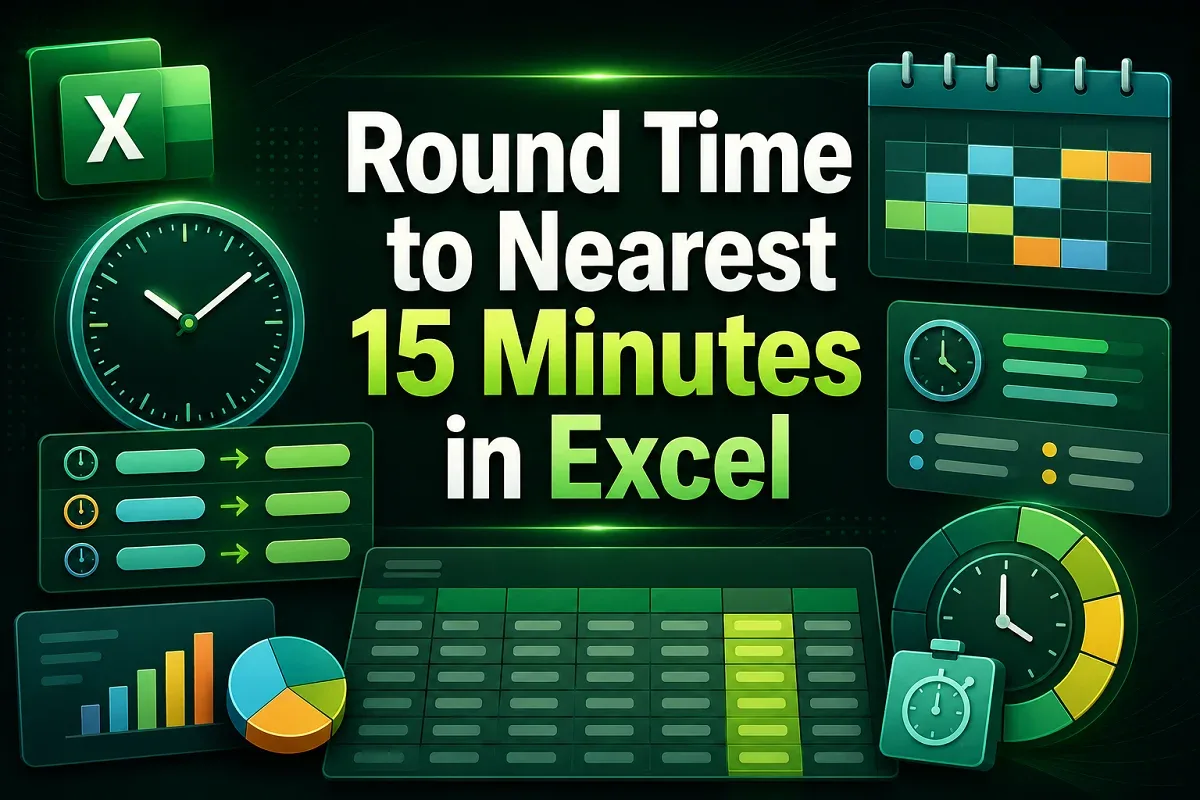
Learn how to round time to the nearest 15 minutes in Excel using MROUND, CEILING, FLOOR, and ROUND functions, Power Query, or VBA code.
Learn how to round numbers in Excel without formulas using Format Cells, Decrease Decimal, Number Format dropdown, or Power Query tools.
Learn how to round percentages in Excel using ROUND, ROUNDUP, ROUNDDOWN, and MROUND functions for accurate data formatting.
Learn how to change significant figures in Excel using ROUND functions, formulas, cell formatting, and custom VBA for better precision.