Excel Pro Tips
How to Create Labels in Excel Without Using Word
In Excel, you can prepare mailing labels without using Word. For example, you might have a list of names and addresses and want to arrange them into a label format


In Excel, you can prepare mailing labels without using Word. For example, you might have a list of names and addresses and want to arrange them into a label format
Mail merge is a great time-saving feature when you need to create multiple labels for different people or addresses. You do not have to type each label one by one.

Sometimes you need to share Excel data in a Word document, but the table is too big to copy and paste directly without losing formatting. For example, you might have
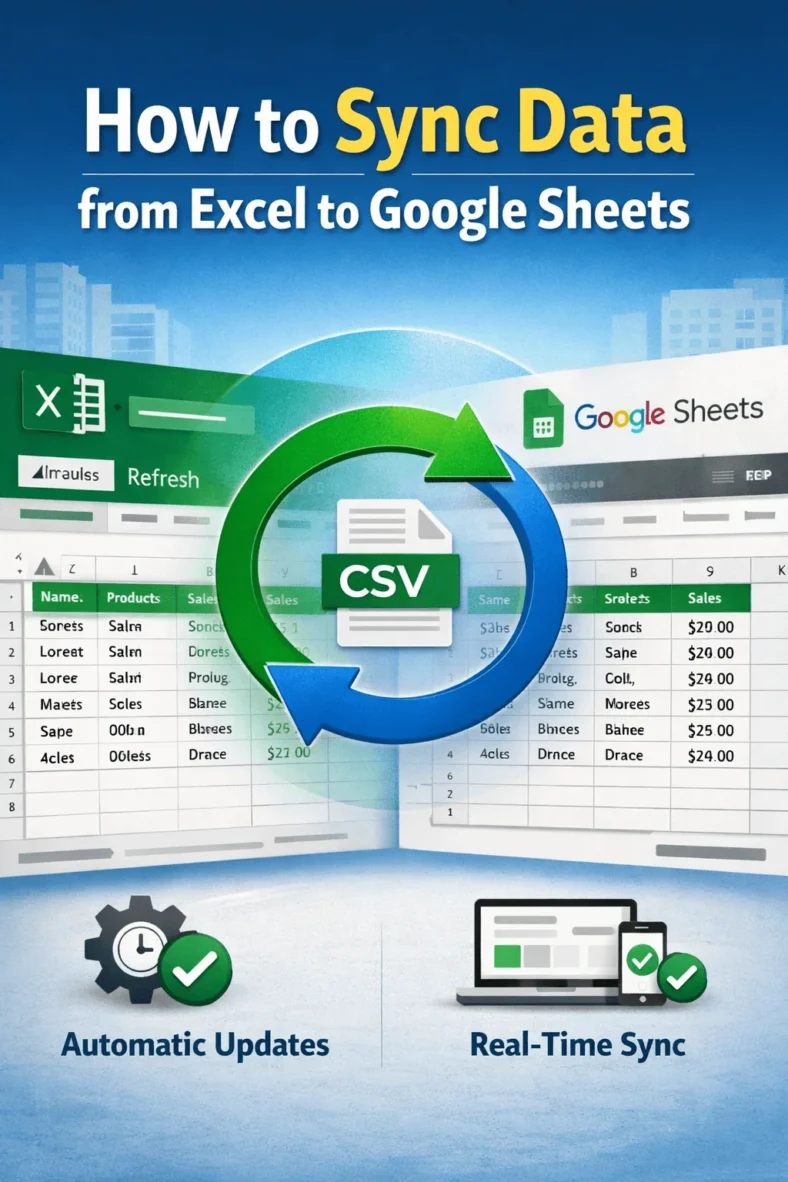
Syncing data from Excel to Google Sheets keeps both files connected so any changes in Excel appear in Google Sheets without copying and pasting. This is helpful when you use

Sometimes, you need to present Excel data inside a PowerPoint slide without switching between applications. For example, during a business presentation, you might want to show a table of monthly

The AVERAGEIF function in Excel is used to calculate the average of numbers that meet a single condition. For example, you might want to find the average sales amount for

The IF OR statement is a combination of two functions that lets you test multiple conditions in a single formula. It returns one result if any of the conditions are

Working with dates in Excel is common, especially when you’re tracking deadlines, calculating overdue tasks, or comparing sales timelines. The IF function is one of the most useful tools when
In Excel, you often deal with number ranges and need to check if a value is inside a specific range. For example, you might want to mark scores that are
