Excel Pro Tips
How to Create Drop-Down List Using IF Statement in Excel
Creating a dependent drop-down list in Excel allows you to show relevant options based on a selection from another list. One common approach is to use the IF statement to


Creating a dependent drop-down list in Excel allows you to show relevant options based on a selection from another list. One common approach is to use the IF statement to
Excel’s drop-down lists are a handy way to make data entry faster and more consistent, but they can occasionally misbehave such as by refusing to show the list, not updating,
When working with interactive Excel dashboards, invoices, or order forms, it’s common to have a drop-down list that controls what appears in another cell. For example, you might choose a
Drop-down lists in Excel help restrict inputs and maintain data accuracy by limiting entries to predefined options. By default, these lists allow only one item to be selected at a

Data validation in Excel ensures that cell entries meet certain rules like picking from a drop-down list, entering numbers within a range, or restricting dates. It’s a handy way to

When working with multiple sheets in Excel, it’s common to want to fetch or display data from one sheet based on a value in another sheet. But many users struggle

Flowcharts are excellent tools for illustrating workflows, processes, or decision-making steps in a visual format. While Excel isn’t specifically built for diagramming, it includes a wide range of shape tools

Presenting data effectively often means going beyond spreadsheets. While Excel is perfect for creating and analyzing charts, PowerPoint is where those visuals truly shine in front of an audience. However,
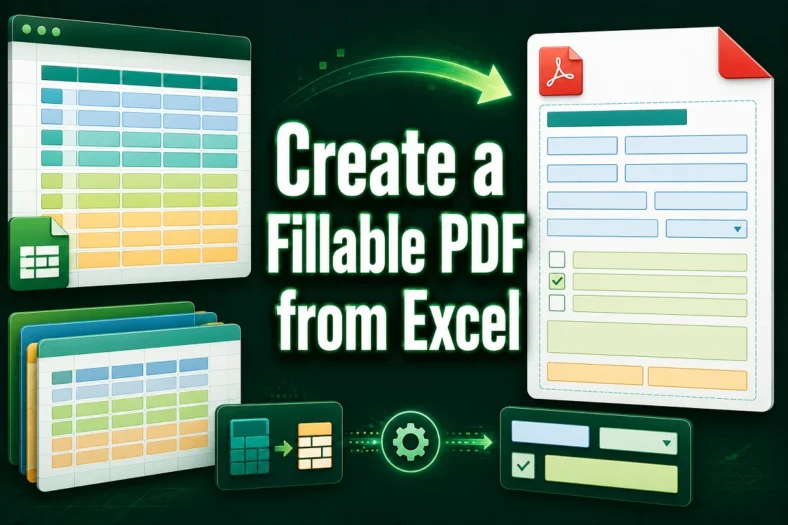
Converting Excel spreadsheets into fillable PDF forms is a practical way to collect structured input while maintaining a clean, printable format. Whether used for data entry, reporting, or form submissions,
