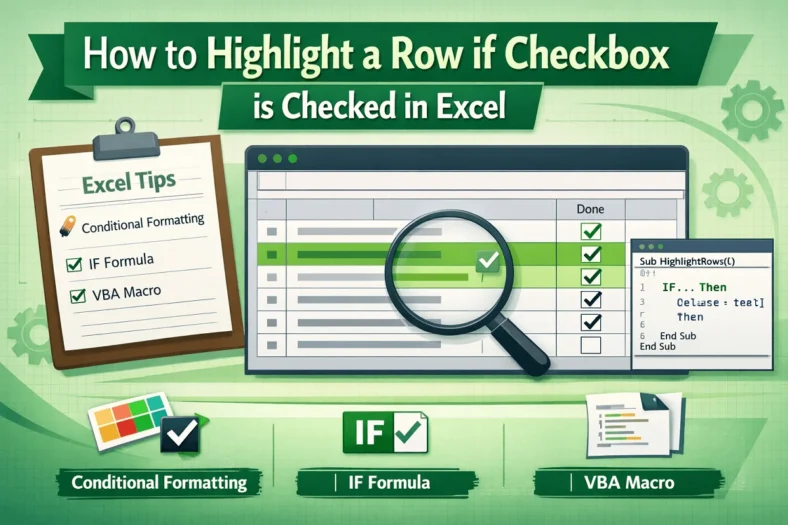
How to Highlight a Row if Checkbox is Checked in Excel
When managing tasks, projects, or data lists in Excel, it’s often helpful to visually identify rows that have been completed or selected. Highlighting an entire row based on a checkbox
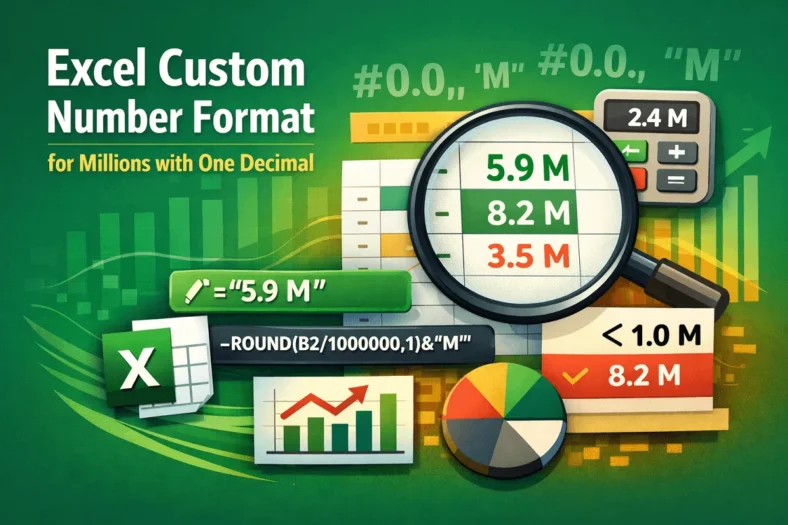
When managing tasks, projects, or data lists in Excel, it’s often helpful to visually identify rows that have been completed or selected. Highlighting an entire row based on a checkbox
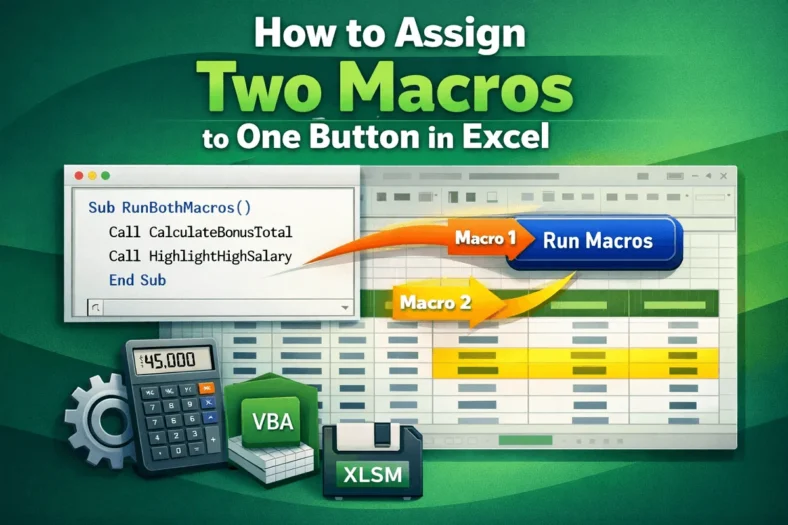
Large numbers, such as sales or revenue data, can be overwhelming in raw form. Instead of reading values like 5,870,000, you can make your spreadsheets more readable by displaying them

Sometimes, you might want a single button in Excel to perform multiple actions at once, like formatting data and calculating totals simultaneously. Assigning two macros to one button directly isn’t

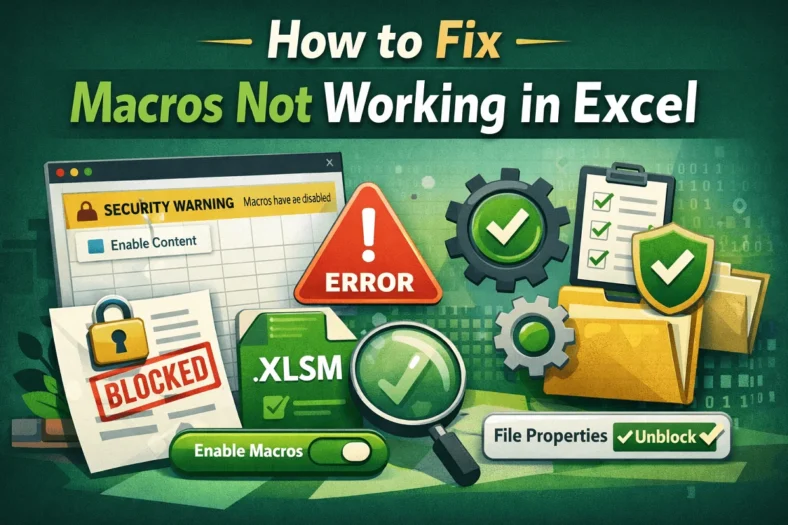
Macros are effective tools that automate repetitive tasks in Excel using VBA (Visual Basic for Applications). However, sometimes you may find that your macros stop working as this could happen

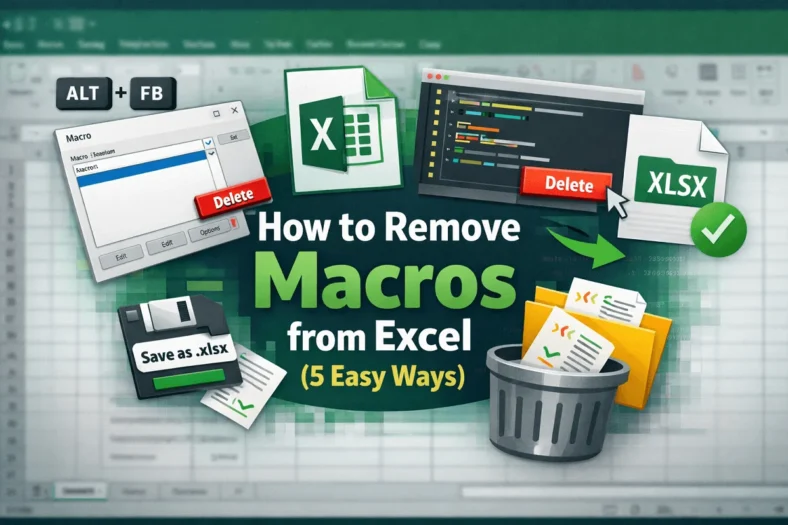
Macros in Excel are effective tools that automate repetitive tasks, but sometimes you’ll need to remove them. Maybe a macro is outdated, causing errors, or you simply want a clean

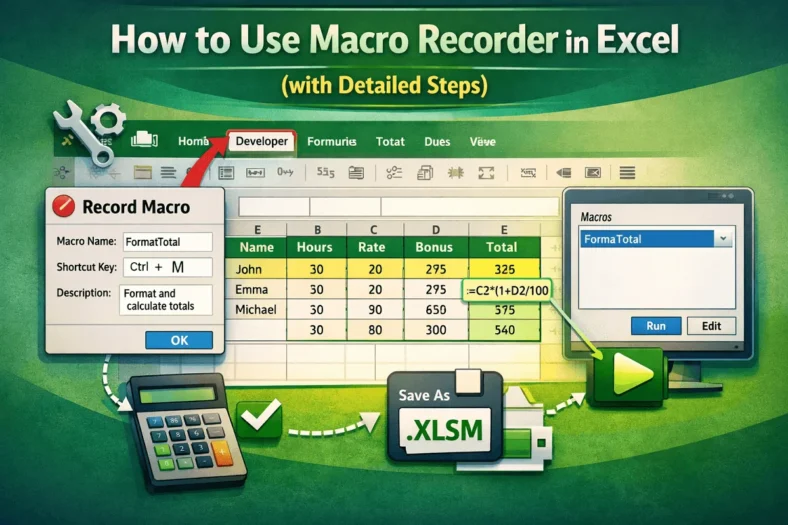
Automating repetitive tasks in Excel can save significant time, especially if you regularly apply the same formatting or calculations across multiple worksheets. The Macro Recorder is one of Excel’s most

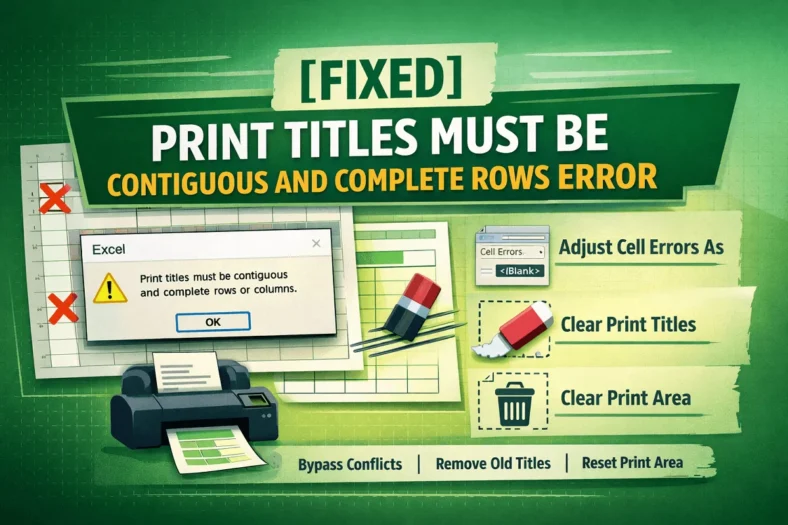
When printing large spreadsheets in Excel, it’s common to repeat specific rows at the top or columns at the left on every page using Print Titles. However, if you select

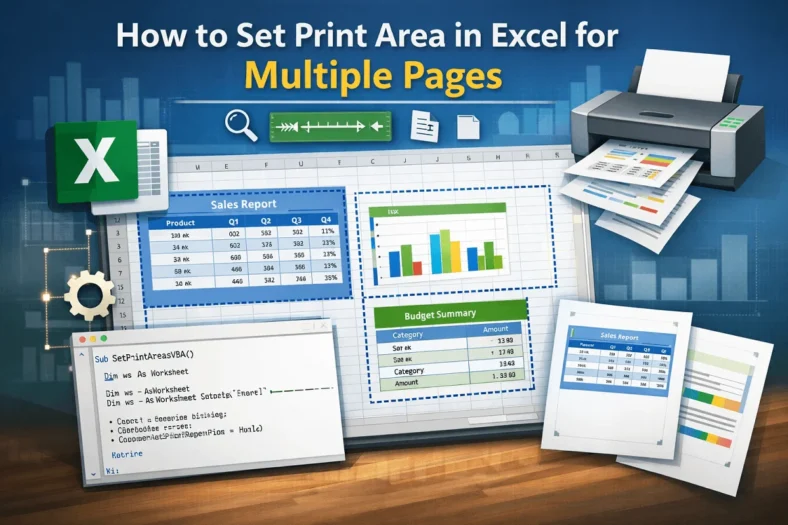
Setting print areas in Excel ensures that only specific parts of your worksheet are printed, which is particularly useful for large datasets or reports spread across multiple sections. Instead of

Handling large Excel files can be a frustrating experience due to slow loading times, frequent freezes, or unexpected crashes that can hamper your productivity. Whether you’re analyzing sales data, managing