How to Repeat Column Headings on Each Page in Excel
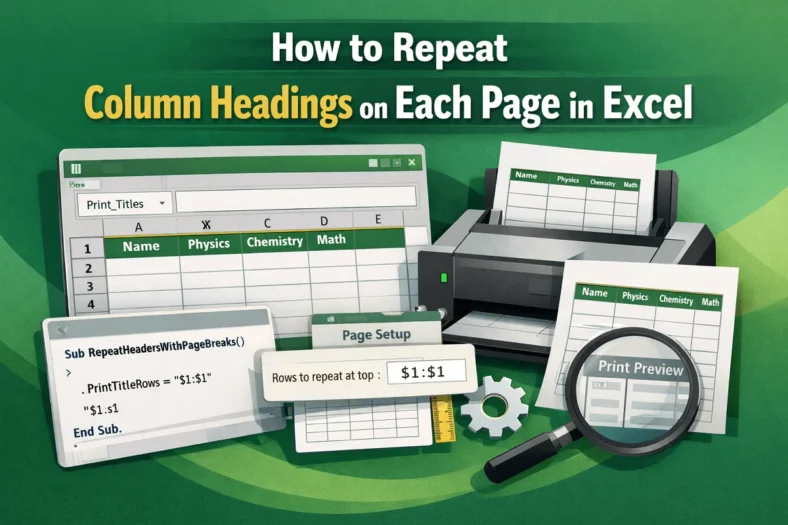
Printing large Excel worksheets often causes column titles to appear only on the first page, making it hard to interpret data across multiple pages. By repeating column headings on every

Printing large Excel worksheets often causes column titles to appear only on the first page, making it hard to interpret data across multiple pages. By repeating column headings on every

Automating data entry between Excel workbooks saves time and ensures consistency, especially for tasks like pulling monthly reports or consolidating department-level data into a master sheet. Excel offers multiple ways

Extracting the first number from a text string in Excel is a common challenge when working with mixed data like product codes, IDs, or SKU lists. Whether you’re cleaning imported

Excel checkboxes are widely used to track tasks, manage dashboards, or collect user input in interactive spreadsheets. While they provide functionality, they can be difficult to interpret at a glance

Sometimes, when you open an Excel file, you might see a [Read-Only] tag in its title bar or a prompt saying, “The author would like you to open this file

Finding the first value in a range that exceeds a specific number is a common requirement in Excel, especially for financial analysis, sales reports, or data monitoring. Excel provides multiple

Extracting specific portions of text from cells is a common task in Excel, whether you’re cleaning data, preparing reports, or organizing information. Many users struggle to pull the text they

When working with structured data, product codes, or imported files, you often need to pull out the portion of a string that comes after the final occurrence of a specific

Extracting specific portions of text is one of the most common tasks when working with Excel. Whether you’re cleaning imported data, parsing IDs, or separating names, Excel offers multiple functions