When you open an older Excel file (like .xls from Excel 97–2003), it may open in Compatibility Mode which limits access to newer features like dynamic arrays, slicers, or new chart types. While ...
Finding the last occurrence of a specific value in a column is a common task in Excel, especially when working with logs, repeated entries, or dynamic lists. Whether you want to return the row ...
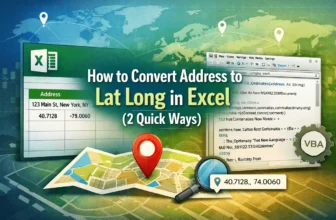
If you’re working with location data in Excel, one common task is converting a list of addresses into latitude and longitude coordinates. This process is called geocoding, and it’s especially helpful ...
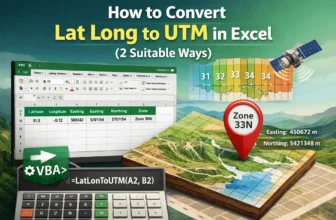
Working with geographic coordinates in Excel often requires converting between Latitude/Longitude (Lat/Long) and the UTM (Universal Transverse Mercator) format. While Excel doesn’t offer built-in ...
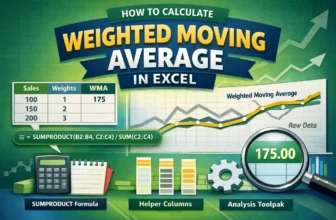
Want to emphasize recent data points while smoothing out noise in your Excel charts? That’s exactly what a weighted moving average is for. Instead of treating every value equally like a simple ...
When you receive an Excel workbook that is password-protected and you do not know the password, it can be frustrating if you need to access or edit the file. While Microsoft Office does not provide ...
When working with large datasets, it can be difficult to read data across rows without visual guides. Alternating row colors, often called "zebra striping," improves readability by adding subtle ...
When analyzing spreadsheets, it’s often useful to visually identify when one value exceeds another such as highlighting profits that beat projections or scores that surpass benchmarks. Fortunately, ...
Flipping data vertically in Excel means reversing the order of rows from top to bottom. This is useful when you're working with lists or tables that need to be reordered, such as timelines, sorted ...