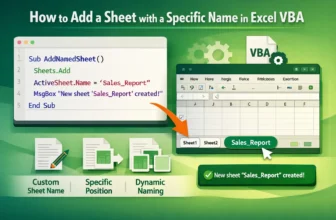
When you automate reports or data organization in Excel, adding new worksheets programmatically is one of the most common tasks. With VBA, you can easily create new sheets and assign them meaningful ...
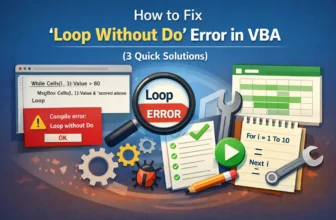
The “Loop without Do” error in VBA occurs when your code has a Loop statement without a corresponding Do. This is a syntax-related error that tells VBA it can’t find the start of the loop structure. ...
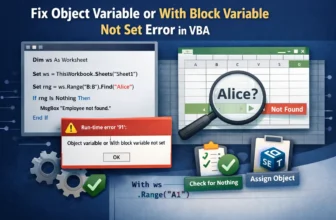
The “Object variable or With block variable not set” error in VBA is one of the most common runtime errors developers encounter. It happens when your code tries to use an object variable that hasn’t ...
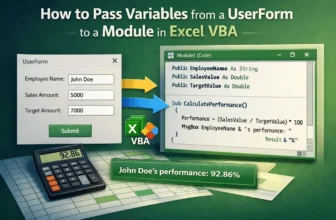
Passing variables from a UserForm to a module is an important part of working with VBA, mainly when you want to use user input in calculations, reports, or automation tasks. For example, you might ...
In Excel VBA, both Functions and Subs are used to perform tasks, but they are not the same. A Sub (short for Subroutine) carries out actions such as formatting cells, copying data, or showing ...
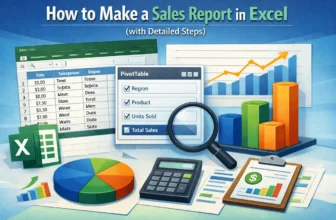
A sales report contains sales data, insights into various products and regions, the performance of different salespeople, and an overview of the company's sales data. Sales reports are often compiled ...
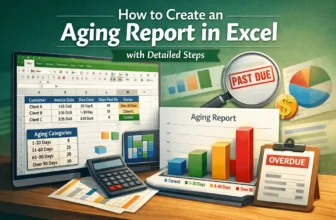
An aging report is created to summarize the debtors and the outstanding invoices. Businesses often have to sell products on credit. Unfortunately, not every buyer is able to pay their dues on time. ...
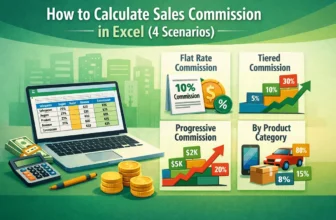
If you are running a large-scale business, you probably have sales representatives to push your product to the market. To motivate salespeople, a common tactic is to provide them with commissions for ...
A core part of the financial analysis of a company is the operating cash flow. Operating cash flow includes the net income, non-cash expenses, and changes in working capital. Any cost or income that ...