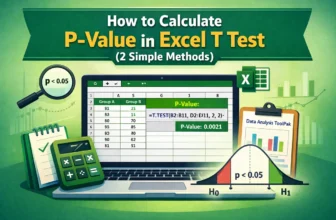
When we work with a dataset that contains two different groups on similar criteria, we often need to compare those groups for analysis. However, if we simply calculate the averages of those two ...
When we work with datasets that are taken in two different situations but only on one kind of variable, we often need to compare the analysis results of them. In such cases, for comparing the means ...
We often need to analyse a dataset in Excel, whether we are in the data field or students, or in any kind of data-related job. And, no matter whether we need to do a deep analysis or just find some ...
We often work with count data for different types of studies, including surveys, attendance or defect logs, etc. And in most of these cases, we cannot properly present our data only with the raw ...
One of the most crucial skills to have when working with loops in Excel VBA is understanding not only how to begin a loop but also how and when to end it. An effective feature that lets you end a ...
The conditional check is an action where "If a cell contains a value, then do something" command is established. It is one of the most commonly used logical patterns in Excel VBA. This command is the ...
While developing VBA code in Excel, you need to create sub procedures to carry out specific tasks such as processing the data or automating the process itself. However, you might want to stop an ...
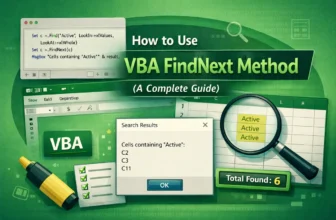
Finding and managing multiple occurrences of a specific value or pattern is one of the most common challenges while working in Excel, especially if you have a large volume of data. You might need to ...
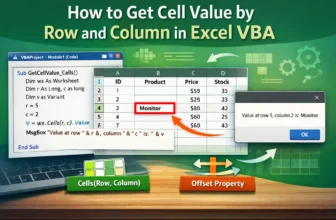
In Excel VBA, one of the most commonly used functions is to access a cell by its row and column numbers. Referring to cells by numeric coordinates (row, column) is deterministic and simple to ...