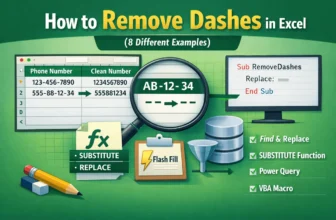
When you are working with data in Excel, dashes are often used to separate different parts of text or numbers, like a phone number, product code, or employee ID. Sometimes these dashes can complicate ...
The Remove Duplicates tool in Excel is used for cleaning data, but it can fail to correctly identify and delete duplicate entries. This problem arises when Excel cannot see differences that are ...
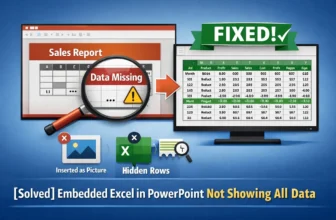
When you embed an Excel sheet into a PowerPoint presentation, you might encounter an issue where only a portion of your data is visible. This problem can lead to errors, especially when preparing a ...
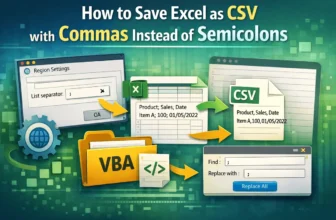
When working with data, the CSV (Comma Separated Values) format is essential for transferring information between different software programs. However, Excel may save CSV files using a semicolon (;) ...
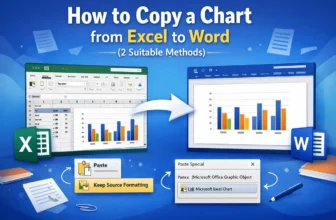
When creating reports or presentations in Microsoft Word, inserting a visual chart from Excel is essential for data presentation. Copying an Excel chart to Word is a simple process, but you have ...
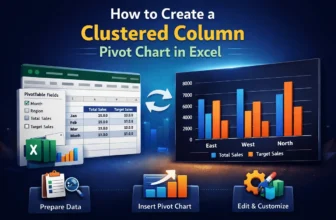
Visualizing data is crucial for better analysis, and a clustered column Pivot Chart is one of the best charts for it. It is a type of bar chart that displays data in vertical columns, where related ...
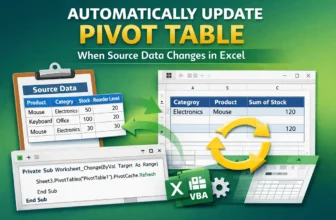
When working with PivotTables in Excel, you may need to change the source data. But after changing the source data, you might forget to refresh or update it. This will lead to errors and wrong ...
Pivot Tables are one of the best tools for summarizing and analyzing data. However, when applying conditional formatting, blank cells get formatted. This can be visually distracting and misleading. ...
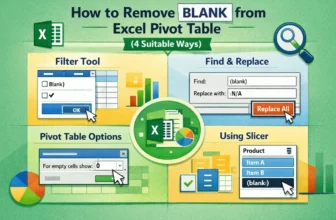
Blank cells within an Excel Pivot Table often occur when there is no data entry for a specific row and column labels. These blanks can make data analysis and reporting confusing. Fortunately, Excel ...