When you open an Excel file and see the warning “This workbook contains links to one or more external sources that could be unsafe”, it means that your workbook is pulling data from another file or ...
When we work with large datasets in Microsoft Excel, it is common to reference data from one sheet to another. Instead of manually copying values, you can reference a cell in another sheet based on a ...
When we work with multiple Excel sheets, managing data can quickly become difficult. A common solution is linking several sheets to one master sheet for easy tracking, analysis, and reporting. This ...
Dynamic arrays in Excel allow formulas to automatically return multiple values or single values based on a range of cells without needing to copy formulas manually. Dynamic array is widely used for ...
Excel array formulas are a powerful way to perform multiple calculations at once, returning either a single value or multiple values. They are used for tasks like summing based on multiple ...
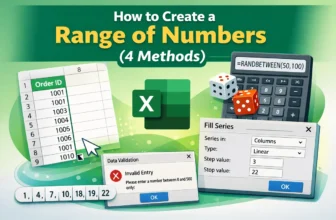
When we work in Excel, sometimes we need a continuous list or range of numbers such as invoice IDs, dates, or sequences for data analysis. We can create a range of numbers manually but that can be ...
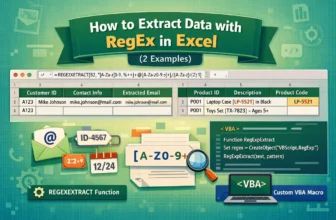
When we work with large datasets, it is common to have important details like emails, IDs, or codes inside long text strings. We want to extract this information manually, which can be time consuming ...
During working with large datasets in Excel we frequently need to find and replace specific patterns, particularly if the data has inconsistent formatting. Here, Regular Expressions (RegEx) provide ...
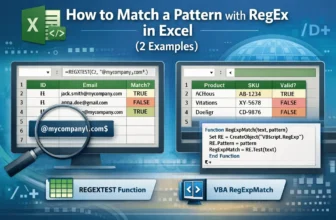
Working with large datasets in Excel helps identify the values that follow a specific pattern. You can use Regular Expressions (RegEx) in Excel, which helps you to find and match patterns such as ...