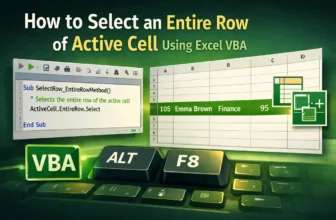
When working with Excel VBA, you’ll often need to manipulate rows based on the currently active cell. Whether you’re formatting, copying, or deleting data, selecting the entire row of the active cell ...
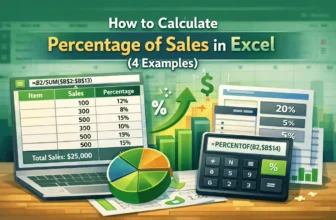
If you are the owner of a large retail store, you might have a huge variety of items for sale. Not every item is sold in the same amount. To understand the trends and whether you need to remove some ...
A cost-volume-profit chart is used to understand the relationship between variable costs and revenue. Charts help visualize data so that the higher management and the decision makers understand the ...
One of the most useful key performance indicators (KPIs) in a business is the gross profit margin. By calculating the gross profit margin, we get the profit margin we are gaining on the cost of goods ...
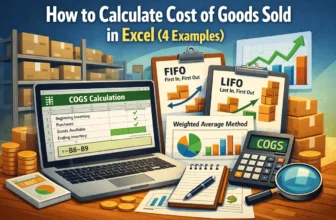
In accounting, the cost of goods sold is one of the most important parts to prepare for the financial statements. The Cost of Goods Sold directly affects a company's income and prospects, which is ...
The cost-benefit analysis is a lengthy process of evaluating the costs and benefits of a project. Businesses conduct cost-benefit analyses to understand the advantages and disadvantages of certain ...
Indirect costs are expenses that don’t directly affect production, but still occur in a business. For example, if you have a physical location for your office or store, you must pay rent for it. That ...
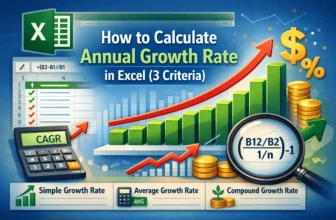
Annual growth rates help in understanding the investment return rate over one year. Imagine you have a stock that you bought for a certain amount of money, and the price of the stock has increased ...
Profit and loss statement, also known as the income statement, is one of the core financial statements that a company has to make every year. An income statement includes all of the revenues and ...