Filtering a pivot table by a date range helps find the exact data you need for an analysis. Imagine you need to find the sales data for 10 days of a specific month. Filtering will help you extract ...
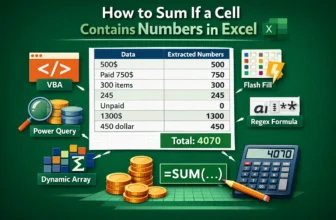
A single column can contain numbers, text, and text with numbers in an Excel worksheet. Such as 500$, 450 dollar, 750$ (paid yesterday), or even words like unpaid. Excel understands them as text, and ...
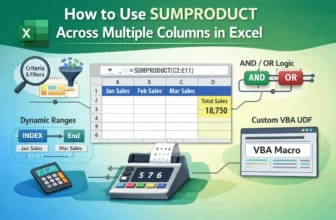
Most Excel users are comfortable adding up the numbers across a single column. Drag cells or do a quick SUM and you're done. But things get trickier when your data extends to several columns, like ...
When it comes to sum a range of data while handling multiple conditions in Excel, we often start to fumble. Most of the time, we jump to the SUMIFS formula without thinking twice. But what if you ...
In Excel, you often require the sum of ranges of cells based on some criteria. Usually, you can do this with SUMIFS for a single sum range. However, to do the same thing for multiple columns, you ...
As in Excel, we always calculate this or that; the raw calculation needs to be paired with some text. The vague value itself sometimes does not make any sense. For example, in the invoice summary, ...
If you want to reverse the order of data in a row or rearrange your dataset from right to left instead of left to right, Excel has several easy ways to flip data horizontally. Whether you’re working ...
If you need to locate empty cells in a dataset, whether to fill them in, highlight them, or remove them, Excel offers several quick and reliable methods. Finding blanks is useful for cleaning data, ...
Working with large spreadsheets, counting columns, or following formulas gets a little tricky. Excel labels columns with letters by default, but sometimes it’s easier to follow along when columns are ...