Counting the number of characters in a string is a common task for data validation, analysis, and cleaning in Excel. While the built-in LEN function is useful, using VBA provides a more dynamic and ...
Converting minutes to decimal values in Excel is a common task, especially when you need to perform calculations on time data. Whether you are tracking employee hours, project durations, or sports ...
Microsoft Excel is one of the most advanced tools for managing time values. However, adding hours, minutes, and seconds can sometimes be tricky. While calculating time you need to use proper methods ...
When you open a workbook in Excel, you might see a yellow SECURITY WARNING bar at the top that says, "External Data Connections have been disabled". This issue prevents your data from updating ...
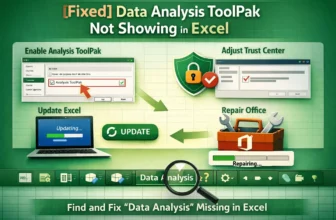
The Data Analysis tool is a useful feature in Excel that allows you to perform complex statistical analysis. However, it's not enabled by default. If you have opened the Data tab on the ribbon and ...
A Pivot Table is a useful tool in Excel for organizing large datasets. By default, when you add multiple fields to the Rows area, Excel displays them in a Compact Form, which nests them in a single ...
In an Excel PivotTable, by default, the Values area only displays numerical data. Sometimes you might need to show text instead of values. By adding new measures or using format cells, you can ...
Ever feel the necessity to use SUMPRODUCT combined with conditionals? Exactly the way we use SUMIF. Though SUMPRODUCT has built-in unique functionality to use conditionals, Excel does not have any ...
A timeline in a pivot table to filter the table using time-based data. When analyzing data for a specific time period, a timeline makes it easier to filter the table than using a slicer. Instead of ...